Garmin Auto Updates: Where to Get Map and Software Updates for Your Car Navigator
The Short Answer
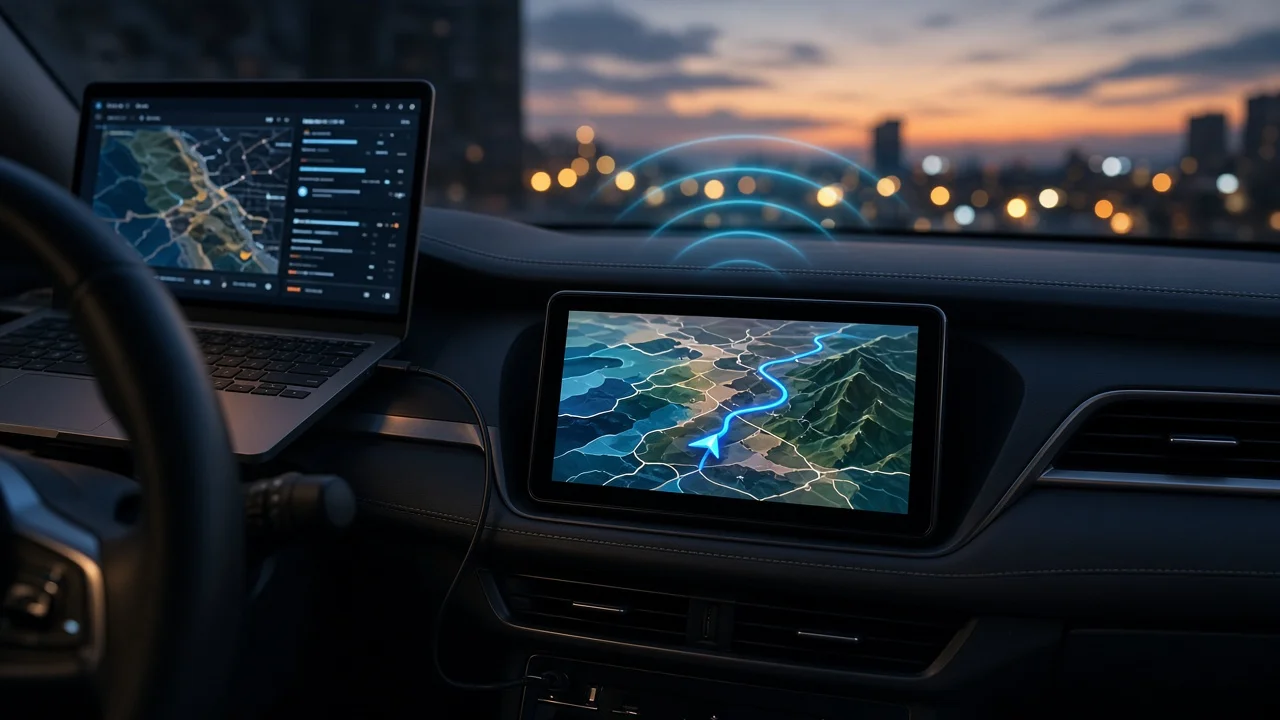
Updates for a standalone Garmin car navigator, whether new maps or device software, come from Garmin's official support channels. For most portable automotive units, that means Garmin Express, a free desktop application for Windows and Mac. Many newer Wi-Fi-capable models can also download updates directly on the device. The automotive section of Garmin's official website is where you get Garmin Express and look up support information for your model.
One distinction can change the answer. If your navigation is built into the car's dashboard rather than a separate Garmin unit, Garmin's consumer update tools may not apply. Some automakers source factory navigation from Garmin, but those systems are usually updated through the automaker, a dealer, or the vehicle's own over-the-air system.
Which Update Path Applies to You
Device type | Usual update method | Notes; Portable Garmin navigator connected by USB | Garmin Express on a Windows or Mac computer | The most common method for Garmin automotive devices; Portable Garmin navigator with built-in Wi-Fi | Updates downloaded directly on the device over Wi-Fi | Menu names and availability vary by model; Factory-installed dashboard navigation that uses Garmin technology | The automaker's update process, such as a dealer visit, USB download from the manufacturer, or over-the-air update | Garmin's consumer tools generally do not cover these systems
How Updating Through Garmin Express Works
1) Download and install Garmin Express from Garmin's official website. 2) Connect the navigator to the computer with a USB cable. 3) Add the device in Garmin Express so the software can identify the model. 4) Review the available map and software updates, then install them. 5) Leave the device connected until the installation finishes. Map files can be large, and the transfer may take a while.
If the device lacks free storage for a full map update, Garmin Express may suggest removing some regions or adding a memory card on models that accept one. The exact prompts depend on the device.
Updating Over Wi-Fi on the Device
Some current Garmin automotive navigators can connect to a Wi-Fi network and check for updates themselves, without a computer. The option is usually found in the device's settings menu, but the menu path and the features supported differ by model. Check your model's manual or support page to confirm whether it updates over Wi-Fi.
Qualifications That Can Change the Answer
Map update eligibility depends on the device. Some units come with ongoing map updates, while others may need a paid map purchase. Older models may no longer receive new maps or software. The sources used for this article do not include prices, compatibility lists, or support end dates. Check your specific model's support information before you expect a free or current update.
Navigation running on a phone, through Garmin's smartphone apps or through smartphone projection on the car's display, is updated through the phone's app store. It does not use the dedicated navigator update process.
Next Step
First, decide whether you have a separate Garmin device or factory-installed navigation. For a separate device, install Garmin Express or use the on-device Wi-Fi option if your model has it. For built-in navigation, check the vehicle owner's manual or contact the automaker's dealer for the supported update method.