Citroen Bluetooth Connection Setup
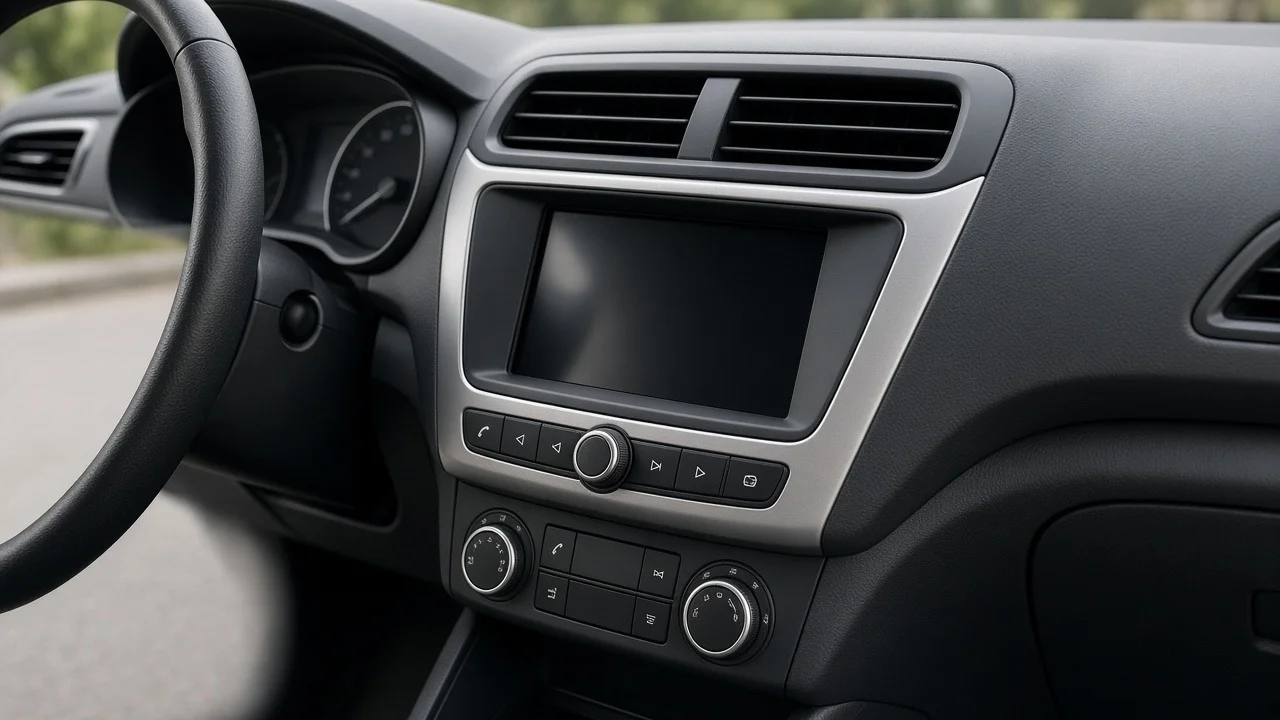
Connecting a phone through Bluetooth transforms a Citroen’s cabin into a hands-free extension of the device, but the path to a stable link depends on the head unit, phone software, and how the two negotiate pairing. Some systems expect the vehicle to be discoverable first, while others require the phone to search for the car. Interpreting the on-screen cues correctly prevents failed attempts and duplicate profiles. A clean pairing sequence, supported device profiles, and consistent connection settings make calls and streaming audio work reliably without resuming a manual connection each time the engine starts.
Essential answer
The essential task is to register a phone as a trusted Bluetooth device so the Citroen audio or telematics system can route calls, contacts, and media over the cabin speakers. This is generally initiated from the phone menu or the steering wheel interface, depending on the generation of the vehicle integration. Once the handshake completes, the head unit stores the device profile and may reconnect automatically when ignition is present and Bluetooth is enabled.
The process is best understood as a controlled exchange of visibility and confirmation. One side broadcasts its identity, the other searches for it, and both compare a short passkey before accepting the link. Software compatibility matters because newer phone operating systems sometimes alter discovery behavior or restrict contact sharing. If the vehicle appears but pairing stalls, checking the phone’s privacy prompts and clearing stale profiles usually restores normal behavior.
Procedure
Begin by parking safely and turning the ignition or accessory mode on, then open the telephone or connectivity area of the Citroen display. Choose the option to pair a device or make the system discoverable, depending on the interface. On the phone, open Bluetooth settings and allow it to scan. When the Citroen identifier or a related interface adapter name appears, select it and compare the code shown on both displays before confirming.
After the phone and vehicle accept the passkey, approve any requests for contact access, message notifications, or media audio if prompted. Some systems require marking the phone as the preferred device so the head unit does not reconnect to another paired handset first. Verify completion by placing a short call and playing audio from the phone. If either channel is silent, revisit the connection settings to confirm both telephony and media profiles are enabled for that device.