Android Auto vs Bluetooth: connection features and requirements
The short answer
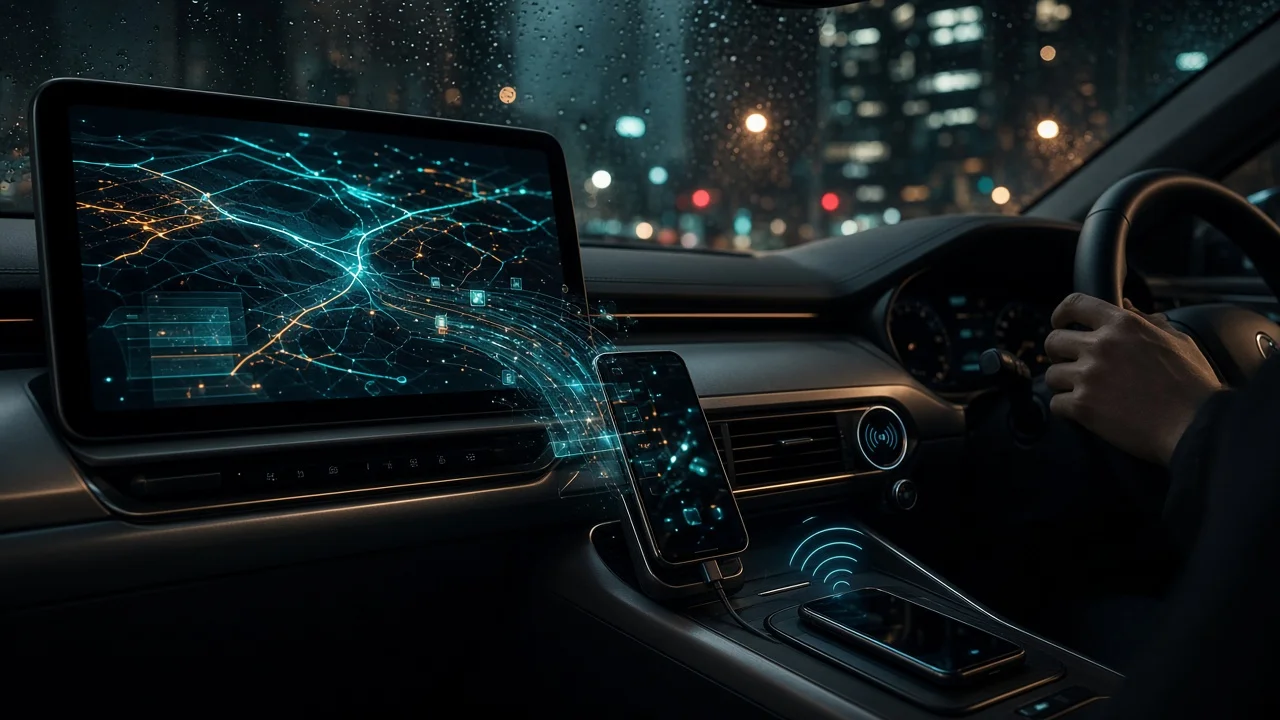
Bluetooth and Android Auto are not competing versions of the same thing. Bluetooth is a short-range wireless link. In a car it mainly handles hands-free calls and audio streaming from almost any phone. Android Auto is a Google software platform that shows selected phone apps on the car's dashboard screen in a driver-oriented layout. Those apps include navigation, messaging, media and the voice assistant. Android Auto works only with Android phones and supported car or aftermarket head units. Bluetooth is far more widely supported, but it gives you much less on the screen.
There is one qualification. Wireless Android Auto still uses Bluetooth, typically to establish the initial connection and handle calls, alongside Wi-Fi for the main data. So choosing Android Auto does not mean giving up Bluetooth. It adds a layer on top of it or alongside a USB cable.
What a Bluetooth connection does in a car
A car's Bluetooth system supports a set of standard functions, called profiles. Which profiles a vehicle supports depends on its make, model year and infotainment system. The common ones are:
Hands-free calling: making and answering calls through the car's microphone and speakers. Audio streaming: playing music, podcasts or app audio from the phone through the car's speakers. Remote control: play, pause and skip from steering-wheel buttons or the head unit, often with track titles shown. Contacts and call history: copying the phone's address book to the car so you can call by name. Message notifications: on some vehicles, reading incoming text messages aloud or showing them on screen.
Bluetooth does not bring the phone's apps onto the car screen. Navigation directions can be heard as audio, but the map stays on the phone. Any on-screen menus come from the car's own infotainment software, not from the phone.
What Android Auto adds
Android Auto runs from the phone and projects an interface onto the vehicle's display. The term for this is phone projection: the car screen acts as a display and touch input, while the phone does the processing. Typical functions include:
Navigation apps, such as Google Maps and other compatible map apps, shown full-screen on the dashboard. Compatible media apps with browsing, playlists and controls laid out for the car screen. Messaging with voice dictation and read-aloud replies in supported apps. Google Assistant voice control for calls, directions, messages and media. A simplified, larger-target interface intended to reduce distraction compared with handling the phone directly.
Only apps that developers have adapted for Android Auto appear on the car screen. Many phone apps therefore will not be available.
Requirements for each
Requirement | Bluetooth | Android Auto; Phone type | Nearly any Bluetooth-capable phone, Android or iPhone | Android phones only; iPhones use Apple CarPlay instead; Car or head unit | Bluetooth-equipped audio or infotainment system | Factory or aftermarket head unit that specifically supports Android Auto; Connection method | Wireless pairing | USB cable (wired) or Wi-Fi plus Bluetooth (wireless, only where the head unit supports it); Software on the phone | Built-in Bluetooth settings | Android Auto, built into recent Android versions or installed as an app on older ones; Screen in the car | Not required | Required
Exact phone OS versions, supported vehicle models and wireless availability change over time and vary by market. Check the vehicle or head-unit manufacturer's documentation and Google's current Android Auto requirements before buying. Two cars from the same brand can differ by model year or trim, and some vehicles add Android Auto only through a software update or an option package.
Differences that matter in daily use
Navigation
This is the largest practical difference. With Bluetooth alone, you either rely on the car's built-in navigation or mount the phone and read its screen. Android Auto puts phone-based maps on the dashboard display, using the phone's live traffic data and saved places.
Calls and messages
Both handle hands-free calls well. Android Auto adds voice-driven messaging through supported apps. Bluetooth message support depends on the car and is often limited to basic text notifications, if it is offered at all.
Music and audio
Bluetooth streams whatever audio the phone plays, but you usually choose content on the phone itself. Android Auto lets you browse compatible media apps on the car screen. Bluetooth audio is compressed for wireless transmission. Wired Android Auto sends audio over USB instead. Any audible difference depends on the codecs, the source files and the car's audio system. No test data was available to quantify it, so treat claims of a clear quality gap with caution.
Phone battery and data
Wired Android Auto can charge the phone through the USB connection, although charging speed depends on the car's port. Wireless Android Auto keeps Wi-Fi and Bluetooth active and does not charge the phone, so battery drain can be noticeable on long drives without a separate charger. Neither Bluetooth nor Android Auto uses mobile data by itself, but streaming and online navigation apps do, through either connection.
Setup and reliability
Bluetooth pairing is usually a one-time step and reconnects automatically. Android Auto adds a phone app, a compatible head unit and, for wired use, a working data-capable USB cable. That means more points where something can go wrong. Cable quality and phone or car software updates are common causes of connection problems.
Which to use for your situation
You mainly want hands-free calls and music, or you use an iPhone or older car: Bluetooth covers the basics with minimal setup. You want phone navigation on the dashboard, voice-controlled messaging, or easier app browsing while driving: Android Auto is the better fit, provided you have an Android phone and a compatible head unit. You take long trips and want to keep the phone charged: wired Android Auto, or wireless with a separate charger. Your car has a screen but no Android Auto support: Bluetooth still works. An aftermarket Android Auto head unit is an option, but check fit, compatibility with steering-wheel controls and installation cost for your specific vehicle first. Several people with different phones share the car: Bluetooth works for everyone. Android Auto serves the Android users, and CarPlay, if the car supports it, serves iPhone users.
Information gaps
No specific vehicle compatibility lists, software version requirements, prices or measured audio and battery results were available for this article. Confirm details for your exact vehicle model year, trim and market, and for your phone, before relying on any particular feature.