Chevrolet in-vehicle apps
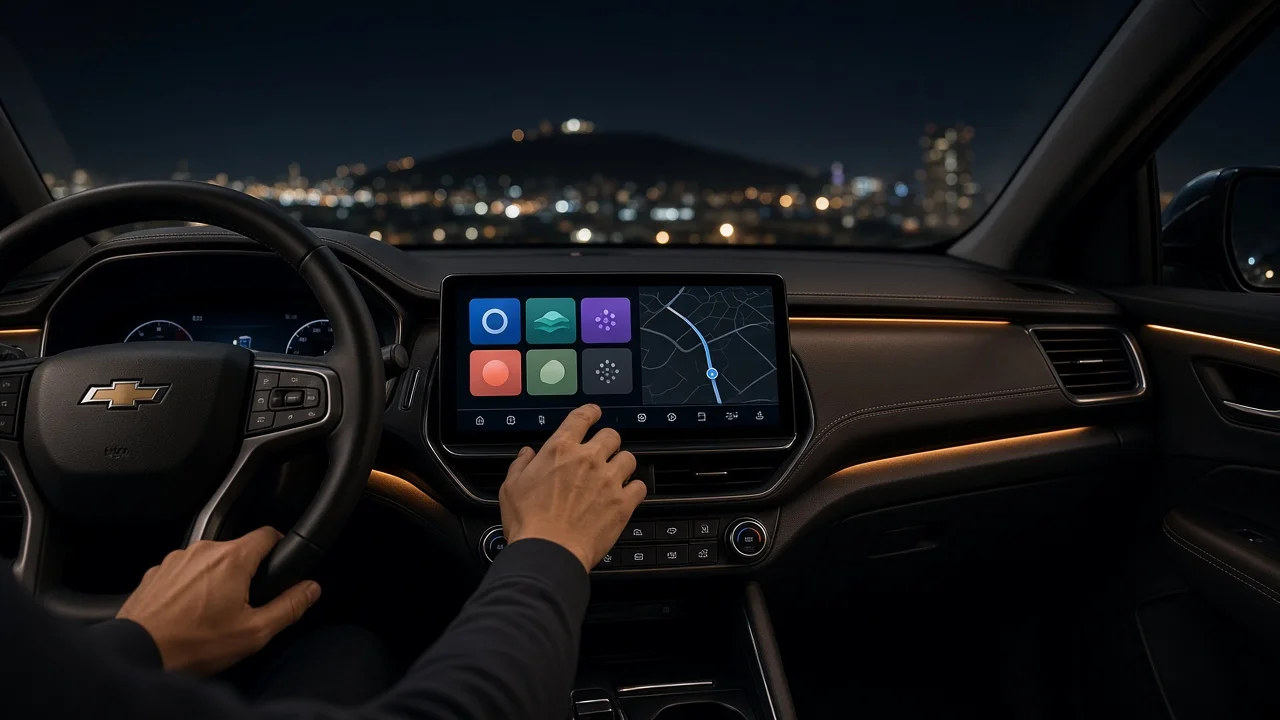
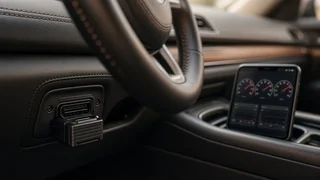
Chevrolet in-vehicle apps bring phone-style functions onto the dashboard screen, but the experience differs by model year, model generation, trim level, body style, and market specification. Some vehicles use a built-in app platform, while others mirror approved phone apps through a projection interface. The practical result is that navigation, audio, messaging, and vehicle data can appear closer to the driver’s line of sight, reducing the need to handle a handheld device. Understanding which app method a particular Chevrolet uses matters because availability, controls, and updates are not universal across the lineup.
Essential answer
Chevrolet in-vehicle apps generally refer to software accessible through the infotainment touchscreen rather than through a separate phone. In many newer models, this means a built-in connected system can run select apps with onboard data or a paired phone connection. In other vehicles, the term more accurately describes phone apps projected to the screen through Apple CarPlay or Android Auto. The subject scope therefore splits between native apps installed on the vehicle and compatible mobile apps that appear only when a supported phone is connected.
The exact experience depends on the infotainment generation fitted to a given model year and trim level. A higher trim may add navigation, connected services, or additional app categories that a base screen lacks. Powertrain configuration and body style rarely change the app catalog directly, but they can coincide with different equipment packages. Before comparing app names, an owner should confirm whether the vehicle has an embedded app platform, a projection-only system, or a combination of both, because this distinction changes how apps are installed, updated, and used.