Apps for OBD2 Bluetooth Adapters
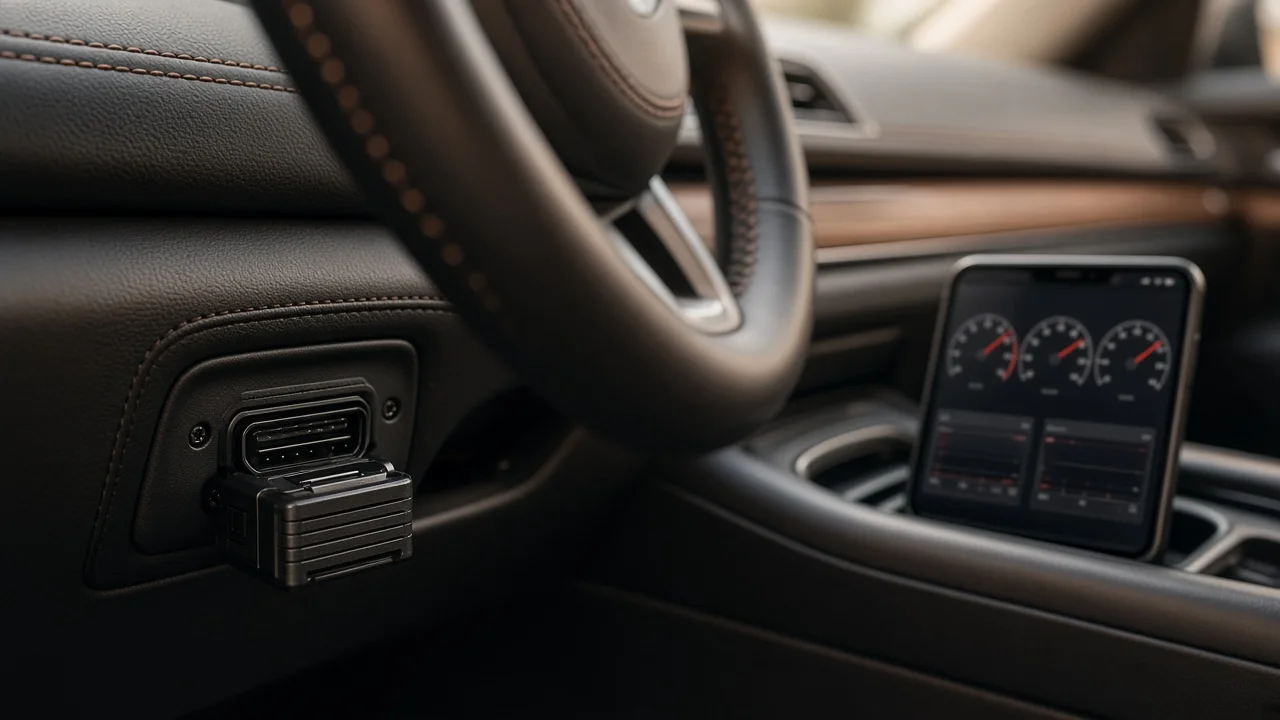
Choosing an OBD2 Bluetooth adapter app matters because the adapter only sends vehicle data; the app decides how that data becomes readable, useful, and safe to act on. A good app must work with your adapter’s communication profile, connection settings, and phone operating system. It should also match your interest, whether that means reading diagnostic trouble codes, monitoring live sensor values, or setting up a cleaner dashboard display for everyday driving.
Essential answer
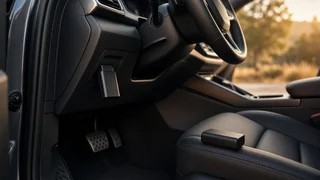
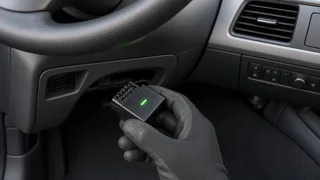
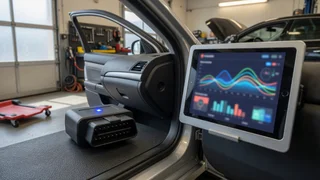
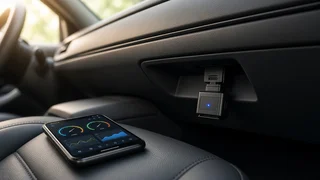
An OBD2 Bluetooth adapter app is a mobile or desktop program that pairs with a wireless interface adapter plugged into the vehicle’s diagnostic connector. The app sends requests through Bluetooth and translates the returned data into readable parameters such as engine speed, coolant temperature, fuel trim, and emissions-related fault codes. The essential answer is that the adapter is the radio, while the app is the instrument panel and interpreter.
Software compatibility shapes what the combination can do. Many inexpensive adapters use the ELM327 command set, so an app needs to support that profile to establish reliable communication. Some vehicle integration features may require an enhanced manufacturer-specific app or a paid unlock. Before depending on a reading, confirm that the app can open a stable connection, display the requested parameter, and clearly indicate when data is stale or unavailable.