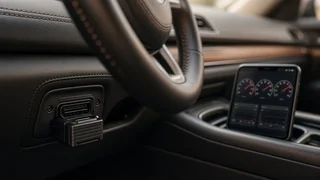
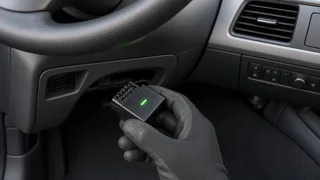
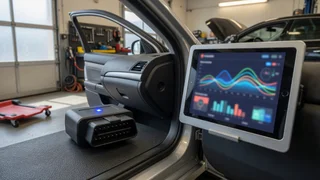
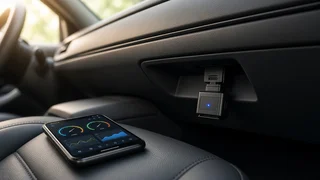
OBDLink Bluetooth OBD2 Adapters (LX, CX)
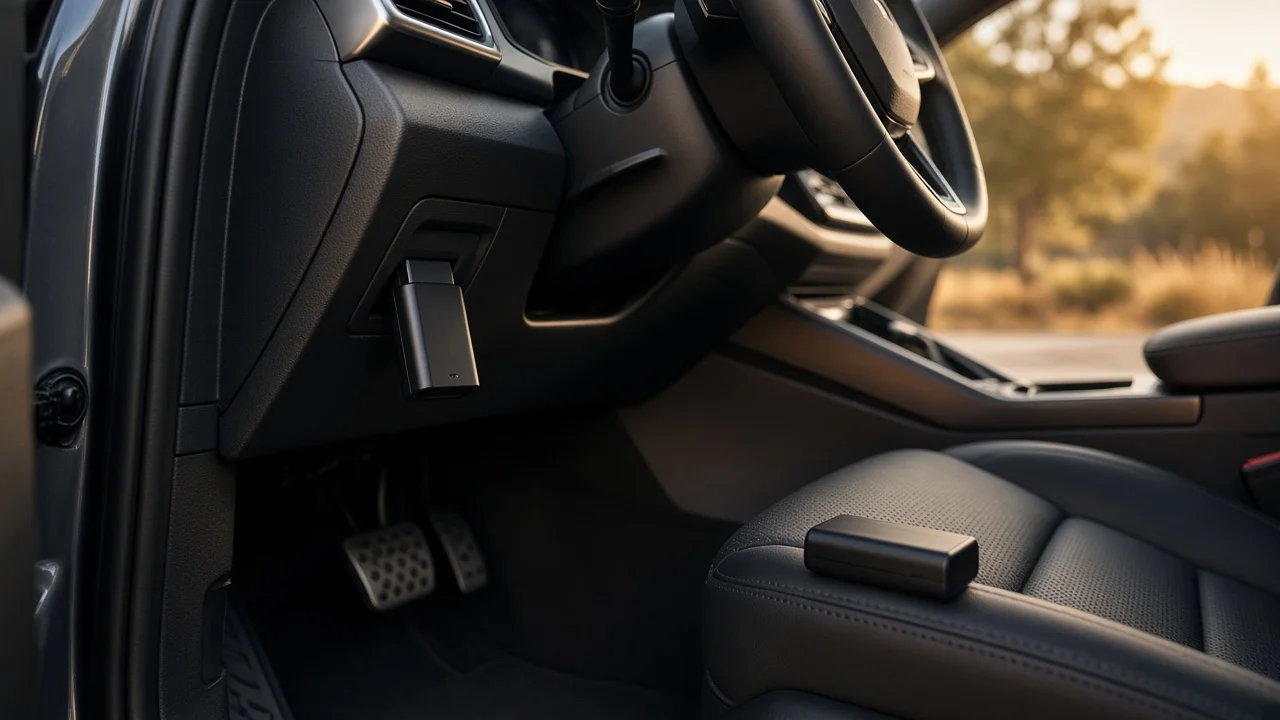
Choosing a Bluetooth OBD2 adapter often comes down to communication speed and app support, especially when the tool must work with motorcycle diagnostic software. The OBDLink LX and CX both serve that role but differ in wireless technology, physical shape, and how they handle legacy vehicle protocols. Understanding those differences helps you avoid pairing problems and connection drops. This guide explains what matters when matching an adapter to your phone, tablet, or scan app, and why the LX's Bluetooth 3.0 interface is still relevant for tools like MotoScan.
The direct answer
The OBDLink LX is the appropriate starting point for MotoScan users because its Bluetooth 3.0 connection uses the serial port profile that many motorcycle diagnostic apps expect. That profile makes the adapter appear as a standard interface, which reduces the setup steps needed to establish communication. The CX is also a capable OBD2 adapter, but its Bluetooth Low Energy design is oriented toward newer vehicle apps and may require different connection settings or firmware behavior.
Before buying, confirm that your diagnostic phone or tablet supports the adapter's Bluetooth profile and that the app you plan to use lists that connection type as compatible. An adapter can report engine data successfully while still failing to link with a manufacturer-specific motorcycle module. For MotoScan, the LX's older but widely supported Bluetooth 3.0 interface is often the more reliable choice, while the CX fits users who prioritize low-energy pairing for supported car-focused software.