Equalizer apps for Android car stereo: what actually routes through your head unit
Direct answer
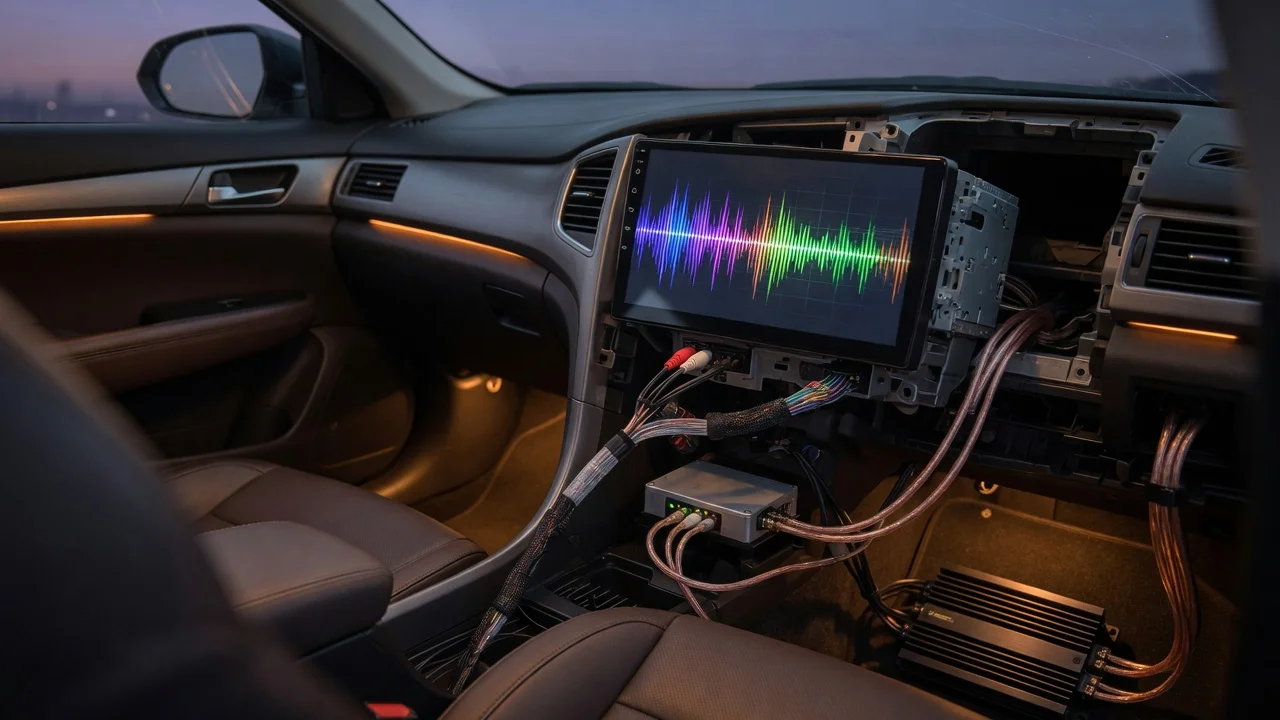
An equalizer app affects only audio that is processed by the Android device it runs on, and only when the app can intercept that audio stream. On a true Android car stereo, or head unit, this usually means Android apps playing through the unit such as streaming music, local media players, navigation prompts and some Bluetooth sources, depending on how the head unit routes them. It does not usually mean the AM/FM radio tuner, factory CD or DVD player, or Android Auto and Apple CarPlay phone projection, because those signals may bypass the Android audio processing layer.
Scope and ambiguity that change the answer
The term Android car stereo covers different setups. One is a dedicated aftermarket or factory head unit running Android as its operating system. Another is a phone running Android on the dashboard while the vehicle keeps its original radio. A third is a phone connected through Android Auto, where the display shows a projection from the phone rather than giving the radio full Android audio control. The equalizer's reach is different in each case.
On a dedicated Android head unit, source behavior varies by model, firmware and how the manufacturer implements the radio, media and amplifier paths. Some units route all audio through the Android mixer, while others keep the radio tuner and dedicated media inputs separate. Model-specific behavior should be confirmed rather than assumed.
What an equalizer app does
An equalizer, often shortened to EQ, adjusts the gain of defined frequency bands. Basic apps offer a small bank of sliders or presets such as bass, midrange and treble. More advanced apps add a user-defined band count, a preamp or gain control to prevent clipping, stereo balance, and surround or bass boost effects.
In Android, global audio effects depend on the device audio policy and effects framework. A system equalizer can process supported playback streams across compatible apps. An app-specific equalizer works only inside one application. Some music players label their internal sound controls as an equalizer even though the processing is limited to that player.
Where the app usually works
On a dedicated Android head unit, the highest chance of a system equalizer working is with media that Android itself plays. This commonly includes streaming apps, music stored on the unit, podcast players and apps that use the standard Android audio output. Navigation and notification sounds may also share the same processing path.
If the head unit supports Bluetooth audio as an Android media stream, the equalizer may also affect music sent from a paired phone. Some units expose Bluetooth as an app inside Android, while others keep it as a separate source. The user manual or a quick comparison between radio and Android media is the practical way to tell.
Where the app often does nothing
The AM/FM tuner is the most common gap. On many Android head units, radio audio is connected to the audio processor or amplifier outside the Android effects path. Changing the EQ app then has no audible effect on the radio, even though it changes Android media. A missing radio change is not proof that the equalizer app is defective.
Android Auto and Apple CarPlay can also bypass the head unit's own Android equalizer. The phone does much of the audio and interface work, and the head unit may behave as a display and audio endpoint. The result depends partly on the phone and partly on the head unit's implementation, so universal claims are unreliable.
Factory amplifier and sound-processing menus are separate from an Android app. Vehicle sound packages with their own tone controls, noise compensation, surround modes or amplifier DSP, or digital signal processor, operate below or alongside the Android software layer. Some settings overlap in effect, but changing one does not guarantee that the other changes with it.
Head unit equalizer versus app
Many Android head units include a built-in equalizer with a fixed number of bands and source-linked presets. The built-in tool may cover sources that a third-party app cannot reach because the manufacturer wrote it for that hardware. An app offers more interface choices but not necessarily more control over the tuner or other bypassed sources.
For most owners, the built-in equalizer is the safer starting point. If it already covers the radio and media, a separate app mainly adds fine tuning for Android playback. If the radio is the source that needs correction, a third-party app may be the wrong tool for that path.
Practical test
Play the same familiar track through different sources and move an obvious band, such as the lowest bass slider, from its minimum to maximum. If radio sound does not change while an installed streaming app does, the radio source is bypassing the Android effects path. Repeat this with the vehicle stationary and the volume moderate.
Check the head unit's own sound menu before installing another app. Some units label this Sound, EQ or DSP Sound Effects. On a phone used through Android Auto, check the phone's media player equalizer and the vehicle's factory tone controls separately, because they may operate on different parts of the chain.
Known gaps
No single app name or setting can be recommended as working on all Android head units from the information supplied here. Radio routing, Bluetooth handling, output hardware and Android version differ between models and firmware releases. The practical reach of any equalizer should be verified on the installed unit and source path before changing system sound settings.