Cars with Apple CarPlay and Android Auto: What to Check Before You Buy
The short answer
Many cars sold in the US offer both Apple CarPlay and Android Auto, and it is common for one infotainment system to support both. Support is not universal, though. It depends on the manufacturer, the model year, the trim level and sometimes the infotainment package fitted to a specific vehicle. Some manufacturers leave out one or both systems on certain models. The same model name can also offer different support across years or trims.
This guide does not list specific models, because no confirmed model-by-model compatibility data was available for it. Treat any shortlist as a starting point. Confirm support for the exact vehicle you plan to buy, using the checks below.
What these systems actually do
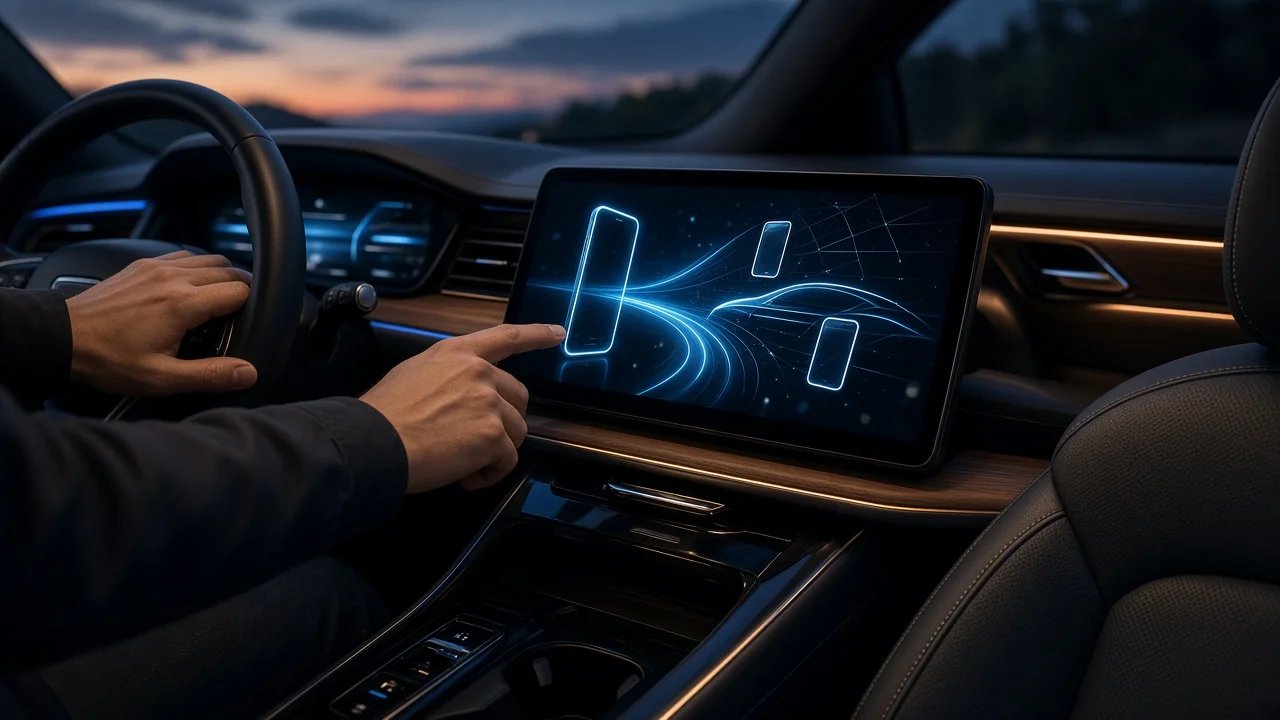
Apple CarPlay (for iPhone) and Android Auto (for Android phones) are phone projection systems. The apps run on your phone. The car's touchscreen, controls and speakers act as the display and interface. For this reason, the experience depends on three things: whether the car supports the system, whether your phone supports it, and how the two connect.
Conditions that change the answer
Model year: support can be added, changed or removed when a model is updated, so a feature on one year's car may not carry over to another. Trim and options: base trims may use a different screen or head unit than higher trims, and projection support can differ between them. Wired versus wireless: some cars connect only by USB cable, while others also connect wirelessly. A car may support one system wirelessly and the other only by cable. Market: a car built for another region may not match the US-market specification, which matters for imported or grey-market vehicles. Powertrain: within some model lines, electric or hybrid versions use a different infotainment system from combustion versions, so do not assume they match. Software version: some cars gain or change projection features through infotainment software updates, so a used car's current software matters.
How to confirm support for a specific car
Check the manufacturer's official specification or brochure for the exact model year and trim, not just the model name. Ask the dealer or seller to confirm in writing whether the car supports CarPlay, Android Auto or both, and whether the connection is wired or wireless. On a test drive, connect your own phone and open the apps you use most, such as navigation, music and messaging. For a used car, check the infotainment system's settings menu for the software version, and ask whether updates have been applied. If the car connects by cable, note which USB port supports projection. Some cars have ports intended only for charging. Confirm your phone and its operating system version are supported by the current version of CarPlay or Android Auto.
Quick comparison of what to verify
Item to check | Why it matters | Where to confirm; CarPlay support | Required for iPhone projection | Manufacturer specs for the exact year and trim; Android Auto support | Required for Android phone projection | Manufacturer specs for the exact year and trim; Wired or wireless | Affects convenience and whether a cable is needed | Specs, dealer, or a live test with your phone; USB port type and location | Affects which cable you need and which port works | In-car inspection; Infotainment software version | Can affect features on used cars | Infotainment settings menu or dealer
If the car you want lacks support
Some older or base-model vehicles can be fitted with an aftermarket head unit that supports CarPlay and Android Auto. Whether this is practical depends on the car's dashboard design. It also depends on how deeply the factory system is tied to other functions, such as climate controls, steering-wheel buttons or the backup camera. Ask an installer what adapters are needed, and confirm which factory features will still work afterward. Wireless adapters can sometimes add a wireless connection to a car that already supports wired CarPlay or Android Auto. Results vary, so check that a given adapter works with your specific vehicle before relying on it.
Information gaps to keep in mind
This article does not include model lists, prices, availability dates or test results, because no verified data of that kind was available. Manufacturers also change infotainment features over time. Confirm support from the specification for the exact vehicle and by testing with your own phone before you commit to a purchase.