Cars with Apple CarPlay in South Africa
The short answer
Apple CarPlay is common on new and recent used cars sold in South Africa, but you cannot assume a particular car has it from the model name alone. Whether a vehicle supports CarPlay depends on its model year, its trim level, the infotainment system fitted at the factory and sometimes the optional packs the first buyer chose. Two cars with the same badge can differ, so confirm CarPlay on the exact vehicle you are considering.
This guide does not include a list of specific South African models, prices or trim names. No confirmed model-by-model evidence was available for it, so treat the steps below as a way to verify any car yourself rather than as a buying list.
What Apple CarPlay is
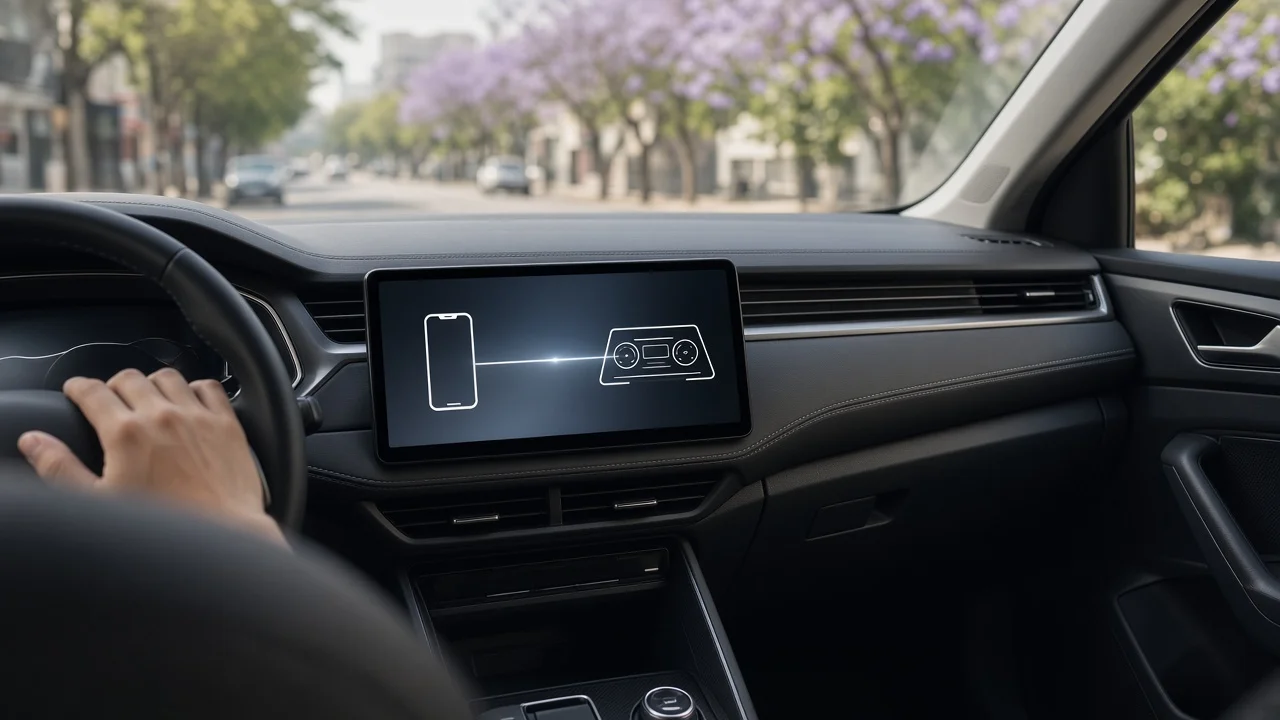
CarPlay is Apple's system for showing selected iPhone apps on a car's built-in screen. Navigation, calls, messages, music and podcasts can then be controlled through the touchscreen, steering-wheel buttons or Siri voice commands. The car provides the screen and controls, and the iPhone runs the apps. As a result, the experience depends on both the car's hardware and the phone's software.
Conditions that change the answer
Model year: a model may have gained CarPlay at a facelift or a new generation, so earlier cars of the same name may lack it. Trim level: entry-level versions sometimes use a simpler radio unit without CarPlay, while higher trims get a larger touchscreen that supports it. Optional equipment: on some vehicles CarPlay comes with an infotainment or technology pack rather than as standard. Wired or wireless: some cars need a USB cable, while others connect wirelessly. A car that supports wired CarPlay does not necessarily support the wireless version. Market specification: equipment can differ between the South African version of a car and the same model sold in other countries. Overseas reviews and brochures may not apply to local stock.
How to confirm CarPlay on a specific car
Check the official South African specification sheet or price list for the exact model year and trim. Look for Apple CarPlay by name and note whether it is listed as wired or wireless. Ask the dealer or seller in writing to confirm that the specific vehicle, identified by its stock or VIN details, has CarPlay. A general statement about the model is not enough. Check Apple's own list of supported vehicles. Use it as a starting point, then confirm with the local specification. Test the car with your own iPhone before you buy. Connect it, make a call, start navigation and play audio to confirm everything works. For wireless CarPlay, test the reconnection as well. Switch the car off and on again to see whether the phone reconnects without effort. On a used car, confirm that the infotainment unit is the original factory unit. Also ask whether it has had any available software updates.
Points worth checking during the test
Pay attention to where the USB port is, and confirm it supports data rather than charging only. Many cars have several ports, and only one may work with CarPlay. Check that the screen responds quickly, that the steering-wheel controls work with CarPlay apps, and that Siri hears you clearly over road noise. Some CarPlay features and app availability can vary by country and language settings. Confirm that the apps you rely on behave as expected on a South African phone account.
If the car you want lacks CarPlay
Aftermarket head units with CarPlay can be fitted to many vehicles that did not have it from the factory. Fitment depends on the dashboard opening, the wiring and whether steering-wheel controls, reversing cameras and vehicle settings run through the original unit. Before you rely on this route, ask an installer to confirm compatibility with your exact model and year. Also consider how replacing the factory unit could affect the warranty or resale appeal.
Next step
Shortlist the cars that suit your budget and needs first. Then confirm CarPlay for each one against its South African model year and trim, decide whether you need wireless or can accept a cable, and test the connection with your own iPhone before you commit.