Cars with Apple CarPlay in the UK
The short answer
Apple CarPlay is offered by many manufacturers on cars sold in the UK, but you cannot assume a particular car has it from the make or model name alone. Support depends on the model year, the trim level, the infotainment system fitted and sometimes optional packs. Two cars with the same badge can differ: one may have wireless CarPlay, another only a wired connection, and an older or entry-level version may have none. The reliable approach is to confirm CarPlay for the exact car you are considering, then test it with your own iPhone.
No confirmed list of specific models, trims, prices or launch dates was available for this guide, so it does not name individual cars as compatible. Use the checks below to verify any car you are considering.
What Apple CarPlay does
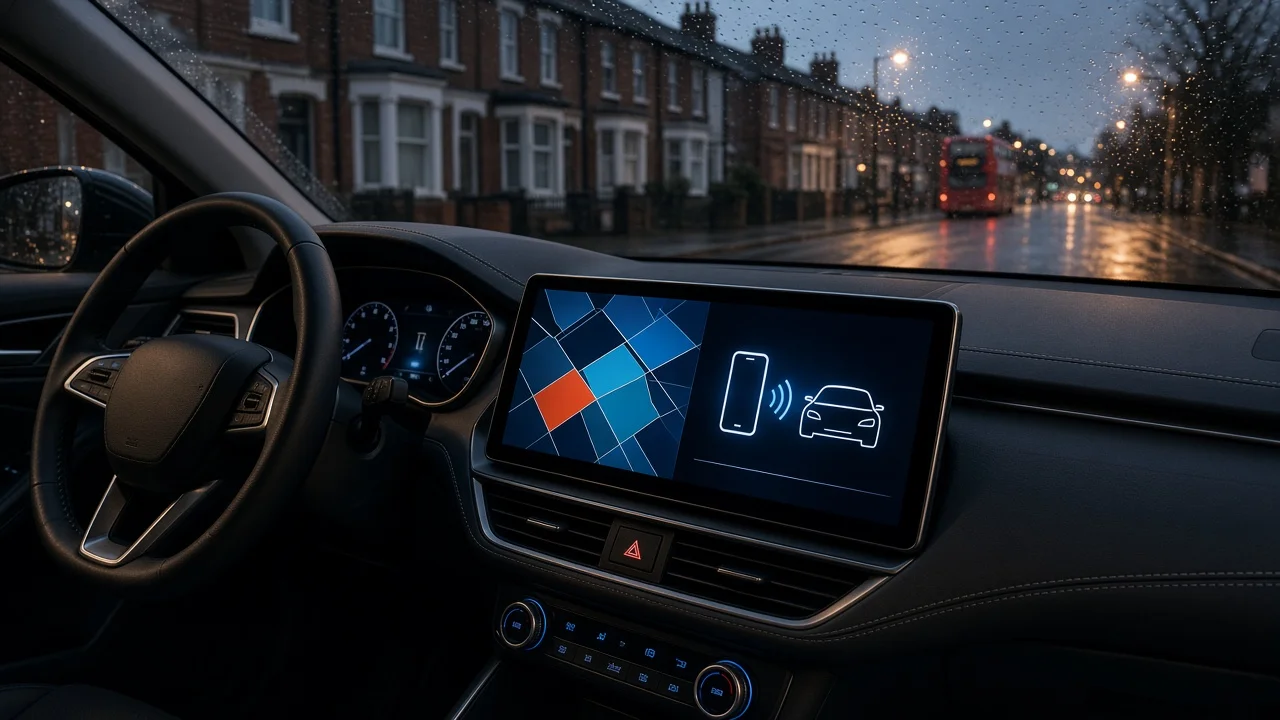
CarPlay shows a simplified version of selected iPhone apps on the car's built-in screen, so you can use maps, calls, messages and audio through the dashboard display, steering wheel controls and voice commands. The apps run on the phone; the car provides the screen, controls, microphone and speakers. This means the experience depends on both the car's hardware and your phone.
Why the same model can differ
Model year: support is often introduced or changed when a manufacturer updates its infotainment system, so earlier versions of a model may lack it. Trim level: some ranges reserve CarPlay, a larger screen or wireless connection for higher trims. Optional equipment: CarPlay may come with a navigation or technology pack rather than as standard. Market: equipment for UK right-hand-drive cars can differ from versions sold elsewhere, which matters for imported vehicles. Software: some systems need a software update or dealer activation before CarPlay works.
Wired or wireless
Wired CarPlay needs a cable connected to a USB port that supports data, not just charging. Wireless CarPlay connects without a cable once paired. If wireless matters to you, check for it specifically, because a spec sheet listing CarPlay does not always mean wireless. For wired systems, note whether the data port is USB-A or USB-C so you have the right cable.
What to check before buying
Confirm CarPlay on the specification for the exact model year and trim, not the range overall. Check whether the connection is wired, wireless or both. Identify which USB port carries data, if the car has more than one. Ask whether CarPlay is standard or part of an optional pack, and whether the car you are viewing has that pack. For a used car, ask whether any software update or activation is still needed. On a test drive, connect your own iPhone and try navigation, calls, audio and voice commands. Check that steering wheel buttons and the car's microphone work with CarPlay.
Checking your iPhone
If CarPlay does not start during a test, the phone may be the cause rather than the car. Siri needs to be turned on, and CarPlay must not be blocked in the phone's Screen Time restrictions. Keeping iOS up to date also helps avoid compatibility problems.
If the car you want does not have it
Aftermarket head units with CarPlay can be fitted to many older cars. Before going this route, check that the unit fits the dashboard, that steering wheel controls and existing features such as reversing cameras can be retained, and that fitting will not affect any warranty. In the UK, tell your insurer about the modification, because undeclared changes can affect cover.
Next step
Shortlist cars on your other priorities first, then confirm CarPlay for each one by model year and trim, and test it with your own phone before you commit.