Android Auto vs Apple CarPlay: phone and vehicle compatibility
The short answer
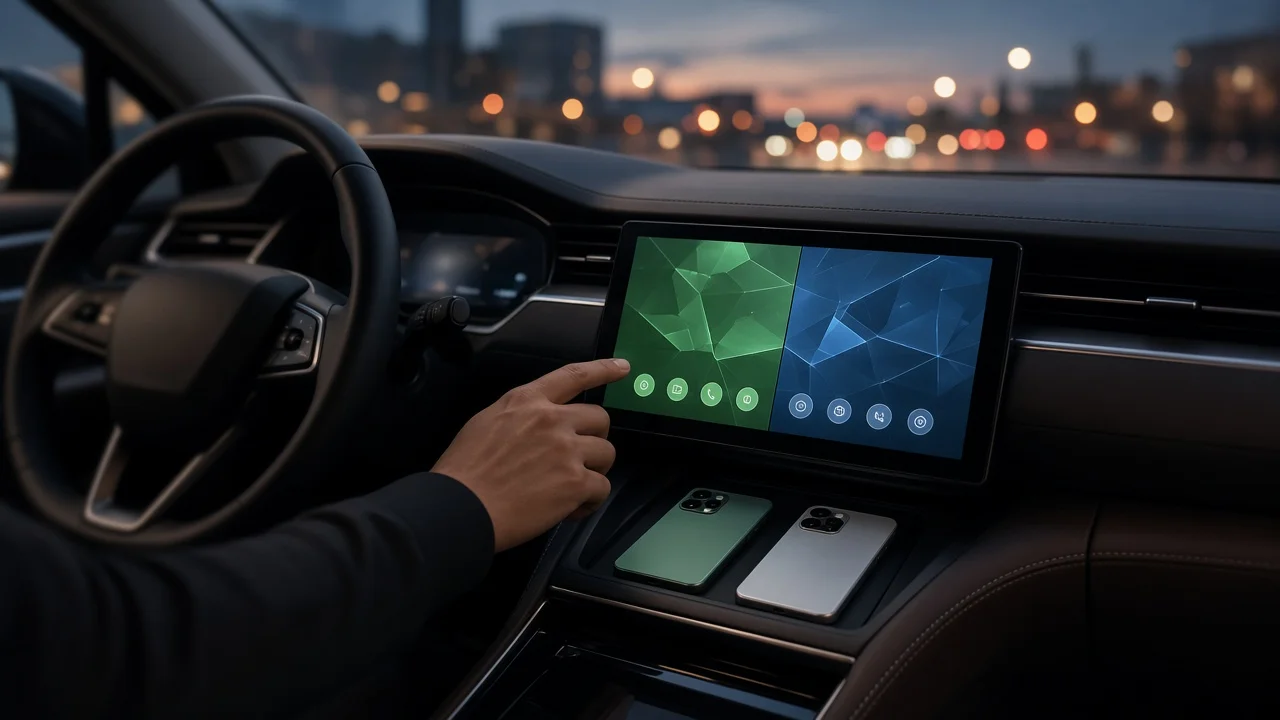
Your phone decides which system you can use. Apple CarPlay works only with an iPhone, and Android Auto works only with an Android phone. Neither is generally better for every driver. The second step is your vehicle: its infotainment system, or head unit, has to support the platform that matches your phone. Many recent vehicles support both, but support varies by manufacturer, model, model year, trim and market. Some models offer only one system, and some offer neither, so check the specific vehicle rather than assuming.
What each system does
Both are phone projection systems. The apps run on your phone, and the car's screen, steering-wheel controls and microphone act as the display and controls. Navigation, music, calls, messaging and voice commands appear in a simplified, driver-focused layout. Because the software comes from the phone, the experience is shaped mainly by Apple or Google, while the vehicle decides whether the connection is available and whether it is wired or wireless.
Phone compatibility
Apple CarPlay: requires an iPhone running a reasonably current version of iOS. No separate app is needed because CarPlay is built into iOS. Android Auto: requires an Android phone running a supported version of Android. On newer phones it is built into the operating system; on some older phones it may need to be installed or updated. Cross-platform use is not supported: an iPhone cannot run Android Auto, and an Android phone cannot run CarPlay.
Minimum operating system versions change over time, and no confirmed current requirements were available for this article. For the exact minimum version, check Apple's or Google's own support information before buying a phone or vehicle.
Vehicle compatibility
Whether a car supports either system depends on its head unit and the automaker's choices. Two cars with the same name can differ if they come from different model years, trims or markets. Some vehicles include support as standard, some only with a certain infotainment package, and some gain it through a dealer or over-the-air software update. Some automakers have also chosen to leave phone projection out of certain models and use their own built-in software instead. No model-specific data was available for this article, so the vehicle's own documentation or the dealer remains the reliable source.
Wired versus wireless connections
A wired connection uses a USB cable between the phone and a data-capable USB port in the car. A wireless connection pairs over Bluetooth and then carries data over Wi-Fi. A vehicle that supports one platform wirelessly does not necessarily support the other wirelessly, and some vehicles offer only wired connections. Wired use usually keeps the phone charging. Wireless use is more convenient but can drain the battery faster unless the car also has a wireless charging pad. If a wired connection fails, a common cause is a charge-only cable or a USB port that supplies power but not data.
How to check a specific vehicle
Look in the owner's manual or infotainment guide for the exact model year and trim. Check the window sticker or build specification for the infotainment package; support can depend on the package rather than the model. In a car you already own, open the infotainment settings and look for a phone projection, CarPlay or Android Auto menu. Ask the dealer whether a software update is available and whether connections are wired, wireless or both. On a test drive, connect your own phone to confirm it works before you buy.
Choosing by situation
Situation | What to look for; You use an iPhone | A vehicle that supports Apple CarPlay; confirm whether it is wired or wireless; You use an Android phone | A vehicle that supports Android Auto; confirm whether it is wired or wireless; The household has both phone types | A vehicle that supports both systems, so either driver can connect; You may switch phone brands | A vehicle that supports both, so a future phone change does not limit the car; Your current car supports neither | Ask about a software update, or consider an aftermarket head unit that supports your platform
Shared cars and switching drivers
In vehicles that support both systems, the car normally launches whichever system matches the connected phone. When several phones have been paired, the head unit may connect to the one it saw last or to a preferred device set in its settings. Exactly how this works varies by manufacturer, so it is worth testing with every phone that will use the car.
Adding support to an older vehicle
If a vehicle lacks factory support, aftermarket head units that support CarPlay, Android Auto or both are widely sold. Fit depends on the dash opening, wiring, steering-wheel control integration and any factory features tied to the original unit, such as climate controls or vehicle settings. No product or installation details were available for this article, so check fitment for the exact vehicle with the retailer or installer.
Limits of this guide
This article covers how compatibility works in general. It does not list which vehicles, model years or trims support each system, minimum phone software versions, or aftermarket prices, because no confirmed data on these was available. Confirm those details for your own phone and vehicle with the manufacturer or dealer.