Bluetooth pairing cadillac CTS
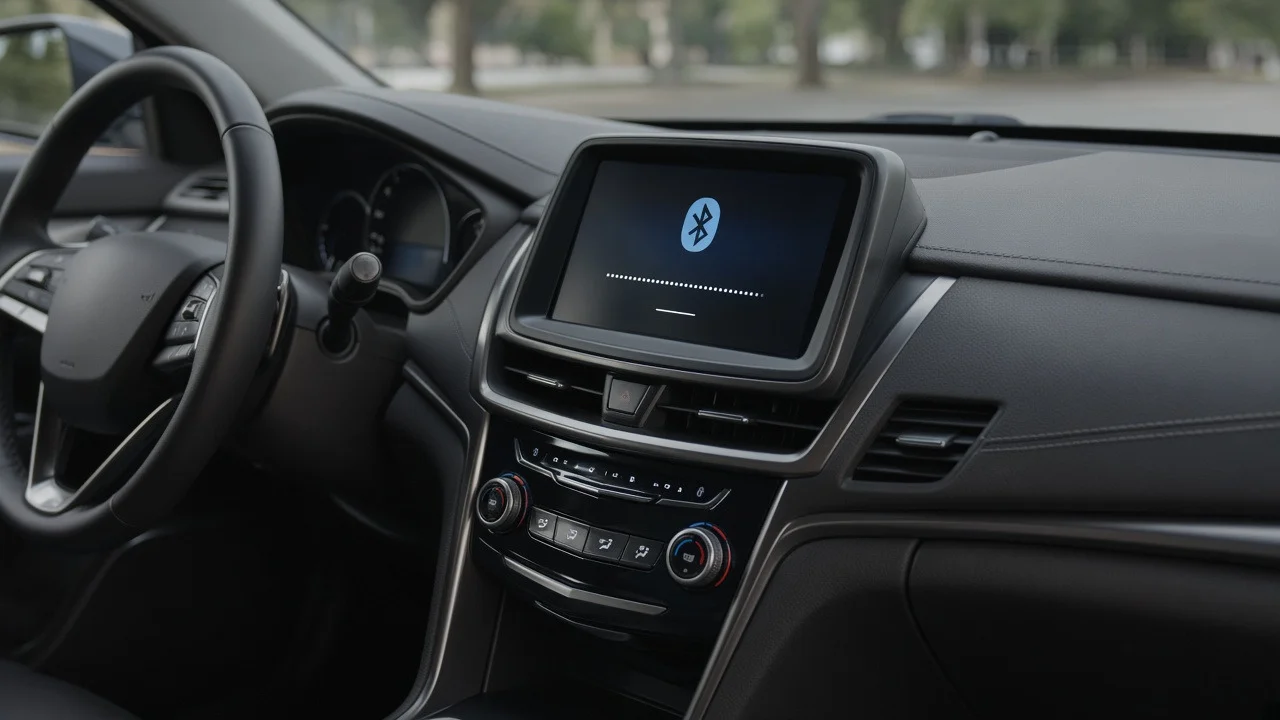
Bluetooth pairing in a Cadillac CTS is the process of making the car’s hands-free system recognize your phone so calls and audio can move through the cabin without a cable. Some owners find the phone book loads slowly, a device refuses to appear, or the system asks for a passkey more than once. The procedure works through the infotainment menu, but the exact steps depend on model year and radio generation. This article explains what Bluetooth pairing means for the CTS, how the connection is established, and why a vehicle-specific confirmation matters before replacing any component.
Essential answer
Bluetooth pairing for a Cadillac CTS creates a trusted wireless link between your phone and the vehicle. The car’s infotainment system stores the phone as a known device, and later connections happen automatically when the ignition is on and Bluetooth is active. Pairing does not prove that a microphone, steering wheel button, or audio module has failed; it only shows that the initial handshake was accepted. If the car rejects the phone, the issue may be a busy device list, an incompatible software version, or a phone that is still connected to another paired accessory.
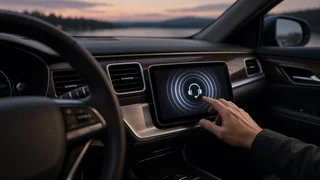
The process generally begins from the radio’s phone or connection settings, where you put the CTS into discoverable or add-device mode. The phone then searches for nearby Bluetooth devices and displays the car’s identifier. A PIN may appear on both screens for confirmation. Because Cadillac used different head units across CTS generations, the menu names and button labels can vary. Treat a failed pairing as a clue about the wireless link or pairing sequence, not as automatic proof that the vehicle’s Bluetooth module is defective.