Bluetooth Car Adapter with Charger: What to Check Before You Buy
The short answer
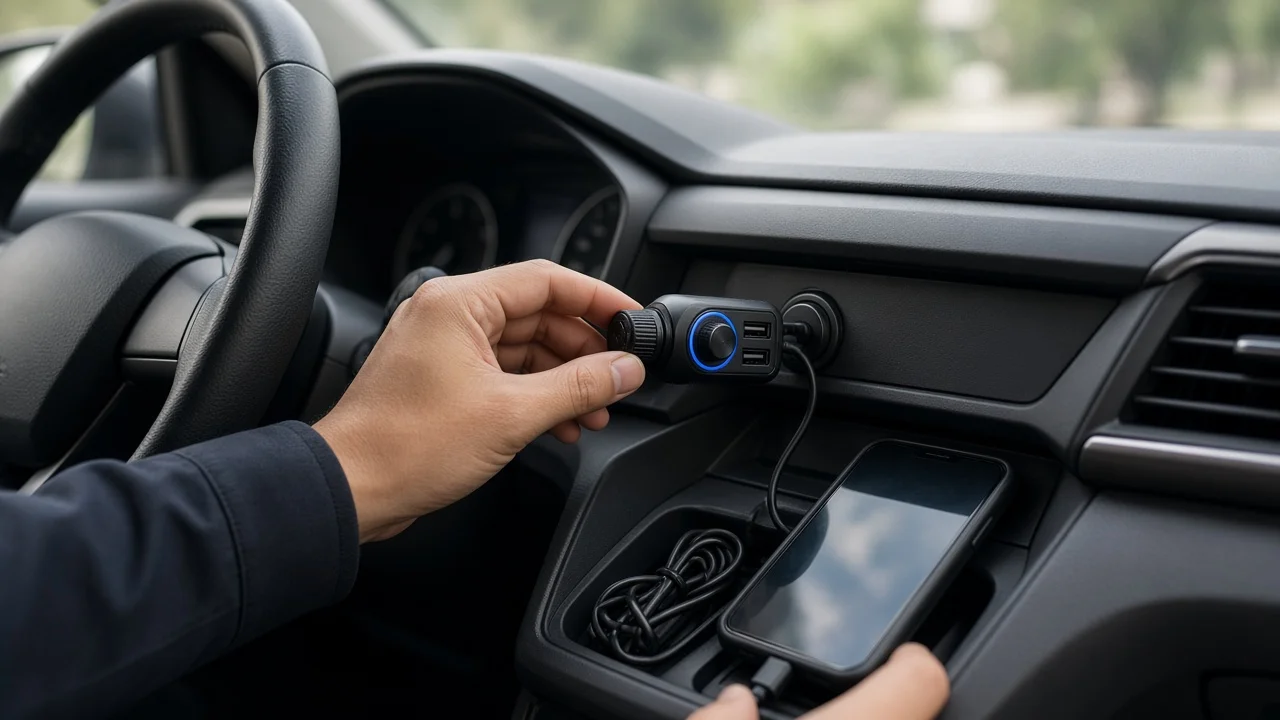
A Bluetooth car adapter with a charger plugs into your vehicle's 12-volt accessory socket, the outlet once used for cigarette lighters. It adds wireless music streaming and hands-free calling to a car that lacks factory Bluetooth, and it charges your phone through one or more USB ports. Which type suits you depends mainly on one thing: whether your stereo has an auxiliary (AUX) input. If it does, an adapter that sends audio through an AUX cable usually gives cleaner, more consistent sound. If it does not, an FM transmitter model, which broadcasts audio to an empty radio frequency, is the usual option. If your car already has working Bluetooth and you only need faster charging, a plain USB charger is the simpler purchase.
The main types of adapter
Type | How audio reaches your speakers | Best fit | Main trade-off; FM transmitter with charger | Broadcasts to an unused FM station that you tune your radio to | Cars with a radio but no AUX input | Sound can pick up static or interference, especially where few free frequencies exist; AUX Bluetooth receiver with charger | Sends audio through a cable into the stereo's AUX jack | Cars with an AUX input | Requires an AUX port and adds a cable; some setups pick up electrical hum; USB-input adapter | Connects to the stereo's USB port | Some head units that accept USB audio | Compatibility varies widely, and many factory USB ports do not accept these devices
Check your vehicle first
Compatibility depends on the exact vehicle, not only the model name. AUX jacks, USB ports and accessory socket locations can differ by model year, trim level and audio package within the same model. Look at your owner's manual or the stereo itself before choosing a type.
Audio inputs: Confirm whether the stereo has an AUX jack, a USB port that plays audio, or only a radio. Socket location and fit: Check where the 12-volt socket sits and whether a bulky adapter will block the gear selector, cup holders or other controls. Models with a flexible neck or a separate control puck can help in tight spaces. Whether the socket stays powered: In some vehicles, the accessory socket remains live with the ignition off. An adapter left plugged in may then draw power from the battery. Check your manual, or unplug the adapter when the car will sit for a long time. Radio reception for FM models: In areas with crowded airwaves, finding a clear unused frequency can be harder. Look for a model that makes it easy to change frequencies.
Charging features to compare
Charging performance varies more than the packaging sometimes suggests. Read the specifications for each port rather than relying on a single headline figure.
Port types: Check whether the adapter has USB-C, USB-A or both, and whether that matches your cables and devices. Fast-charging standards: Fast charging works only when the adapter and the phone support the same standard. USB Power Delivery (USB PD) is common on USB-C. Qualcomm Quick Charge appears on many Android phones. Per-port versus total output: Some adapters share their total power across ports, so charging slows when two devices are connected. The listing should state the output for each port and the combined maximum. Safety protections: Look for stated protection against overheating, overcurrent and short circuits.
Call audio and Bluetooth features
If hands-free calling matters, the microphone matters as much as the speaker output. An adapter plugged in low on the center console sits farther from your mouth than a microphone mounted near the driver, which can affect how clearly the other person hears you.
Microphone design: Look for noise reduction or echo cancellation. Some models use a separate clip-on or wired microphone that you can mount closer to the driver. Bluetooth version and codecs: Newer Bluetooth versions generally improve connection stability. Codecs are the formats used to compress wireless audio. SBC is the universal baseline. AAC is commonly used by iPhones, so AAC support can matter for Apple users. Auto-reconnect: The adapter should pair with your phone automatically when you start the car. Multipoint: This lets two phones stay connected at once, which helps when two drivers share the vehicle. Controls: Check for buttons that are easy to reach for answering calls, skipping tracks and starting your phone's voice assistant, so you can keep your eyes on the road.
Common problems and how to avoid them
Hum or whine with AUX models: Charging and audio sharing the same power source can create a ground loop, which causes buzzing that often rises with engine speed. An inexpensive ground loop isolator placed in the AUX line usually reduces it, and some adapters include noise filtering. Static with FM models: Retune to a different empty frequency, especially when driving between regions. Poor call quality: Reposition the microphone if you can, and lower the cabin fan or the window noise during calls. US compliance: FM transmitters sold in the US are low-power devices that should meet FCC rules. Look for a compliance marking on the product or packaging. Hands-free and phone-use laws differ by state, so check local rules on phone handling and mounting.
What this guide cannot tell you
No verified product data, test results or prices were available for this guide, so it does not recommend specific models or quote charging speeds or costs. Use the checks above to compare current listings. Confirm per-port charging output, codec support and microphone design directly in each product's specifications.
Next step
Start by confirming your stereo's inputs and your accessory socket's location for your exact model year and trim. If you have an AUX jack, shortlist AUX receivers with the charging ports your devices need. If you do not, compare FM transmitters on ease of tuning and microphone quality. Either way, check the per-port charging output against your phone's fast-charging standard before you buy.