What to Check Before Using a Car Phone Mount
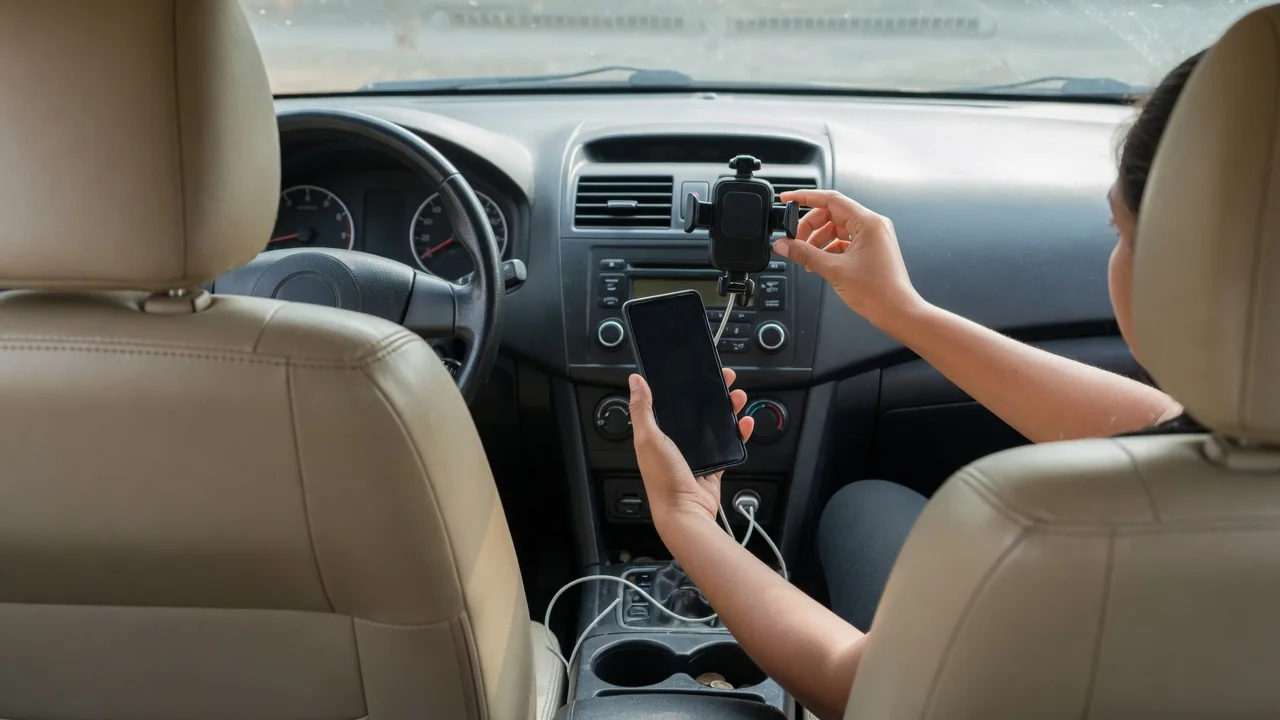
Knowing what to check before using a car phone mount comes down to two questions: can you still see everything you need to see, and will the phone stay where you put it? A cradle that blocks part of the windshield or drops the handset mid-corner creates more distraction than it removes. A few minutes of inspection while parked answers both questions.
View obstruction
Sit in your normal driving position, with the seat and mirrors set as you actually drive, and look at where the mounted phone falls against the glass. A windshield suction mount placed high or centrally can hide a pedestrian stepping off a curb, a cyclist approaching from the right, or a low traffic signal. Even a small device covers a surprisingly large area at distance, because the blocked zone widens the farther away you look. Low and close to the dashboard generally keeps more of the road visible.
Sightlines extend beyond the windshield. Check that the phone does not cover the instrument cluster, warning lamps, the infotainment screen, or the path your eyes take to the passenger-side mirror. Vehicles differ considerably here: a steep windshield and deep dashboard leave different options than an upright truck cab with thick roof pillars. Rules about attaching objects to the windshield also vary by state, so confirm what applies where you drive. Also keep the mount away from airbag covers, often marked on the dash panel and pillars.
Mount stability
A mount is only useful if it holds through bumps, hard braking, and summer heat. Suction cups rely on a clean, smooth, nonporous surface; textured or soft-touch dashboards often let air leak under the seal, and the cup releases without warning. Adhesive pads need a clean, dry surface and time to bond, and they may leave marks on some trim materials. With the phone installed, press and tug gently in several directions while parked to see whether the base shifts, creeps, or rocks.
Vent clips deserve their own inspection. Vent slats vary in thickness, shape, and strength, and round or thin-vaned outlets may not grip a clip securely or may sag under a heavy phone in a thick case. Check that the clip does not strain the louver or block the airflow you rely on for defrosting, and remember that heated air blowing directly on a phone can make it run hot. Cup holder and CD-slot designs avoid these issues but usually sit lower, pulling your glance farther from the road.
Charging cable
A charging cable changes the picture once it is plugged in. Route it so that it cannot loop around the gear selector, the parking brake lever, the turn signal stalk, or the steering wheel, and so it never hangs toward the pedals. Turn the wheel fully in both directions while parked and move the shifter through its positions to confirm nothing snags. Excess length is better gathered and tucked along the console than left dangling where a knee or a bag can catch it.
The cable also affects the mount itself. A stiff or short cord pulling sideways on the charging port adds constant leverage that can twist the cradle or gradually loosen a suction cup or vent clip. Leave a gentle curve of slack at the connector. Power outlet locations vary widely between vehicles, with ports in the console, under the dash, or inside a storage bin, so the neatest route in one car may be awkward in another. Wireless charging mounts still need a supply cable routed with the same care.
Everyday Use and Observations
Daily use reveals things a driveway check cannot. Watch how the phone behaves over rough pavement: a screen that vibrates or slowly droops is harder to read and tempts longer glances. Notice glare at different times of day, since a glossy display can reflect low sun into your eyes or produce a distracting reflection in the windshield at night. Lowering screen brightness after dark and angling the phone slightly toward you usually helps, provided the new angle does not push it back into your sightline.
Pay attention to how you interact with the device as well. You should be able to dock and release the phone with one hand in a second or two, and that should happen before driving off rather than in traffic. Set the navigation destination and audio while parked, and rely on voice prompts on the move. Temperature matters over weeks: suction cups can stiffen in cold weather and soften in heat, so a mount that held firmly in spring may need reseating after a hot spell or a frost.
Limits and Next Steps
No mount makes handling a phone while driving safe; it only reduces how far your eyes and hands travel. Laws on handheld and mounted device use differ between states and can be stricter for newer drivers, so verify local requirements rather than assuming a mounted phone is automatically permitted. The owner's manual is the right place to confirm airbag deployment zones and any guidance about attaching accessories to the dashboard, windshield, or vents, since those details are specific to each vehicle.
If a position fails any check, change the location or the mount type instead of tolerating it. A setup that blocks part of the road, sags, or keeps falling is telling you the design does not suit that interior. Many vehicles offer phone projection through the built-in screen, which may remove the need for a mount at all. Recheck the installation periodically, after a windshield cleaning or dashboard treatment, and whenever you change phones or cases, because weight and size alter how the cradle behaves.