What Data Can a Car Navigation System Remember?
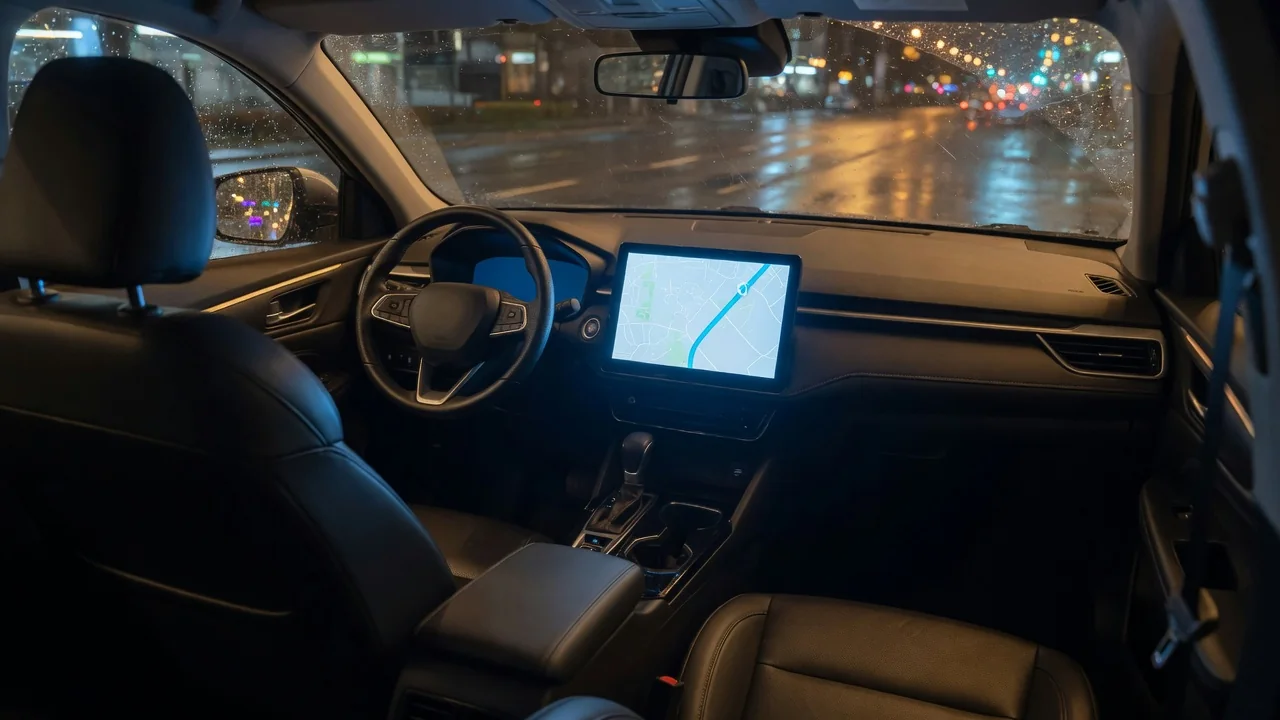
A car navigation system is more than a map on a screen. To make routing faster and more convenient, most units keep a record of what you search for and where you drive, and many let you save personal places for one-touch guidance. Knowing what car navigation saved data usually includes, where it can live, and how to remove it helps you protect your privacy when you lend, sell, trade in, or return a vehicle.
Destinations
The most common item a navigation system remembers is a list of recent destinations. Each time you enter an address, pick a point of interest, or select a spot on the map, the system usually adds it to a history list so you can reuse it later. Many units also keep the search terms you typed, such as a business name or a street, along with categories you browsed, like fuel stations or restaurants. The length of this list and whether old entries drop off automatically vary from system to system.
Beyond recent entries, drivers can often save favorites or build a personal address book inside the navigation unit. These saved places may carry custom names, which can reveal more than the address itself, for example a label identifying a doctor's office, a school, or a friend's house. Some systems also store the last active route, waypoints added to a multi-stop trip, and the vehicle's last known position so guidance can resume after the engine restarts. Where a unit offers a trip log or route recording feature, it may keep a record of roads actually traveled, not just destinations that were entered.
Connected vehicles add another layer. If the navigation system is linked to a manufacturer account or a companion smartphone app, destinations sent from the phone, searches made through an online service, and favorites synced across devices may be stored both in the car and on remote servers. When a phone is paired, the system may also be able to show addresses from the phone's contacts. Whether those contact addresses are copied into the car's memory or only displayed while the phone is connected depends on the specific design.
Home Address
Most navigation systems offer a dedicated home shortcut, and many add a work or similar preset. Setting it is convenient because it turns the most frequent trip into a single tap or voice command. It is also the most sensitive single entry the system holds. Anyone who can sit in the car and open the navigation menu may be able to see where the owner lives and start guidance there, without needing any other information.
The home address can appear in more than one place. It may be stored as the home preset, show up again in the recent destinations list, be saved among favorites, and be tied to a driver profile if the vehicle supports multiple profiles. In connected systems it may also be held in the online account that syncs with the car. Because of this duplication, changing or deleting the home preset alone does not necessarily remove every trace of the address. Drivers who prefer not to store it at all can leave the preset empty and type the address when needed, or use a nearby public location as a shortcut instead.
Cleanup
Cleaning up navigation data usually happens at several levels. The narrowest option is deleting individual entries from the recent destinations or favorites list, which suits a driver who wants to remove a single trip while keeping the rest. Most systems also provide a way to clear the entire history, reset or delete the home and work presets, and empty the saved places list. These options are typically found in the navigation settings or in a general privacy or personal data menu, and the owner's manual for the specific vehicle describes the exact path.
When the car is leaving your hands for good, a broader reset is generally more appropriate. Many infotainment systems include a function to restore factory settings or delete all personal data, designed to remove stored destinations, presets, paired phones, and profile settings together. It is also sensible to unpair your phone from the car and remove the car from your phone's list of devices so the two do not reconnect later. If the vehicle uses a manufacturer account or a connected services subscription, removing the vehicle from that account or transferring it properly is a separate step, because a reset inside the car may not change what the online account still holds.
After a reset, check the result directly: open the destination history, favorites, and home preset to confirm they are empty, and verify that your phone no longer appears in the paired device list. If something remains or the menus are unclear, a dealer service department can usually explain the correct procedure for that vehicle.
Practical Implications and Limits
These mechanisms matter most at handoff moments: selling privately, trading in, ending a lease, returning a rental, or lending the car to someone for an extended period. Rental and shared vehicles deserve particular attention because a previous driver's destinations, and possibly a paired phone, may still be visible to the next person. Removing your own data before returning such a car takes only a few minutes and avoids leaving a trail for strangers.
There are also limits to what a menu-based cleanup can promise. Deleting data through the screen removes it from normal view and normal use, but a driver generally cannot confirm how storage is handled internally or whether copies exist in other vehicle modules. Data held by a manufacturer, a connected services provider, or a third-party app is governed by that company's own retention practices and account settings rather than by a button in the car. Navigation memory is also only one part of a modern vehicle's data; telematics and other systems may record information independently of the map. Treat the in-car reset as an essential step, not a guarantee, and review the privacy settings of any accounts linked to the vehicle.
Keeping stored data lean during ownership also reduces what needs to be removed later. Saving only places you actually reuse, avoiding descriptive labels for sensitive locations, and clearing old history from time to time make the system easier to clean and limit what a casual observer could learn from the screen.