Why Does a Car Remember Recent Destinations?
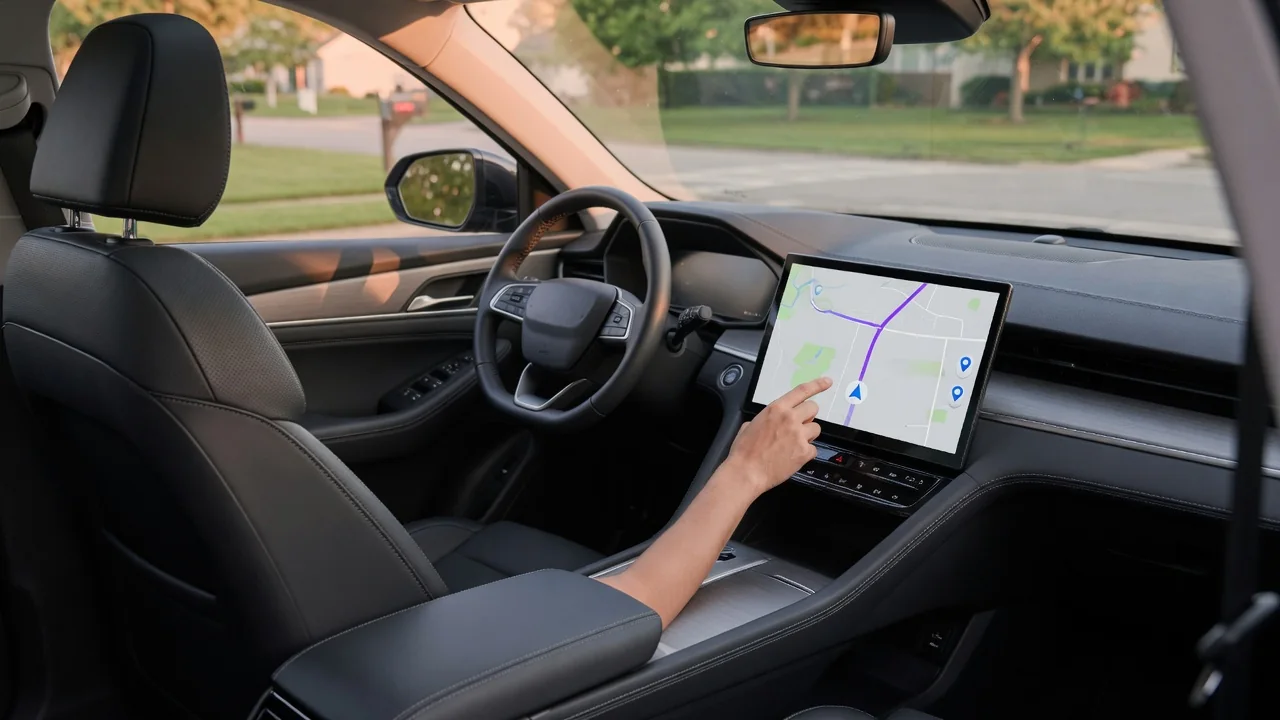
Anyone who has opened a navigation screen and seen last week's trips lined up may wonder why does a car remember recent destinations at all. The short answer is convenience: the system saves where you have been so you can return with fewer taps. That same memory carries privacy implications worth understanding before you lend, sell, or return a vehicle.
Stored places
A built-in navigation system keeps several kinds of location records. Recent destinations are logged automatically each time a route is started, while favorites, a home address, and a work address are saved deliberately by the driver. Some systems also keep typed search terms, so a partly entered street name brings up earlier matches. The purpose is to cut down on typing, which is slow and distracting on a touchscreen, and to let a frequent trip begin from a short list on the map screen.
What you see depends on the vehicle. Some infotainment units show a simple chronological list, others group entries under a previous destinations menu or suggest a likely route based on the time of day. Certain systems learn regular trips and offer a commute prediction without any address being saved by hand. The number of entries kept, and whether older ones drop off automatically, differs between manufacturers and software versions, so the owner's manual or the navigation settings menu is the reliable reference for a particular car.
Profile links
Many newer vehicles tie navigation history to a driver profile rather than to the car as a whole. A profile may be selected on the screen, linked to a particular key, or recognized through a paired phone. When that happens, each driver sees their own recent places, seat position, and audio preferences, and a second driver in the household may find a completely different list. This explains why destinations sometimes seem to appear or vanish depending on who unlocked the car.
Profiles can also connect to a manufacturer account or companion app, which may sync saved places between the phone and the vehicle, or send a destination to the car before a trip. In that arrangement, history may exist both in the head unit and in an online account, and clearing one does not necessarily clear the other. Phone projection adds another layer: when maps run from a mirrored phone, recent searches generally belong to the phone's mapping app and account, not to the car's own navigation memory.
Delete history
Most navigation systems offer a way to remove stored locations, usually within the navigation or privacy settings. Options commonly include deleting a single entry, clearing the whole list of recent destinations, and removing saved favorites or the home address separately. Because the menu names and paths vary by brand and model year, the manual or on-screen help is the best guide. It is worth checking the list again afterward, since some systems treat recent destinations, search history, and learned routes as separate items.
A broader cleanup matters when a vehicle changes hands. Before selling, trading in, or returning a lease or rental, many owners use the infotainment system's factory reset, which is intended to wipe personal data such as navigation history, paired phones, and contacts. If the car is linked to an online account, removing the vehicle from that account and signing out of the profile is a sensible companion step. A home address left in a sold car, alongside a garage door opener pairing, is an avoidable exposure.
Everyday Use and Observations
In daily driving, the stored list mostly works in your favor. A repeat trip to a clinic, a customer site, or a relative's house starts with one selection instead of a full address entry. Voice commands often lean on the same data, so saying go home only works once a home location has been saved. On electric vehicles, a set destination may also feed route planning for charging stops, which gives remembered places a practical role beyond directions.
The same list is visible to anyone who uses the screen. A valet, a repair shop, a borrowing friend, or a family member can scroll through recent trips unless the system provides a restricted or guest mode. Drivers of shared, fleet, or rental vehicles frequently find a previous user's addresses still present, which shows how easily the data lingers. Noticing what appears when the destination menu opens is a simple way to learn what your own car is keeping and how long entries stay.
Limits and Next Steps
Clearing the on-screen list has limits. It addresses what the navigation menu shows, but a connected vehicle may transmit location-related data to the manufacturer under its privacy terms, and that information is managed through account or data-sharing settings rather than the history menu. Some vehicles let you reduce or switch off location sharing, sometimes at the cost of connected features such as live traffic or remote services. What is collected and what can be disabled varies by manufacturer and region.
A practical approach is to decide how much convenience you want and set the car up accordingly. Keep useful favorites, clear recent destinations periodically if others use the vehicle, and consider saving a nearby intersection instead of your exact home address. If a setting cannot be found or history returns after deletion, a synced account or profile is the likely source, and the dealer or the manufacturer's support line can confirm how that specific system stores and removes data.