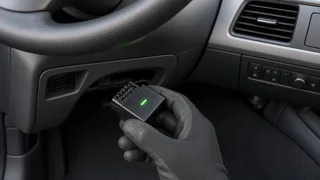
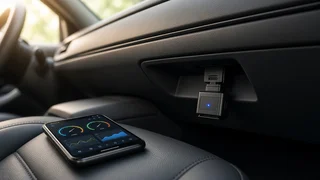
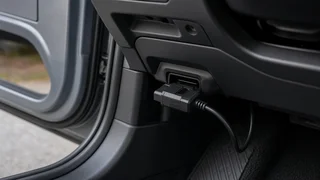
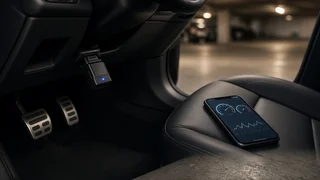
Vgate Bluetooth OBD2 Adapter
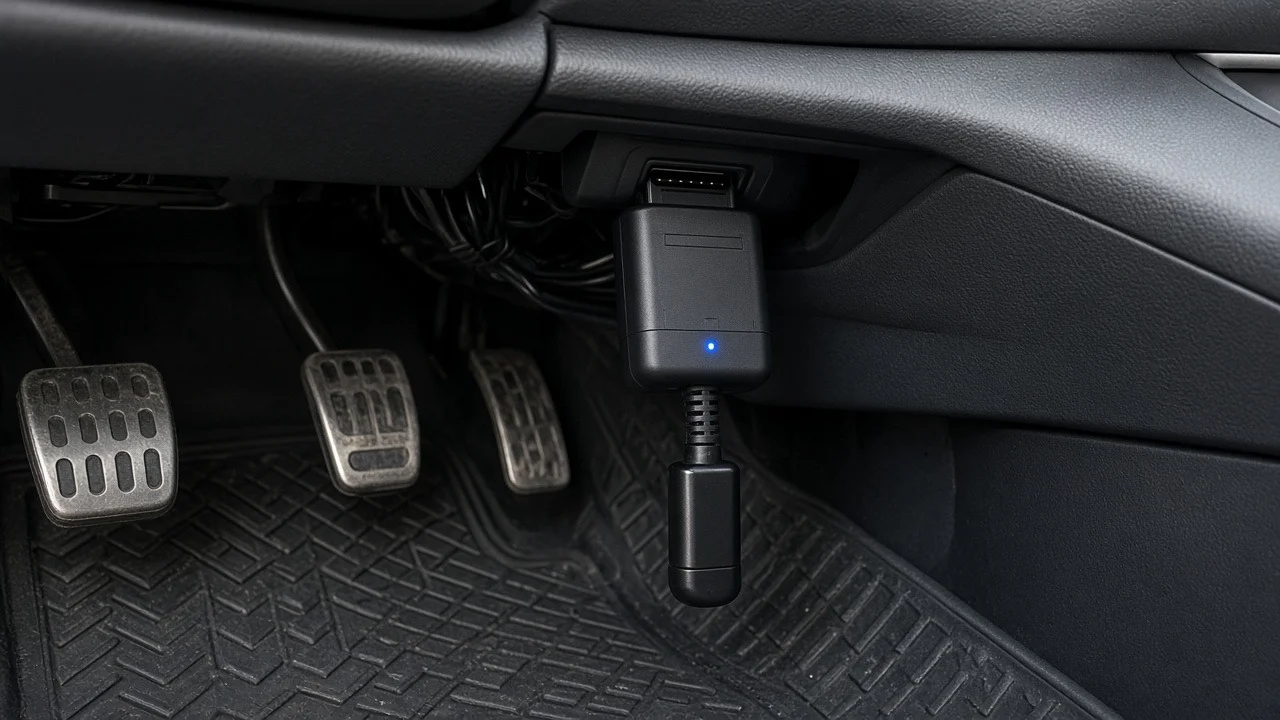
Choosing a Vgate OBD2 Bluetooth adapter starts with how you plan to use vehicle data. The adapter plugs into the diagnostic connector and sends powertrain information to a phone or tablet, so the real value comes from what the companion software can display. Before buying, confirm that the adapter supports your vehicle's communication protocol and that your app can connect through the chosen Bluetooth profile. A stable device pairing and a clean connection setting matter as much as the hardware itself. This guide covers the practical checks that help you avoid a purchase that fits the port but not your workflow.
The direct answer
A Bluetooth OBD2 adapter is a reasonable choice when you want wireless access to engine data, readiness monitors, and basic fault codes from a mobile app. The Vgate-style interface adapter works as a bridge between the vehicle's diagnostic network and your smartphone. It is not a standalone scan tool, so the usefulness depends on the app you pair with it. Confirm that the adapter supports your vehicle's OBD2 implementation and that your phone uses a compatible Bluetooth version before relying on it for troubleshooting or live data.
Because diagnostic trouble codes are only a starting point, a stored code indicates where to investigate rather than a failed component. Different manufacturers can assign different meanings to the same code, so vehicle-specific confirmation is needed when a generic reading appears. For purchase decisions, verify that the adapter can maintain a steady connection, does not interfere with other Bluetooth accessories, and works with the operating system you intend to use. Vehicle integration should be straightforward, not an ongoing project.