Update Garmin nüvi 50LM
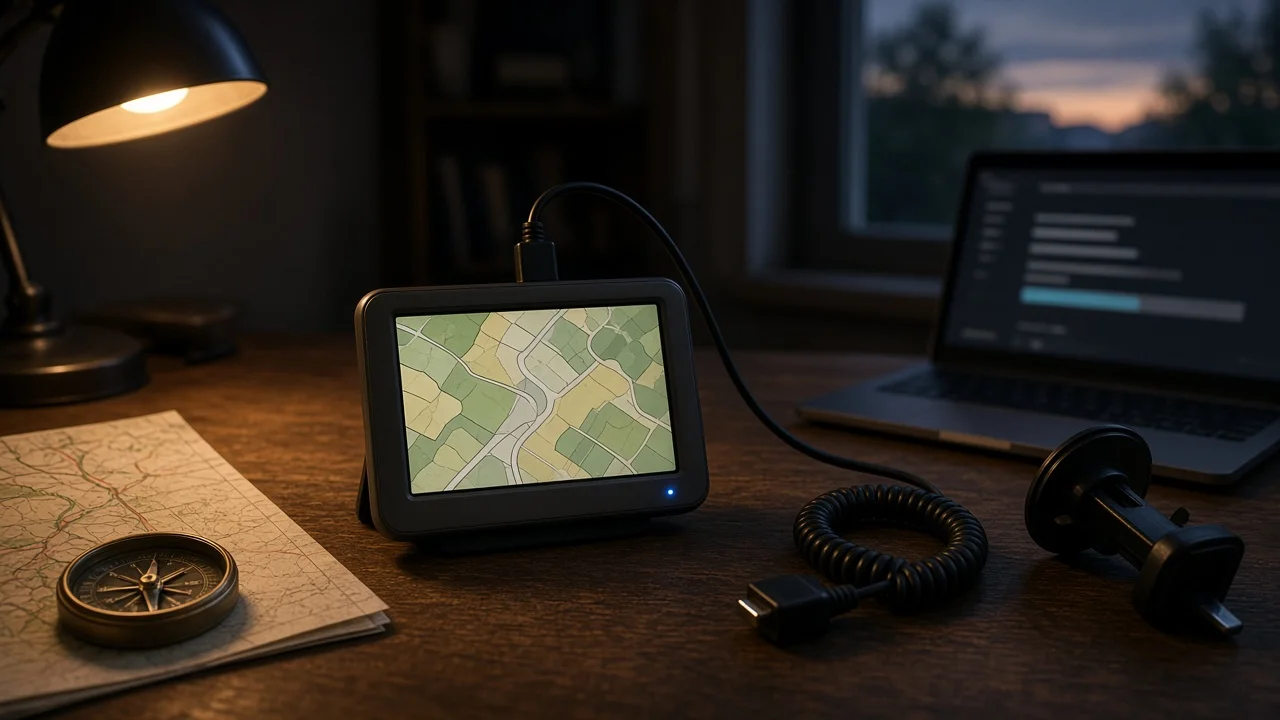
The Garmin nüvi 50LM is a portable, dash-mounted satnav from Garmin's older nüvi line. If you want to bring its maps or software up to date, the answer depends on two things: the update method Garmin uses for its portable navigators, and whether Garmin still supports this particular model. This guide covers both and notes where the available information falls short.
The short answer
Garmin's portable car navigators are normally updated with Garmin Express. This is a free desktop program for Windows and macOS. You connect the device to a computer with a USB cable, and the program checks for map and software updates. The device does not update itself over Wi-Fi or a phone connection. The main caveat is that Garmin has ended map update support for a number of older nüvi models over time. No confirmed evidence was available for this guide on whether the 50LM still receives new map releases, so check its current status in Garmin Express or with Garmin support before you plan around it.
What the LM suffix means
In Garmin's naming, LM stands for Lifetime Maps. It means map updates were included with the device at no extra charge. Garmin ties lifetime coverage to the useful life of the device and to its continued support for that model. It does not mean updates for as long as the owner keeps the unit. If a model reaches end of support, the lifetime map entitlement no longer delivers new map releases, even though the device may keep working with the last maps it installed.
How the update process generally works
1) Install Garmin Express on a Windows or macOS computer. 2) Connect the nüvi 50LM to the computer with a suitable USB data cable. A charge-only cable will not work. 3) Open Garmin Express and add the device when it is detected. 4) Let the program check for available map and software updates, then select the ones to install. 5) Keep the device connected and the computer awake until the installation finishes. Map downloads can be large and may take a long time. 6) Safely disconnect the device and confirm on the unit that the new map version shows in its settings.
Qualifications that can change the outcome
Model support status: Map updates only work if Garmin still publishes new maps for this model. If Garmin Express finds the device but offers no map updates, the model may have reached end of support rather than having a fault.
Internal storage: Older portable navigators have limited built-in memory, while map data tends to grow with each release. Garmin Express may report that there isn't enough space. It may then suggest removing some map regions or adding a memory card, if the device has a card slot. No confirmed storage figures for the 50LM were available for this guide.
Map updates versus software updates: Garmin Express handles two kinds of update. Map updates change the road and points-of-interest data. Software, or firmware, updates change how the device itself runs. One kind may still be offered when the other is not, so check both.
Region: This guide is written for US readers. The maps bundled with the device and the regions covered by lifetime updates can differ by the market where the unit was sold.
Gaps in the available information
No confirmed evidence specific to the nüvi 50LM was available for this guide. That includes its current support status, its latest map or software version, its storage capacity, and any end-of-support date. The steps above describe Garmin's general update method for portable car navigators and are not a verified procedure for this exact unit. For a definite answer, connect the device to Garmin Express and see what it offers, or contact Garmin support with the device's serial number.