Tesla Phone Key on Android
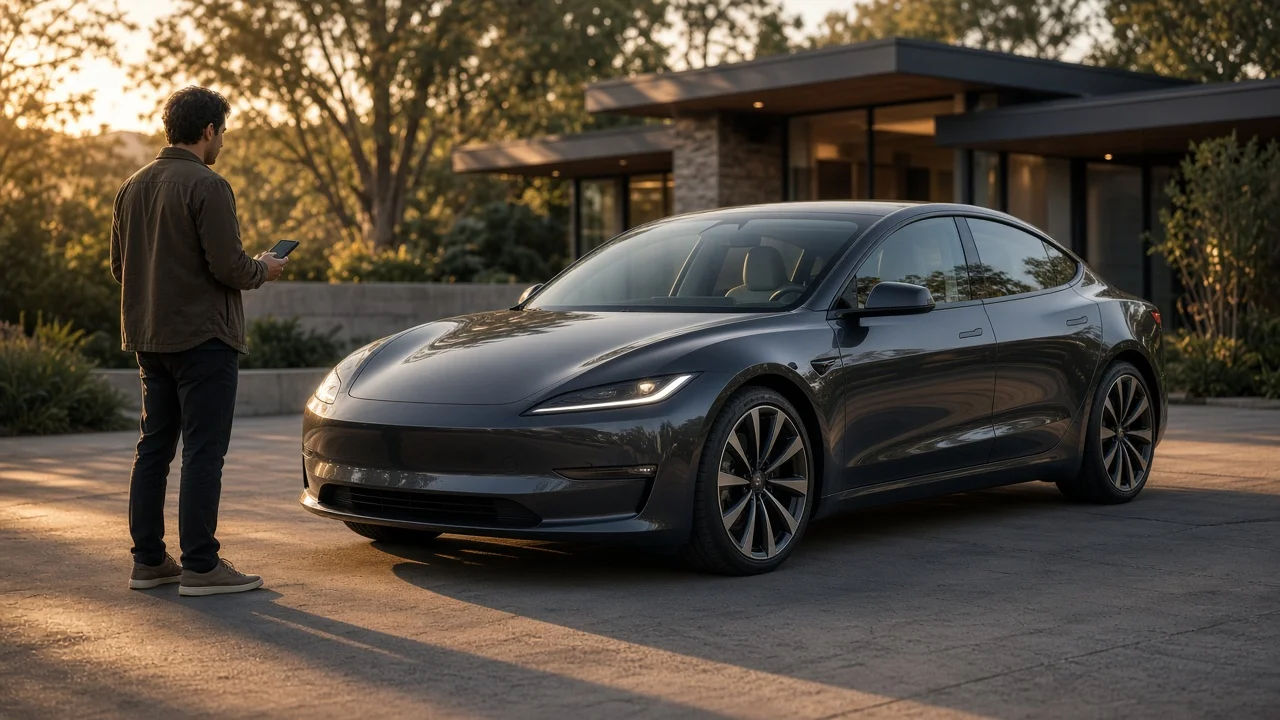
A Tesla phone key turns an Android device into a secure vehicle access credential, allowing entry and drive-away without a traditional fob. The system combines Bluetooth positioning, app-based authentication, and encrypted communication with the car. Unlike a simple remote transmitter, the phone key is an active digital identity that the vehicle can recognize when the device is nearby. Android users need to understand how this feature works, what may prevent it from operating reliably, and where a conventional mechanical key or key card remains useful as a backup. Several practical choices affect daily convenience and roadside recovery.
Essential answer
The android digital car key tesla concept is not a single universal feature across every model or software version. In practice, Tesla’s phone key uses the manufacturer’s app and Bluetooth communication to let a paired Android phone act like an intelligent key. When the phone approaches the vehicle, the car may unlock, prepare the driver profile, and allow starting once the device is inside. The essential point is that phone-as-key operation is a convenience layer built on top of the car’s access control system; it does not remove the underlying need for authentication.
A phone key differs from a conventional remote transmitter because the credential lives in the app and depends on phone hardware, operating system permissions, battery state, and nearby radio conditions. If Android power management closes the background service or if Bluetooth is turned off, the vehicle may not detect the phone. The mechanical key, key card, or a paired fob remains the fallback. The direct answer is that an Android phone can serve as a Tesla key when properly configured, but reliable use requires the app, a supported phone, and an understanding of the conditions that may interrupt the connection.