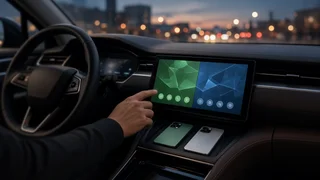
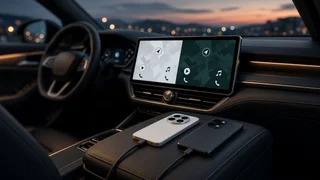
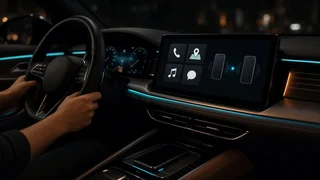
Does Tesla Have Apple CarPlay or Android Auto?
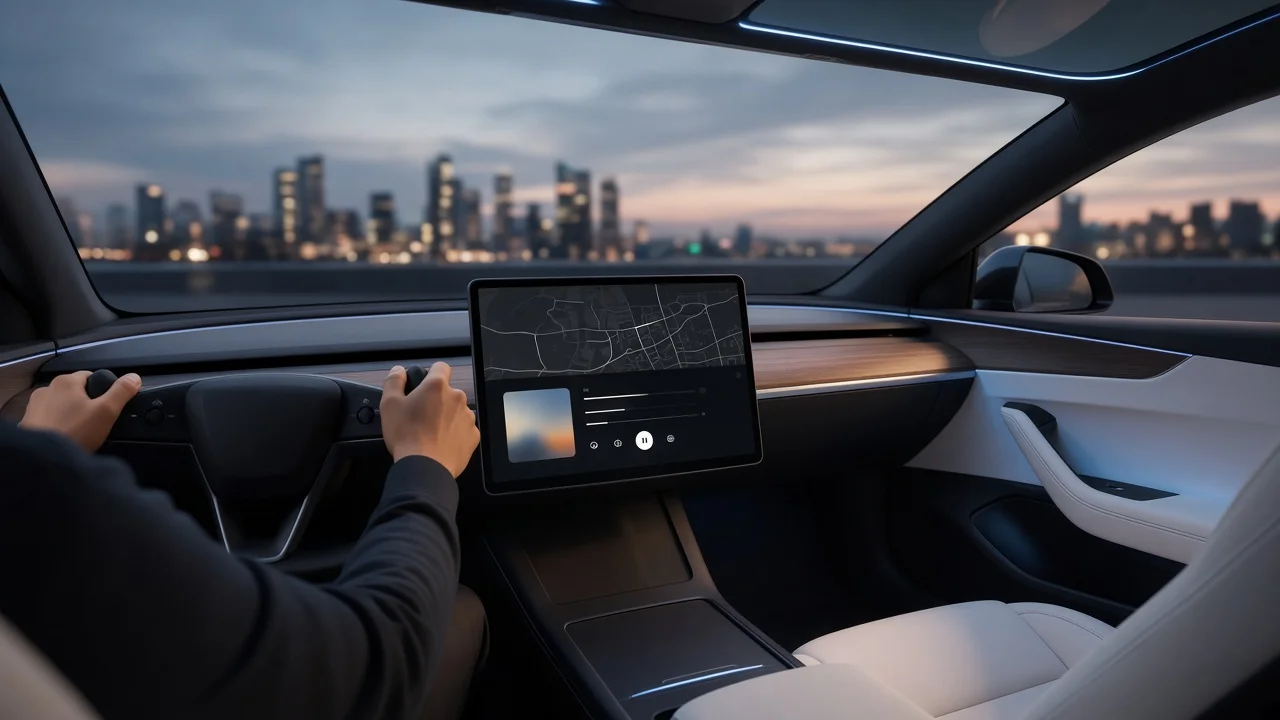
If you are shopping for a Tesla or just took delivery of one, you have probably noticed that the touchscreen looks nothing like the phone-mirroring interfaces found in most other new cars. That raises a common question: does Tesla have Apple CarPlay or Android Auto? This guide gives the direct answer, explains what Tesla provides instead, and outlines the unofficial workarounds some owners use.
The Short Answer
No. Tesla does not offer native Apple CarPlay or Android Auto support in its current lineup, including the Model 3, Model Y, Model S, Model X and Cybertruck. Plugging an iPhone or Android phone into a Tesla USB port will charge it and may allow certain media or storage functions, but it will not launch a CarPlay or Android Auto interface on the main screen.
One qualification matters: Tesla updates its vehicles over the air, so features can change without a trip to a service center. If built-in phone projection were ever added, it would most likely arrive through a software update rather than new hardware. Anyone for whom CarPlay or Android Auto is a deal-breaker should check Tesla's current software release notes before buying rather than relying on older information.
Why Tesla Takes a Different Approach
Tesla has not built its infotainment system around phone projection. Instead, the company designs its own software stack and treats the touchscreen as the central control point for the entire vehicle. The reasons below are editorial interpretations of that strategy, not official Tesla statements.
Integrated navigation: Tesla's built-in maps are tied to the vehicle's battery data and charging network, so route planning can account for state of charge and suggest charging stops. A projected phone app would not have the same depth of vehicle integration. Unified interface: Climate, driving settings, camera views and media all live in one system. Tesla appears to prefer keeping drivers inside that single interface rather than switching to a separate phone layer. Software control: Owning the full experience lets Tesla push updates on its own schedule without depending on Apple's or Google's software compatibility requirements. Data and services: Keeping navigation, media and connectivity in-house supports Tesla's own subscription offerings and product ecosystem.
What Tesla Offers Instead
Most of the everyday tasks people use CarPlay or Android Auto for can be handled by Tesla's native software, although the experience is different and some functions depend on software version, region and whether the vehicle has a connectivity subscription.
Task | Typical CarPlay / Android Auto approach | Tesla native approach; Navigation | Apple Maps, Google Maps, Waze on the car screen | Built-in Tesla navigation with charging-aware route planning; Music and podcasts | Phone apps projected to the screen | Built-in streaming apps (availability varies by region and software), plus Bluetooth audio from the phone; Phone calls | Phone dialer projected to the screen | Bluetooth calling with contacts and recent calls on the touchscreen; Text messages | Siri or Google Assistant reads and dictates messages | Bluetooth messaging with voice dictation, if the phone shares notifications; Voice control | Siri or Google Assistant | Tesla's own voice commands for vehicle, navigation and media functions; Calendar | Phone calendar app | Calendar sync through the Tesla mobile app
A few practical differences stand out. Third-party navigation apps such as Waze or Google Maps cannot be projected onto the main display, so drivers who rely on community traffic alerts or specific app features often keep their phone in a mount. Podcast and audiobook apps that are not built into the Tesla interface can still play through Bluetooth audio, but you control them mostly from the phone or with basic play, pause and skip commands.
How Phone Pairing Works in a Tesla
Because there is no CarPlay or Android Auto, device pairing in a Tesla relies on standard Bluetooth plus the Tesla mobile app. The two serve different purposes.
Bluetooth pairing: Found in the Bluetooth section of the vehicle's connection settings on the touchscreen. Once paired, the phone handles calls, audio streaming, contacts and messages. On an iPhone, you typically need to allow contact syncing and enable notification sharing in the phone's Bluetooth device settings for messages to appear in the car. Phone key: Set up through the Tesla app, this lets the phone act as a key so the car unlocks and is ready to drive when you approach. It is separate from Bluetooth audio pairing, even though both use Bluetooth. Tesla app: Used for remote climate control, charging management, sending destinations to the car's navigation and syncing calendar events. Driver profiles: Each profile can be linked to a specific phone, so seat position, mirror settings and media preferences adjust for the person driving.
For many owners, the combination of Bluetooth audio, the phone key and sending destinations from the app covers most of what they used CarPlay or Android Auto for in previous vehicles.
Aftermarket Workarounds
Some owners who want a CarPlay or Android Auto experience turn to third-party products. None of these are made or supported by Tesla, and their quality, reliability and long-term software compatibility vary widely. They generally fall into two categories.
Standalone CarPlay or Android Auto Displays
These are small, separate screens that mount on the dashboard or near the main display. The phone connects to the screen wirelessly or by cable, and audio is usually sent to the car through Bluetooth or an auxiliary connection. They are relatively simple to install and do not modify the vehicle's software, but they add another screen to the cabin and do not integrate with the steering wheel interface or Tesla's own controls.
Browser-Based Interface Adapters
A different approach uses a small interface adapter, often based on a single-board computer, that connects to the phone and then streams the CarPlay or Android Auto interface to the Tesla's built-in web browser. This puts the projected interface on the main touchscreen, but it depends on the browser being usable in the car, may be limited while driving, and can break when Tesla changes its software. Setup is typically more involved than a standalone display.
Trade-Offs to Consider
No official support: Tesla does not endorse these products, and a future software update could disable or degrade them. Limited vehicle integration: Steering wheel controls, voice commands and vehicle data generally do not interact with the third-party interface. Distraction and placement: An extra screen or a browser-based display may not be positioned or designed with the same attention to driver distraction as factory systems. Installation and wiring: Products that draw power or connect through the car's ports should be installed carefully; consult Tesla service if you are unsure how an accessory might affect the vehicle.
Does This Vary by Model or Model Year?
The absence of native CarPlay and Android Auto applies across Tesla's lineup rather than being limited to a particular trim or powertrain. What does vary is the overall infotainment experience. Older Model S and Model X vehicles with earlier touchscreen computers run slower hardware and may not receive every newer app or feature, while more recent vehicles generally support the latest software features. Streaming services and connected features also depend on region and on whether the car has Tesla's paid connectivity package or only standard connectivity.
Is the Lack of CarPlay a Deal-Breaker?
That depends on how you use your phone in the car. Drivers who mainly want navigation, music and hands-free calls often find Tesla's built-in system capable and quick to learn, especially given its charging-aware route planning. Drivers who depend on a specific navigation app, a niche audio app, or the familiarity of moving between cars with the same phone interface may find the adjustment frustrating.
Before buying, it is worth spending time with Tesla's interface during a test drive: pair your phone, try voice commands, stream your usual audio and enter a destination. That hands-on check is the most reliable way to judge whether Tesla's native vehicle integration meets your needs or whether CarPlay or Android Auto support should steer you toward a different vehicle.
Key Takeaways
Tesla vehicles do not include native Apple CarPlay or Android Auto. Tesla's own software handles navigation, media, calls and messages, with phone integration through Bluetooth and the Tesla app. Aftermarket displays and browser-based adapters can add a CarPlay or Android Auto experience, but they are unofficial and have integration limits. Because Tesla updates its cars over the air, check current release notes if phone projection support is essential to your decision.