How to Reset the Renault Captur Service Indicator
The Short Answer
On most Renault Captur models, you can reset the service indicator yourself without special tools. With the ignition on, open the maintenance or service screen on the instrument cluster or infotainment system, then press and hold the reset or confirm button until the display shows a fresh service interval. Which button and which menu depends on the Captur's generation and equipment. Some cases need a dealer or independent shop with Renault-compatible diagnostic software.
Resetting only clears the reminder. It doesn't service the car. Reset it after the scheduled work, such as an oil and filter change, has actually been done.
A Note for US Readers
Renault hasn't sold the Captur through a US dealer network, so US owners are usually dealing with an imported or grey-market vehicle. The reset procedure is the same as in the car's original market. However, US shops may not have Renault-specific diagnostic software. If the button method doesn't work, ask a shop whether it has a scan tool that supports Renault service functions before you book.
What the Service Indicator Does
The service indicator is a reminder built into the instrument cluster. It counts down the distance or time left until the next scheduled maintenance, then shows a warning message or symbol, often a wrench, when service is due or overdue.
Some Renault engines use a fixed interval. Others use a variable interval that the car adjusts based on how it's driven. Either way, the system doesn't measure the condition of the oil or parts directly in a way that replaces a real inspection. It only counts down from the last reset.
Identify Your Captur Generation First
The reset method depends mainly on the generation and the type of instrument cluster:
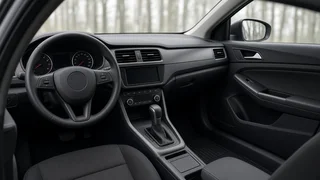
First generation (roughly 2013–2019, including the facelift): usually an analog-and-digital cluster with a trip computer. The reset uses the trip computer button, either on the cluster or at the end of the wiper or lighting stalk, depending on the version. Second generation (from about 2019 onward, including hybrid and plug-in hybrid versions): a digital or partly digital cluster controlled by steering-wheel buttons. On many trims, vehicle settings are also available through the central touchscreen.
If you aren't sure which version you have, check the owner's handbook supplied with the car. Its maintenance section describes the exact steps for your cluster.
Resetting on a First-Generation Captur
These steps follow the general Renault approach for trip-computer clusters. Button placement and on-screen wording vary by year and trim.
Park safely and turn the ignition on, or press the start button without pressing the brake or clutch, so the engine isn't running. Press the trip computer button repeatedly to scroll through the displays until you reach the screen showing distance or time remaining before the next service. Press and hold the trip computer or reset button for several seconds. Wait for the display to change, often after a brief flash, and show the full interval again. Turn the ignition off, then back on, and check that the new interval is still displayed.
If you let go too early, the display usually just moves to the next screen. Scroll back to the service screen and hold the button again.
Resetting on a Second-Generation Captur
Newer Captur models control the service reminder through menus rather than a single stalk button. Expect one of these paths, depending on cluster and multimedia version:
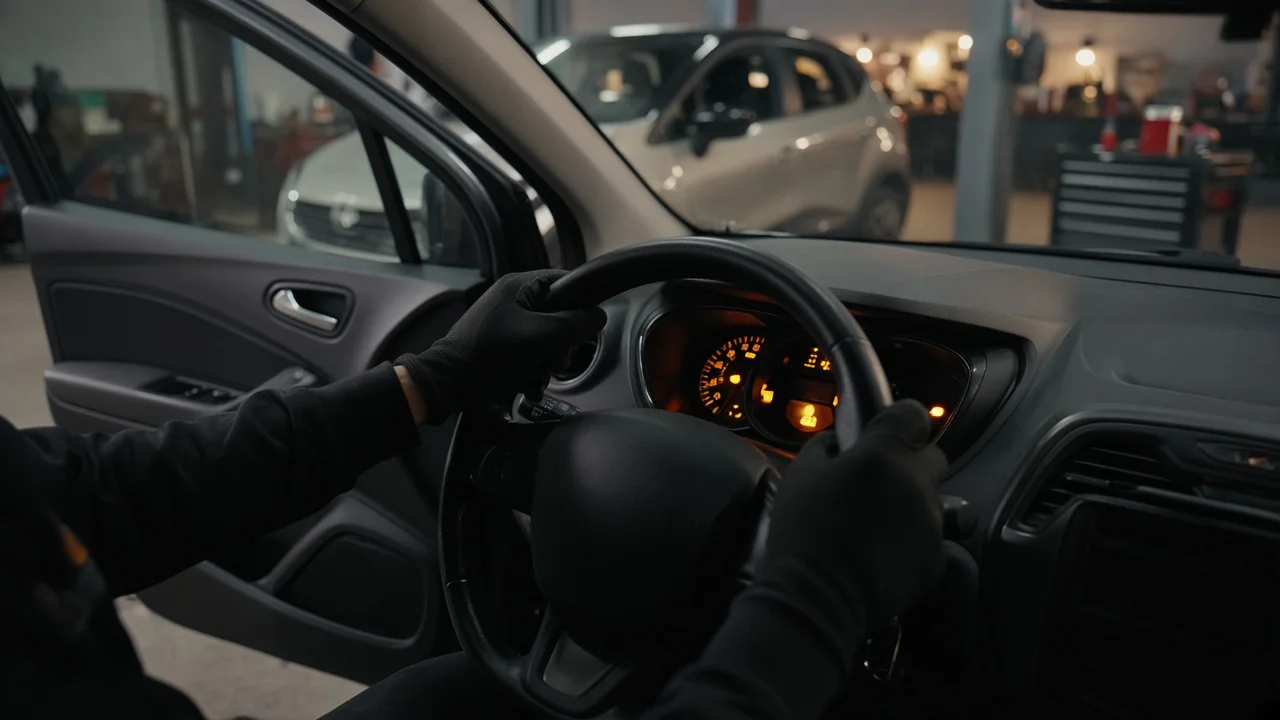
Instrument cluster: with the ignition on, use the steering-wheel buttons to open the vehicle or settings menu. Select the maintenance or service item, then press and hold the confirm (OK) button until the interval resets. Infotainment screen: on trims with Renault's touchscreen systems, open the vehicle settings and look for a maintenance or service entry. Choose the reset option and confirm when asked.
Menu names vary between software versions, so look for wording such as "Maintenance," "Service," or "Vehicle." On hybrid versions, the car may need to be in its ready or on state rather than just accessory mode for vehicle menus to appear.
If the Indicator Won't Reset
Make sure the ignition is fully on and you're on the service screen itself, not another trip computer display. Hold the button longer. A short press usually scrolls instead of resetting. Check whether the warning is actually a service reminder. Oil pressure, engine, or other fault warnings can't be cleared this way and need diagnosis. Some versions, or some types of service message, can only be reset with diagnostic software. A dealer or a well-equipped independent shop can do this. If a warning comes back soon after a correct reset, have the car checked rather than resetting it again.
When to Reset, and What to Record
Reset the indicator straight after the matching service is finished. If you reset it early or without doing the work, the next reminder will be wrong and maintenance may be missed. That matters most on engines where oil condition and timing-related parts depend on regular service.
If you service the car yourself, keep receipts for oil, filters, and parts, and note the date and mileage in the service book or your own records. A documented history helps with warranty claims where they apply and with resale. It also matters for imported vehicles, where buyers and shops may rely on your records rather than a dealer database.
Bottom Line
For most Captur owners, clearing the service reminder takes a minute: ignition on, go to the service screen, hold the reset or OK button. First-generation cars usually use the trip computer button. Second-generation cars use the cluster menus or the touchscreen settings. If the button method fails, a shop with Renault-compatible diagnostics can finish the job. Only reset after the maintenance is actually done.