Reset Dodge Charger check engine light
A Dodge Charger check engine light can mean anything from a loose fuel cap to an emerging sensor or emissions fault. Resetting the light without reading the stored trouble code may clear the warning temporarily, but it does not repair the condition that switched it on. The most useful first step is retrieving the diagnostic information, then addressing the confirmed cause before clearing the light and confirming the repair with the appropriate drive cycle.
Essential answer
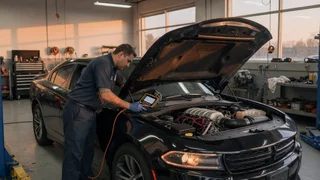
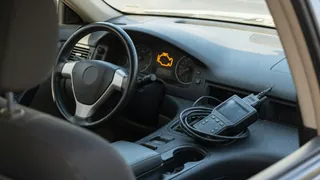
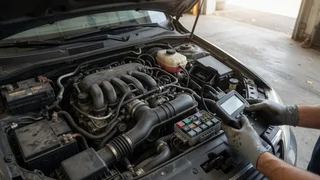
To reset a Dodge Charger check engine light, the most direct method is to connect a scan tool to the OBD-II port under the driver's side dashboard and command a fault code clear. This removes the stored diagnostic trouble code and turns off the warning lamp. However, clearing the code also erases freeze-frame data and the readiness monitor status, which inspection stations expect to see as complete. If the underlying fault remains active, the light will return as soon as the powertrain control module runs the monitor that detects the issue again.
Disconnecting the battery can also clear the light on many vehicles by removing backup power from the engine control module. While this may reset stored codes, it also resets learned fuel trims, idle behavior, and emission monitor progress. The vehicle may idle differently until the controller relearns. A scan tool reset is preferable because it preserves other controller data and lets you save the trouble code first. Before clearing anything, read and record the code, note the symptom conditions, and use service information to interpret it rather than assuming the first part mentioned has failed.