How to Reset the Check Engine Light on a Chevy Malibu
The Short Answer
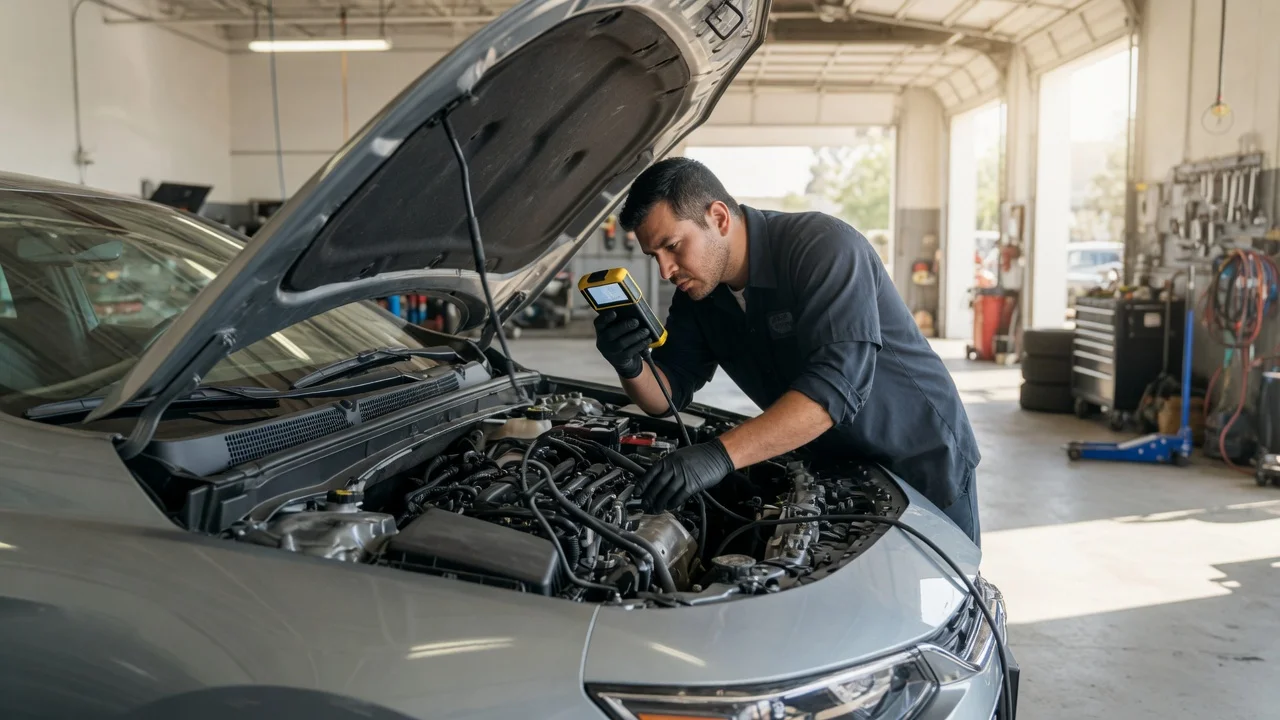
On an OBD-II-equipped Chevrolet Malibu, the usual way to turn off the check engine light is to find and fix the fault that triggered it, then clear the stored trouble code with an OBD-II scan tool. If the fault is truly fixed, the light may also go out on its own after the engine computer runs its self-tests over normal driving. OBD-II stands for On-Board Diagnostics, second generation, and it has been standard on US-market cars since the 1996 model year. If the problem is still present, the light will come back however you clear it.
One condition changes the answer. If the check engine light is flashing rather than steady, the engine is usually misfiring badly enough to damage the catalytic converter. In that case, reduce load and have the car checked promptly instead of trying to reset the light.
Scope and Model-Year Caveat
The Malibu has been sold across several generations, with four-cylinder, V6, turbocharged and hybrid powertrains depending on the year. The general OBD-II approach applies to all of these, since the diagnostic connector and generic code-clearing functions are standardized. No model-year-specific procedure was supplied for this article. That includes any dashboard menu, key-cycle or pedal sequence for clearing codes without a tool, so this guide does not claim that one exists for any Malibu year. Check the owner's manual for your model year before relying on a tool-free method.
Step-by-Step: Clearing the Light With a Scan Tool
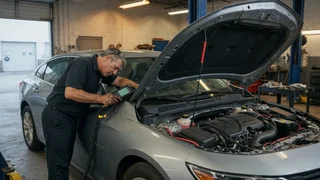
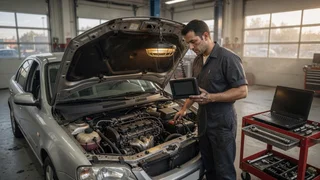
1) With the engine off, locate the OBD-II diagnostic port. It is a 16-pin connector usually found under the dashboard on the driver's side. 2) Plug in an OBD-II scan tool or code reader. 3) Turn the ignition on, or start the engine if the tool's instructions require it. 4) Read the stored diagnostic trouble codes (DTCs) and write them down before clearing anything. 5) Diagnose and repair the cause indicated by the codes. 6) Use the tool's clear or erase function to delete the codes and turn off the light. 7) Drive normally and watch whether the light returns.
Recording the codes first matters. Clearing them also erases the stored information a technician would use to diagnose the problem.
Common Simple Cause: The Fuel Cap
A loose, damaged or missing fuel cap is a frequent trigger. It lets fuel vapor escape, and the evaporative emissions (EVAP) system detects this as a leak. Tightening or replacing the cap fixes the cause. The light typically does not go off right away, though, and may take some driving to clear on its own. The supplied material does not specify how many drive cycles a Malibu needs.
What About Disconnecting the Battery?
On many vehicles, disconnecting the battery can erase stored codes. It is not a reliable or targeted method, however, and it can reset other settings such as the radio, clock and learned idle or transmission behavior. No Malibu-specific guidance was supplied on whether this works, how long to leave the battery disconnected, or what needs relearning afterward. A scan tool is the more predictable choice.
What Clearing Codes Affects
Clearing codes also resets the car's readiness monitors, the self-tests the engine computer uses to confirm emissions systems are working. Until those monitors finish over subsequent driving, the car may fail an emissions or inspection test, even with the light off. Clearing codes right before an inspection usually backfires for this reason.
When to Get Professional Help
• The light is flashing, or the engine runs roughly, hesitates or loses power. • The light returns after you clear it. • The codes point to a component you cannot diagnose or repair yourself. • You need the car to pass an emissions inspection soon after clearing codes.
Information Gaps
The supplied material did not include Malibu-specific service data. That means this guide cannot confirm three things for any particular model year: the exact drive-cycle requirements for the light to clear on its own, any built-in tool-free reset procedure, or battery-disconnect effects. Your model year's owner's manual or a Chevrolet service source is the place to verify those details.