Adding Apple CarPlay to a Mazda RX-8
The Short Answer
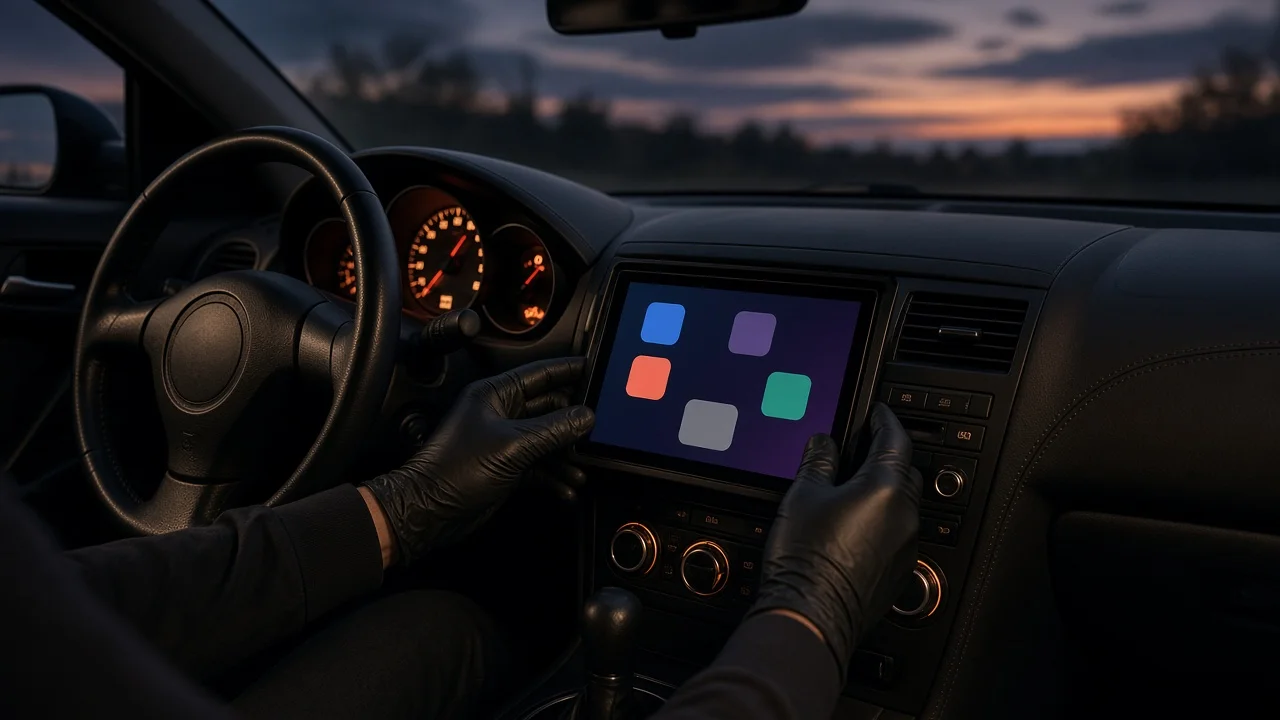
The Mazda RX-8 never offered Apple CarPlay from the factory, and no Mazda software update adds it. RX-8 production ended in 2012, while Apple introduced CarPlay in 2014, so no RX-8 model year or trim was built with it. If you want CarPlay in an RX-8, it has to come from an aftermarket solution, either a replacement head unit or a standalone CarPlay display.
Adding it is generally possible, but how simple it is depends on the car's model year, its factory audio system, and which approach you choose. Those variables matter more than any single product.
What Determines How Easy the Install Is
Three things decide how much work is involved: the model year, the factory audio system, and the steering wheel controls.
Model year and generation: The RX-8 was updated partway through production, and earlier and later cars differ in dash and center console design. A dash kit (the trim panel that adapts an aftermarket radio to the opening) must match your specific year range. Factory audio system: Some RX-8s were sold with an optional Bose premium audio system, and some had factory navigation. Cars with an amplified premium system typically need an integration interface so a new head unit can drive the factory amplifier correctly. This adds cost and complexity. Steering wheel controls: Keeping the factory audio buttons on the steering wheel usually requires a separate control interface module wired between the car and the new unit.
The Main Aftermarket Routes
There are two practical ways to get CarPlay into an RX-8. They differ in cost, effort and how integrated the result looks.
Approach | What it involves | Main trade-off; Replacement CarPlay head unit | Remove the factory radio and install an aftermarket CarPlay receiver using a vehicle-specific dash kit, wiring harness and any required amplifier or steering wheel interfaces | Most integrated result, but more parts, more labor and more fitment checks; Standalone CarPlay display | Mount a self-contained CarPlay screen on the dash or windshield and send audio to the car's stereo through an available input or a built-in FM transmitter | Minimal installation and reversible, but less tidy, and audio quality depends on the connection method
Wireless CarPlay adapters that plug into a USB port are not an option here. Those adapters only convert an existing wired CarPlay system to wireless, and the RX-8 has no factory CarPlay to convert.
Before You Buy Anything
Confirm your exact model year and whether the car has the Bose system or factory navigation. Use a retailer's or manufacturer's vehicle fitment tool to check that the head unit, dash kit and harness are listed for your specific RX-8. Check whether the head unit supports wired CarPlay, wireless CarPlay or both, and whether your iPhone and planned use suit that choice. Decide whether keeping the steering wheel controls and factory amplifier matters to you, because each adds a separate interface. If you are not comfortable removing trim and connecting wiring harnesses, budget for professional installation.
What This Guide Cannot Confirm
No verified source data was available for specific prices, part numbers, installation times or named kits for the RX-8. Product availability and compatibility also change over time. Treat the guidance above as a framework for planning, and verify fitment and pricing with current retailers or a qualified car audio installer before buying.