Kenwood DMX7709S steering wheel controls
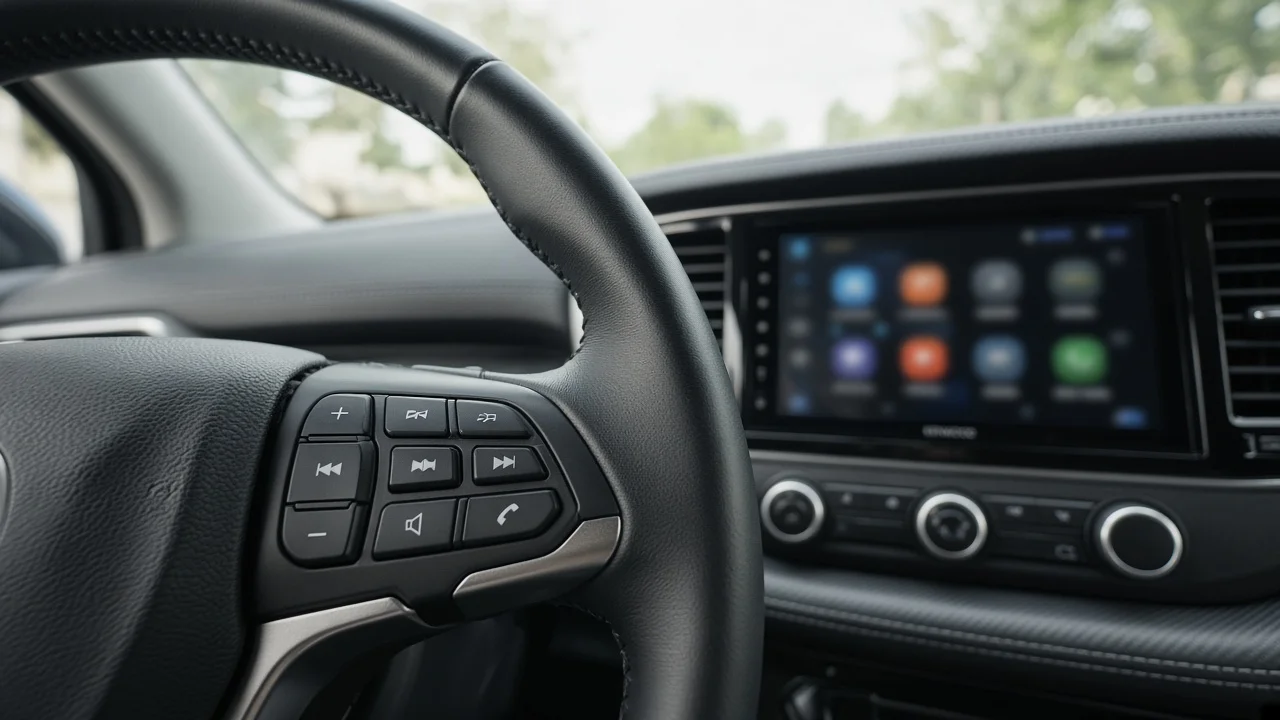
Factory steering wheel controls preserve focus, letting drivers manage audio and phone functions without taking a hand off the wheel. With the Kenwood DMX7709S, keeping those buttons active involves more than just a harness connection because the radio reads resistive signals through a vehicle-specific pathway. The question is less about whether this unit supports the feature and more about what is required for reliable communication between the existing switches, the stereo, and the car’s data network.
Essential answer
The DMX7709S has a wired remote input designed to accept commands from a steering wheel interface module, not directly from every factory button array. Most vehicles use an analog resistance ladder that changes voltage for each switch press, but the head unit needs a translated signal it can recognize. An interface adapter bridges that gap by decoding the OEM wiring, converting the resistance values into the data format the Kenwood expects, and often preserving illumination, ignition timing, and accessory power behavior.
Practical installation begins with identifying the vehicle’s control circuit and matching the adapter’s programmed firmware to the year, make, and model. The adapter usually connects between the radio harness and the vehicle plug, with a 3.5 mm jack or dedicated wire feeding the Kenwood remote terminal. After a successful connection, the radio typically offers a learning routine where each physical button is assigned to volume, track, voice, or phone functions. If the controls do not respond, checking the adapter’s programming, the remote wire polarity, and the ground path usually resolves the issue before blaming the stereo itself.