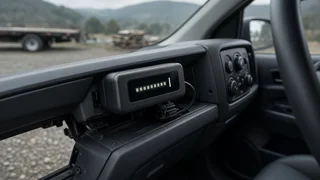
Kenwood DMX7704S steering wheel controls
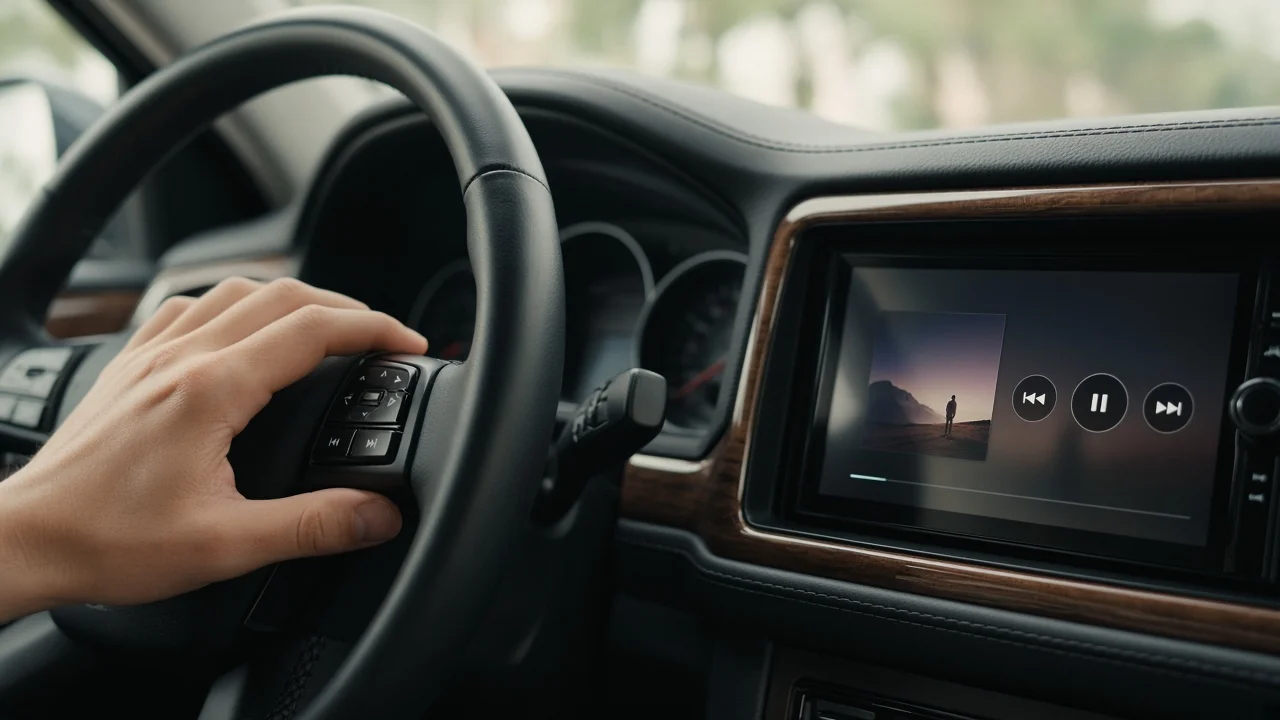
Steering wheel controls turn a modern head unit upgrade into a safer, more seamless driving experience, but keeping those buttons working often requires more than plugging in a harness. The Kenwood DMX7704S supports this functionality when the installation is planned around the vehicle’s existing resistive button network or data signal. Understanding the connection path, required interface module, and programming steps helps you avoid losing volume, track, and voice functions. This overview explains how the integration works and what to check before and after the radio is installed in your dashboard.
Essential answer
The Kenwood DMX7704S can retain factory steering wheel audio controls, but it does not read those buttons directly. Most vehicles send switch presses through a resistive ladder or a data wire that the stereo cannot interpret by itself. The installation therefore depends on a steering wheel interface adapter matched to the vehicle and a compatible connection to the receiver’s wired remote input. Without that conversion step, the buttons remain dead even when the radio powers on and speakers work.
Once the interface is wired and programmed, the head unit typically sees each button press as a remote command, allowing volume, track skip, mute, source, and voice functions to operate. The practical result is that factory controls feel close to original while the screen and audio processing are upgraded. Because vehicle wiring and adapter settings vary, confirmation for a specific year, trim, and factory audio system is the key step before ordering parts or finishing an installation.