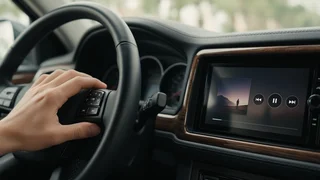
Kenwood DDX374BT steering wheel controls
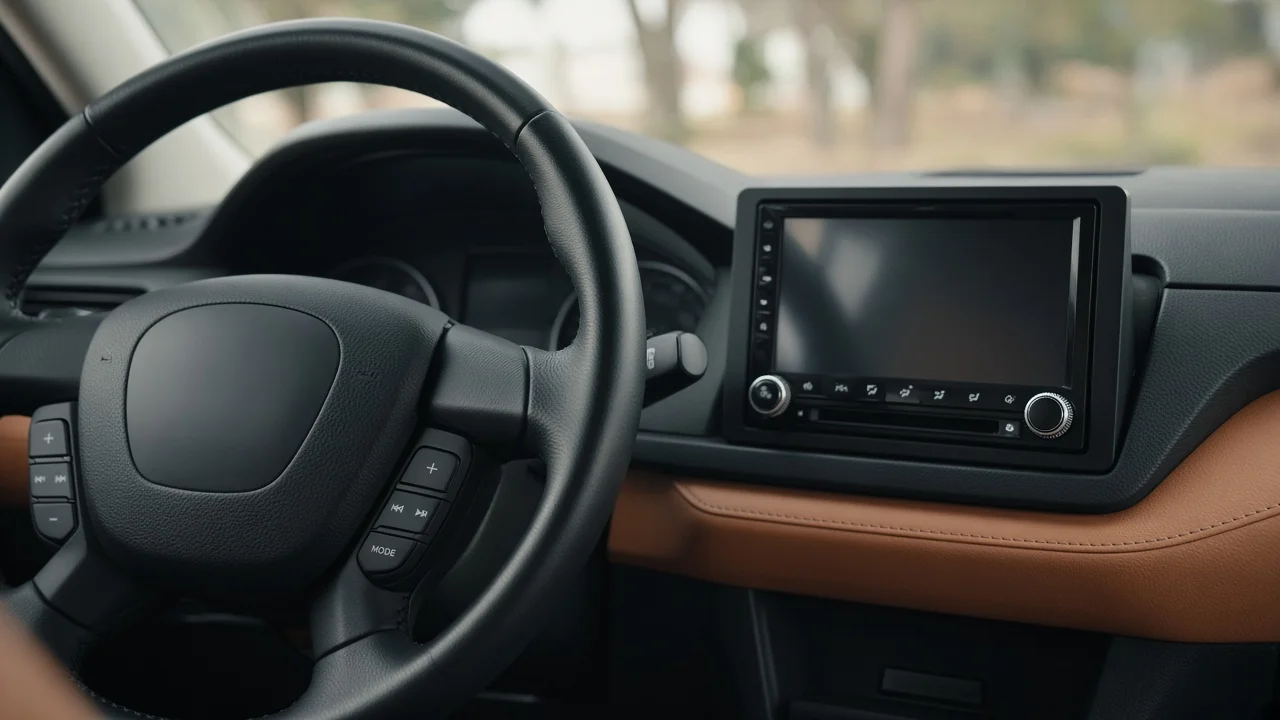
Steering wheel controls turn a Kenwood DDX374BT installation from a basic radio swap into a more complete vehicle integration. The question is not whether the head unit can receive those button signals in principle, but how the factory resistive switches, aftermarket interface module, and Kenwood remote input need to work together. Several factors change the practical answer: the vehicle platform, the original audio wiring, the adapter firmware or programming, and how the DDX374BT is configured for connected devices. Understanding that chain helps separate a simple connection issue from a deeper compatibility or setup problem.
Essential answer
The Kenwood DDX374BT can work with many factory steering wheel button layouts, but it does not read the vehicle’s switches directly. Most installations require a steering wheel interface adapter that converts the car’s resistive button signals into the data the Kenwood remote input expects. The adapter must be matched to the vehicle, and its output wire or plug must be connected to the correct remote control lead on the Kenwood harness. Some adapters also need programming for the specific head unit brand or model family.
Once the interface adapter is wired and programmed, the head unit typically needs its steering remote function set to the matching mode, where available. If buttons still do not respond, the issue may be in the adapter’s vehicle-side connection, the Kenwood remote input polarity, a loose ground, or a firmware setting. For manufacturer-dependent codes and exact wire colors, the vehicle-specific guide is required, but the general path remains the same: vehicle switches, adapter, and head unit configuration must all align.