ICON T10 Diagnostic Scanner: What to Look for in Reviews
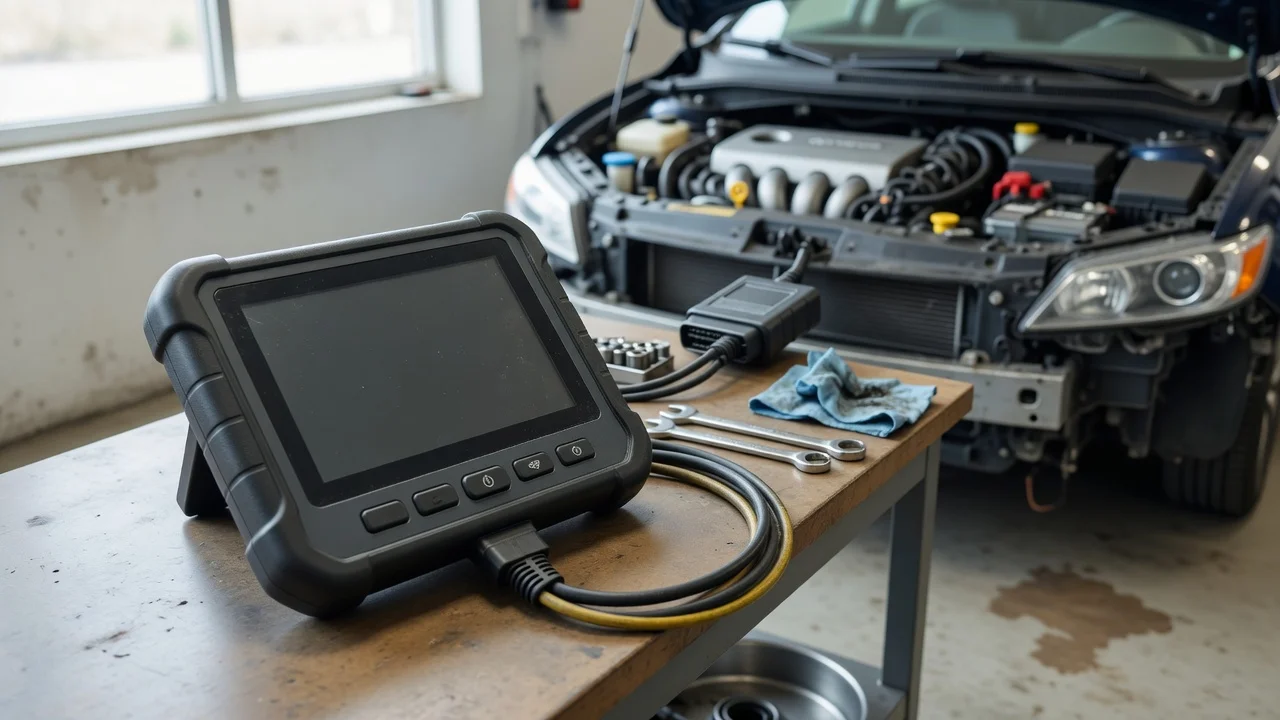
What the ICON T10 Scanner Is
The ICON T10 is marketed as a professional-grade diagnostic scan tool sold through Harbor Freight. It is positioned between basic code readers and more expensive bidirectional tools, offering broader vehicle coverage, live data, service functions, and a touchscreen interface. In reviews, it is often compared with the smaller ICON models and with Android-based professional scanners from other brands. The exact model designation and included accessories can vary by bundle, so a review should be read against the specific kit being sold.
What to Look for in Reviews
A useful ICON T10 review should identify the vehicle year, make, model, and system used during testing. Pay attention to whether the reviewer tested engine, transmission, ABS, airbag, or body modules rather than only reading engine codes. Confirm whether the review describes live data, graphing, freeze frame, and actuation or adaptation functions actually working on the vehicle. Reviews that only show an unboxing or menu screens provide less evidence of diagnostic capability than reviews that show a scan on a known vehicle with a confirmed fault.
Vehicle Coverage and Compatibility Checks
Compatibility for a diagnostic scanner depends on the vehicle's model year, market, and electronic architecture. Before buying, check the manufacturer's coverage information for the exact year, make, model, engine, and market of the vehicle you intend to service. The ability to communicate with OBD-II is not the same as full manufacturer-specific coverage. A review may show successful use on a recent domestic or Asian vehicle while not addressing coverage for older European models or network-specific functions.
Confirm the review vehicle's year, market, and powertrain match your intended use. Check whether the reviewer accessed all modules or only the engine computer. Look for statements about bidirectional controls, adaptations, and resets rather than code reading alone. Note any reported limitations with security gateway access or newer vehicle protocols.
Update Policy and Total Cost
A professional scanner's purchase price may not be the total ownership cost. Reviews should state whether software updates are included for a period or require a separate subscription, and whether coverage continues if the subscription lapses. Because prices and update terms change, treat any quoted cost as tied to a specific date, market, and retailer. Advertised bundle prices can differ from completed sale totals after added accessories or update plans.
Symptom Diagnosis and Common Misreadings
A diagnostic trouble code identifies a condition the control module detected, not a component that should automatically be replaced. A review showing a code followed immediately by a parts purchase may miss upstream causes such as wiring, connectors, supply voltage, or another module. In your own diagnosis, separate confirmed findings from plausible causes. If a reviewer reports a successful repair, check whether the evidence connects the diagnosis, repair, and confirming road test or scan.
What Reviews Often Leave Out
Many scanner reviews do not address long-term update behavior, cloud account requirements, repair information subscriptions, or regional coverage differences. A positive short-term review on one vehicle does not guarantee performance across a fleet or on future model years. Missing evidence does not mean the tool is unsuitable, but it should reduce the weight given to broad claims of universal compatibility.
Purchase Decision Checklist
Identify the exact vehicle years and systems you need to cover. Verify the manufacturer's coverage list, not only a reviewer's summary. Confirm included accessories, connectors, and update period. Check the cost of continuing updates after any introductory period. Compare the ICON T10 against other tools with the same diagnostic functions and update terms.