ICON T10 Diagnostic Scanner: What to Check Before Buying
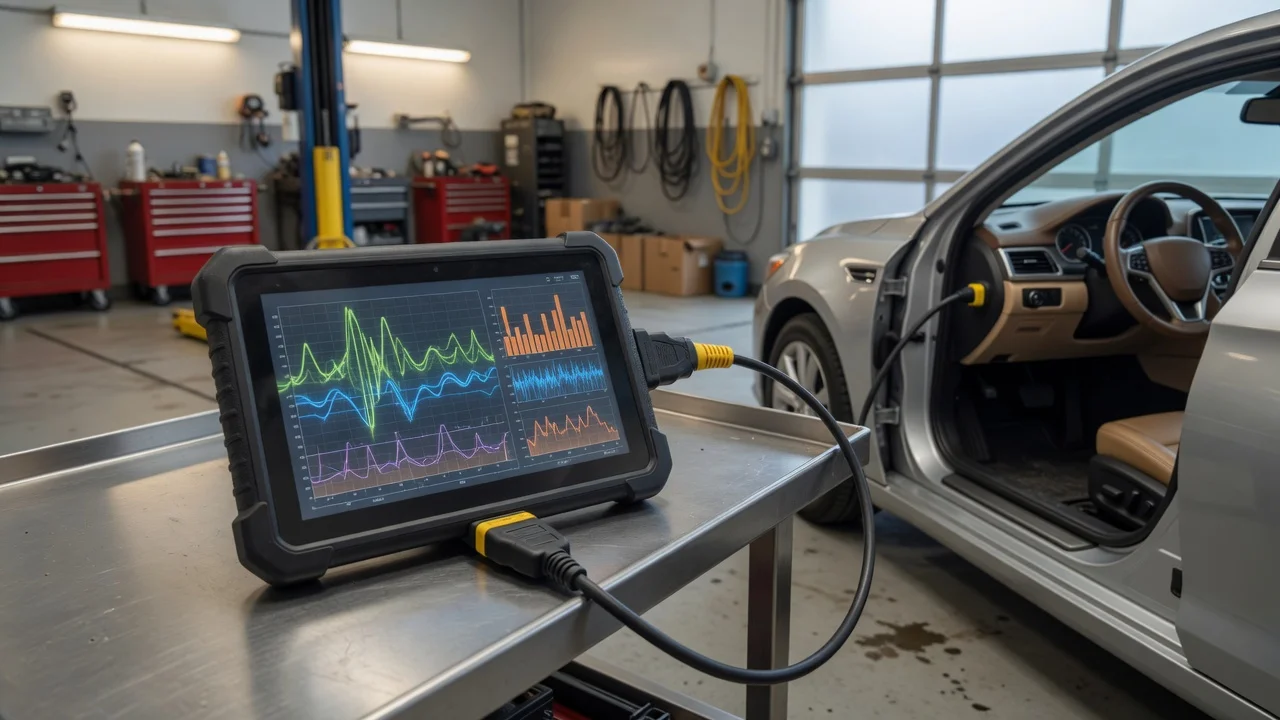
Start with the intended use
Define the environment where the scanner will be used. A shop floor, driveway, or mobile service van affects how you handle the device, connect it, and read results. Confirm the vehicle access style you expect: OBD-II port connection, cable length, and whether you need to move between vehicles frequently. Also consider the result you need. Some users only need fault code reading, while others require live data, bidirectional tests, or system coverage beyond engine and transmission. Match those expectations before comparing hardware.
Features that matter
Focus on specifications instead of assuming more features means better quality. Look for the protocols and vehicle systems the scanner supports, the update method for software, and the display size or interface that works with your lighting and work position. Pay attention to logging, exporting, and reporting options if you need to document a diagnosis. A specification such as wiring harness coverage or supported controllers is not the same as a tested performance result on a specific model.
Check compatibility
Compatibility is more than the connector type. Verify operating system or app requirements if the scanner pairs with a phone, tablet, or computer. Check whether the connection is wired, Bluetooth, or Wi-Fi, and whether a separate power supply or vehicle battery connection is required. Supported vehicle years, regions, and communication protocols often vary even within one product family. File handling also matters: confirm how recorded sessions, screenshots, and reports are stored or transferred before relying on them in a customer-facing workflow.
Build a shortlist
Use a concrete requirements checklist. List required vehicle makes, systems, diagnostic functions, operating system or device compatibility, connection type, power source, and data export format. Remove any model that cannot meet those needs on paper. Then compare the remaining options only on available documentation, update provisions, and whether the described capabilities address your daily tasks. Avoid using rankings, price changes, or personal test claims as decision drivers unless you can verify them from current product information.