How to Replace the Battery in a Digital Tire Pressure Gauge
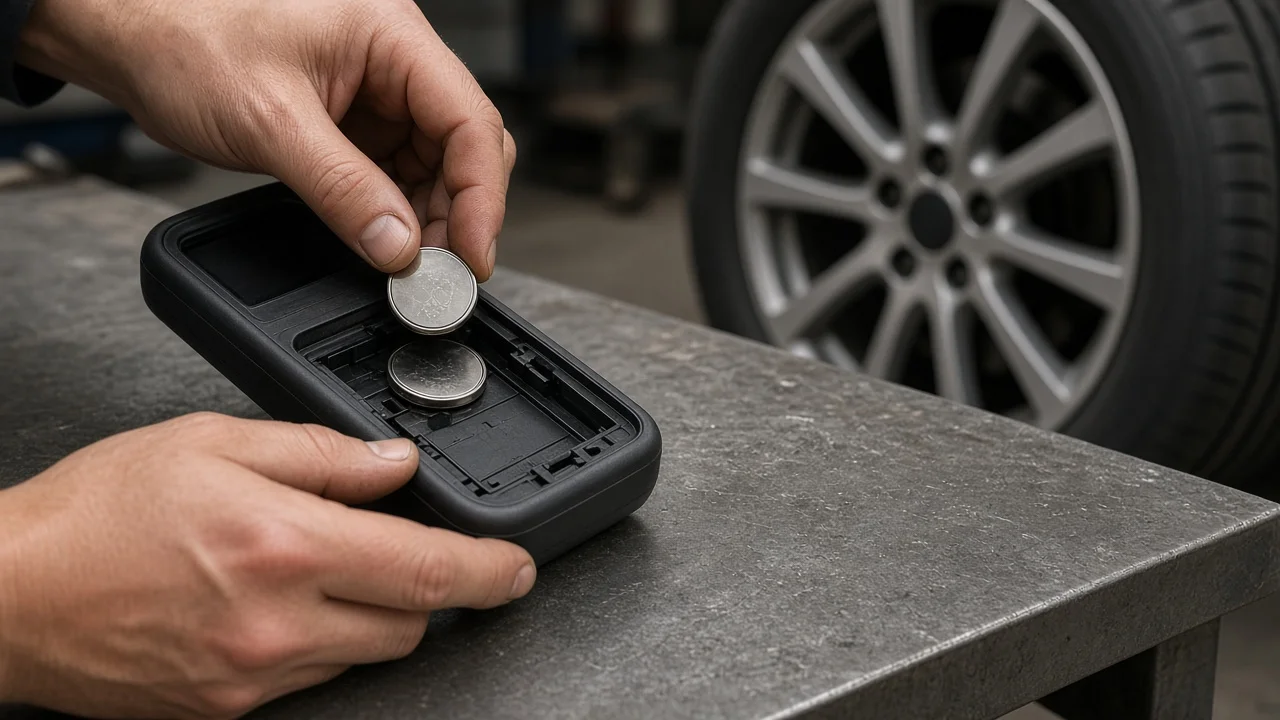
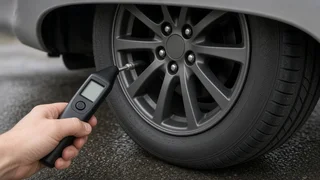
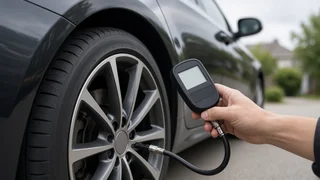
A digital tire pressure gauge that will not turn on, shows a faded display, or reads inconsistently is often not broken—it simply has a dead cell. Replacing the battery restores accurate readings so you can check inflation against the vehicle specification instead of guessing. For many pocket gauges, including common Slime and similar digital tools, the job is quick and requires only a small coin cell or button battery, a tiny screwdriver or pry tool, and attention to polarity and contact alignment.
Direct answer
Replacing the battery in a digital tire pressure gauge usually involves opening a small compartment on the back or rear edge of the tool. After removing the old button cell, you install a fresh matching cell with the marked positive side facing the correct direction. The exact size varies, so the only reliable approach is to read the number printed on the old battery or check the battery tray marking before buying a replacement.
A weak battery can mimic other faults. A dim display, slow response, or readings that jump after making a secure connection to the valve stem often point to low voltage rather than a failed sensor. Because these gauges use simple electronic pressure transducers, restoring clean power typically returns the display to normal and improves repeatability.
How to proceed
First identify how the housing opens. Many digital gauges use a small Phillips screw in the battery cover, while others have a slide-off lid or a seam that can be gently released with a flat plastic pry tool. Work on a clean, dry surface where a small screw or spring cannot roll away. If the battery compartment contains a tiny metal contact spring, note its position before removing the old cell.
Remove the discharged battery and check for corrosion, moisture, or a bent contact that would prevent the new cell from making a solid connection. Insert the replacement with the correct polarity as shown on the tray or housing, then secure the cover. Press the power button or, if the gauge activates automatically on valve connection, place it on a tire stem and confirm that the display returns promptly and gives a stable reading in the expected measurement range. If the gauge still fails, clean the contacts or verify the cell is fresh rather than assuming the sensor has failed.