How to Remove Your Account From a Car Before Sale
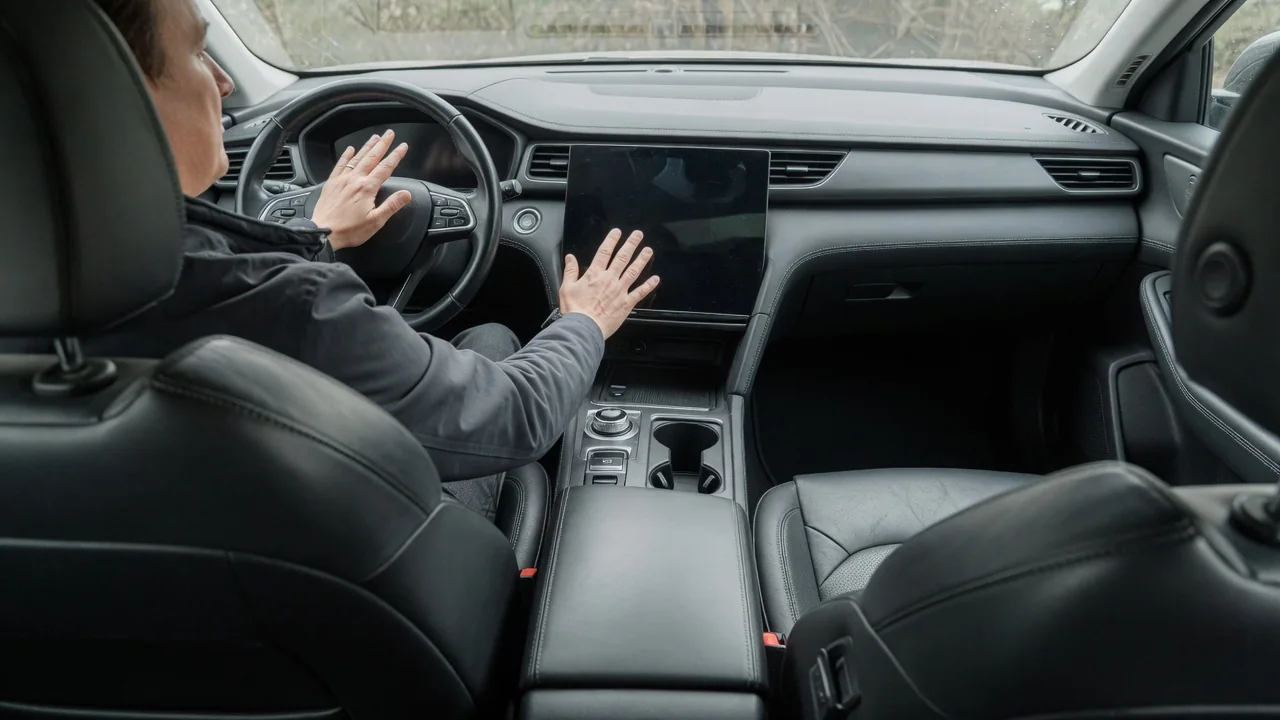
Modern cars store more personal information than many owners realize, including linked manufacturer accounts, app access, paired phones, saved addresses and digital keys. If you plan to sell or trade in a vehicle, removing your account matters as much as cleaning out the glovebox. This guide explains how to remove your account from a car before sale in three stages: signing out, clearing paired devices, and confirming that the vehicle no longer recognizes you.
Sign-out
Your account usually exists in two places at once. The first is inside the car: driver profiles, infotainment logins, streaming and navigation services, and settings tied to your name. The second is outside the car, in the manufacturer's connected-services account and companion app, where the vehicle is typically linked to your profile through its VIN. Signing out of only one leaves the other active. Treat them as separate tasks even though they are connected.
Start outside the car, because that side controls remote access. In the companion app or the manufacturer's owner website, look for an option to remove, unlink or transfer the vehicle. The wording differs between brands, and some systems put it under ownership or account settings instead of vehicle settings. If you pay for connected services, in-car Wi-Fi data or feature subscriptions, cancel them or ask whether they can be transferred. Removing the car from the app does not always end billing automatically. If you cannot find the option, contact the manufacturer's connected-services support. They can typically process the removal once you provide the VIN and show that you are the account holder.
Then handle the in-car side. Sign out of any third-party services you logged into through the infotainment system, such as music streaming or voice assistant accounts. Delete your driver profile if the car supports multiple users. Most connected vehicles also have a factory reset or clear personal data function in the system settings menu. The owner's manual for your specific model is the reliable reference for where this function is and what it erases. Some resets cover only the infotainment unit, while others also reset seat, mirror and climate memory.
Paired devices
Paired devices are the most common leftovers in a used car. Each phone connected over Bluetooth can leave behind its pairing record, plus copies of contacts, call history and sometimes text messages that the system downloaded for hands-free use. Open the Bluetooth or phone settings on the infotainment screen and delete every device in the list, not only your current phone, because family members' phones and older handsets may still be stored. Then open the Bluetooth settings on each phone and choose to forget the car, so the pairing is removed from both ends.
Phone projection services such as Apple CarPlay and Android Auto keep their own list of known cars on the phone, separate from Bluetooth pairing, so remove the vehicle there as well. If the car has a built-in Wi-Fi hotspot, it may remember devices that connected to it, and its network name or password may contain something personal. A reset or a change in the hotspot settings takes care of both. Saved media, favorites and presets on the head unit can also carry personal details, so clear them if they are present.
Access devices need the same attention. If your car supports phone-as-key or shareable digital keys, revoke your own key and any keys you shared with others. This is usually done in the companion app or the vehicle's key management menu. Hand over every physical key fob you received. A built-in garage door opener can also keep the codes for your home's gate or garage. Most systems have a procedure for erasing programmed buttons, described in the owner's manual. Leaving those codes in place is a home security risk that has nothing to do with your online account.
Verify
Verification confirms that each step actually worked. Inside the car, after the reset or manual cleanup, check that the driver profile list no longer shows your name and that the Bluetooth device list is empty. Make sure the navigation system has no saved home or work address, favorites or recent destinations. Look through the phone and contacts screens to confirm that no address book remains. Third-party apps on the head unit should ask for a fresh sign-in instead of opening into your account.
Outside the car, confirm that the vehicle no longer appears in your companion app or online account. Remote functions such as locking, location or remote climate start should no longer be available to you. If the provider sends a confirmation email when a vehicle is removed or a subscription ends, keep it. If you are unsure whether the unlinking completed, contact the manufacturer's connected-services support with the VIN and ask them to confirm that no active account is still attached. A short written record of what you removed and when can help if a question comes up after the sale.
Practical implications and limits
A factory reset clears data stored in the vehicle. It does not necessarily delete data that the manufacturer or service providers already hold on their servers, such as trip history or location records associated with your account. Each company's privacy policy governs those records, and some companies accept a separate data deletion or account closure request. Unlinking the car stops new data from reaching your account, but it does not erase what was collected before.
Timing matters. Many in-car resets and some unlinking steps require the vehicle to be powered on and parked, and connected-service changes may need the car to have a cellular connection to finish. Do this work while you still have the car and its keys, not after you hand it over. When you trade in through a dealer, staff may clear personal data, but practices vary, and doing it yourself is the only way to know it was done. If the car is already gone, you can often still unlink it remotely through the app or manufacturer support. The data inside the car then depends on the new owner or the dealer.
Leaving your account attached causes problems for both sides of the sale. You may keep getting location or alert notifications for a car you no longer own, along with charges for subscriptions you no longer use. The buyer may be unable to enroll the vehicle in their own account until yours is released. Older vehicles without connected services reduce the job to paired phones, navigation data and garage door codes. The same rule still applies: remove everything that identifies you, then confirm that it is gone.