How to Choose a USB Bluetooth Transmitter for Your Car
The short answer
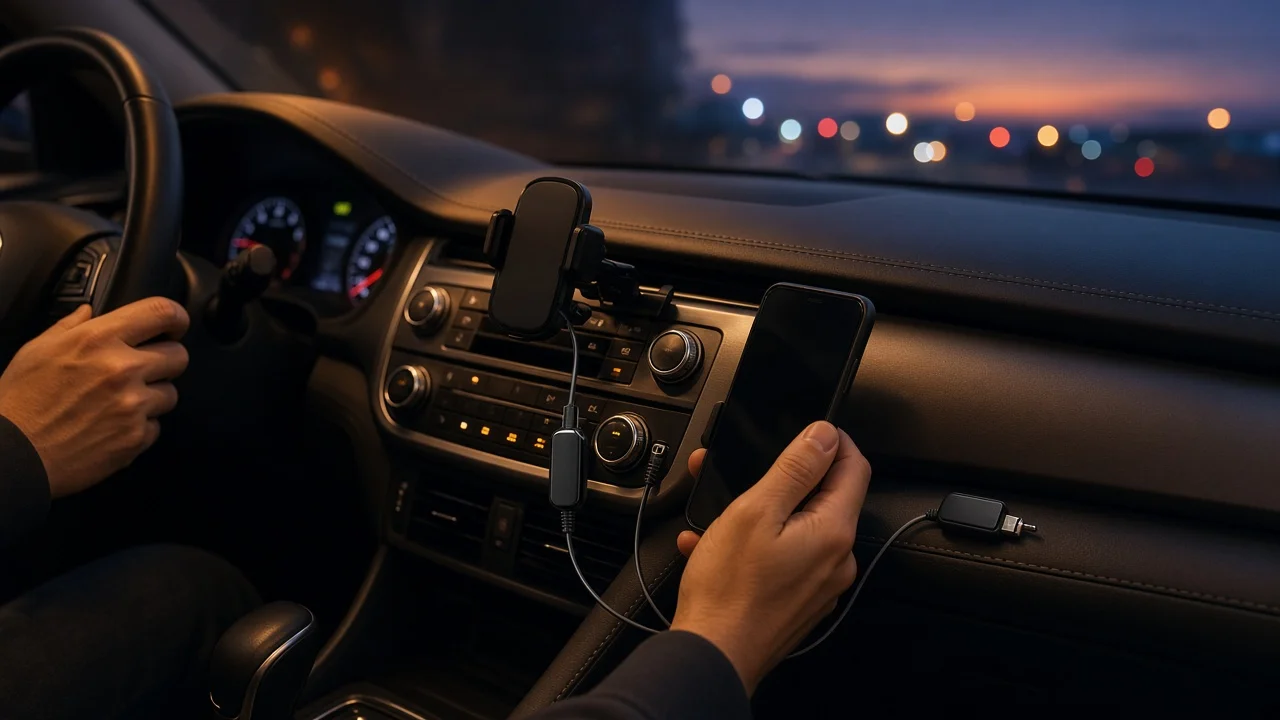
Choose the adapter based on how your car's stereo can receive sound, not on the USB plug. A device sold as a USB Bluetooth transmitter for a car usually draws power from a USB port and connects your phone wirelessly. It still has to deliver that audio to the stereo through one of three paths: an auxiliary (aux) input jack, an FM radio frequency, or a USB port that the head unit specifically supports for audio. If your car has an aux jack, a USB-powered Bluetooth receiver with a 3.5 mm output is usually the cleanest option. If the only input is the radio, an FM transmitter is the practical choice, with some loss in sound quality. If you mainly want hands-free calls, the adapter must support the Bluetooth hands-free profile and include a usable microphone.
A note on terms: your phone does the transmitting. The gadget in the car is technically a Bluetooth receiver that passes the audio on to your stereo. Product listings use "transmitter," "receiver," "adapter" and "car kit" loosely, so read the description of what the device connects to rather than relying on its name.
Step 1: Identify how your stereo accepts audio
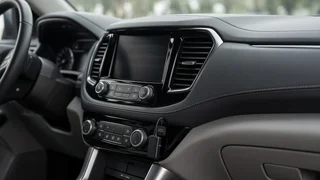
Check the dashboard, center console and glovebox for inputs, then confirm what they do in the owner's manual for your model year and trim. Equipment differs by market and package, so two cars of the same model can have different ports.
Car input | Suitable adapter type | What to know; Aux jack (3.5 mm) | USB-powered Bluetooth receiver with aux output | Direct wired audio path; usually the most consistent sound; Radio only, with a 12 V accessory socket | Bluetooth FM transmitter | Sends audio over a vacant FM frequency; quality depends on local radio interference; USB port with no aux jack | Only an adapter the head unit is documented to support | Many factory USB ports are meant for charging, storage drives or specific phone connections and may not play audio from a generic Bluetooth dongle; Aftermarket head unit with a Bluetooth accessory port | The maker's compatible module | Check the head unit's manual for the supported accessory
Step 2: Confirm call support if you need it
Bluetooth uses separate profiles for different jobs. The Advanced Audio Distribution Profile (A2DP) carries music. The Hands-Free Profile (HFP) carries two-way call audio. An adapter that lists only A2DP may play music but cannot handle calls. For calls, look for:
HFP support stated in the specifications; A built-in microphone, or a wired external microphone you can mount closer to the driver; A physical answer/end button that you can reach without looking away from the road; Noise reduction or echo cancellation listed as a feature (treat this as a claim to test yourself)
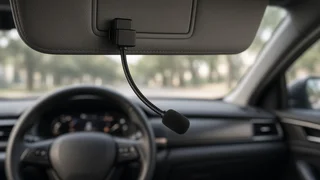
An adapter plugged into a low console port puts its microphone far from your mouth. A model with a separate clip-on microphone can help where port placement is poor. Hands-free and phone-use laws differ by state in the US, so check the rules where you drive. A Bluetooth adapter does not by itself make every kind of phone interaction legal.
Step 3: Check sound quality and power factors
Codecs: SBC is the baseline Bluetooth audio codec. AAC is commonly used by iPhones. aptX variants are supported by many Android phones. A codec only helps if both the phone and the adapter support it. Ground loop noise: USB-powered aux adapters can pick up a whine or hum that changes with engine speed. A ground loop isolator placed on the aux cable is a common fix. Port power behavior: some vehicles cut power to USB ports when the ignition is off, while others keep them powered. This affects whether the adapter reconnects automatically and whether it drains the battery. Check how your car behaves. FM transmitters: these must comply with FCC low-power rules for sale in the US. Look for an FCC ID on the device or packaging.
Step 4: Install and verify the result
Pair the phone and confirm that it shows both media audio and call audio as connected, if the adapter supports calls. Play music with the engine running and listen for hum, hiss or dropouts at different engine speeds. With an FM transmitter, try several frequencies and pick one with no station or static. Retune when you travel to a new area. Make a test call while parked. Ask the other person how clearly they hear you with the fan and road noise you normally have. Turn the car off and back on to check whether the adapter reconnects automatically. Set the phone and stereo volumes so neither is maxed out. This reduces distortion.
Limits of this guide
This guide does not recommend specific products, prices or performance figures, because no verified test data or specifications were available to support them. Whether a particular adapter works in your car depends on your vehicle's ports, head unit and phone. Before you buy, check the owner's manual, the adapter's stated profiles and codecs, and the seller's return policy.