How to Choose a Combined OBD2 Scanner and Tuner
The Short Answer
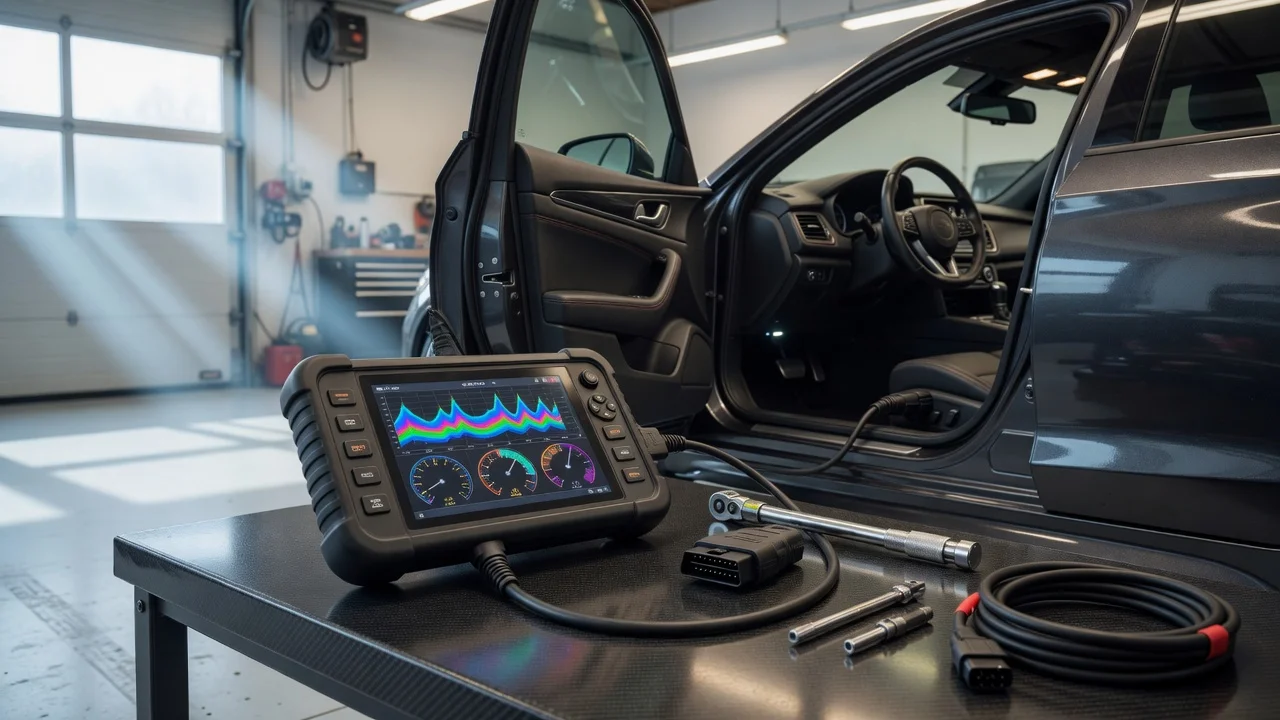
A combined OBD2 scanner and tuner is a single device or software package that does two things. It reads diagnostic information from your vehicle, and it changes how the engine or transmission control software behaves. Choose one by first confirming that it explicitly supports your exact vehicle for tuning: make, model, model year, market, engine and transmission. Then check whether its diagnostic side is deep enough for your needs. Most combined units are tuners first, with basic code reading added. If you need thorough diagnostics across systems such as ABS, airbags or body electronics, a combined unit usually won't replace a dedicated scan tool.
Two conditions change this answer. First, if your vehicle's engine control unit is locked or unsupported, no combined tool will tune it, however good its scanner is. Second, if a tune would alter emissions-related behaviour on a road-registered vehicle, legality depends on where you live and may rule out certain products or features.
Key Terms
OBD2 (On-Board Diagnostics, second generation): a standardised diagnostic system and connector, usually under the dashboard near the steering column. In the United States it applies to light-duty cars and trucks from the 1996 model year. Other markets adopted similar standards on different timelines, so check the rules for your region and vehicle type. DTC (diagnostic trouble code): a stored code that identifies a fault the vehicle has detected, such as P0300 for a random or multiple-cylinder misfire. Live data: real-time sensor readings such as engine speed, coolant temperature, fuel trims and boost. Freeze frame: a snapshot of sensor values recorded at the moment a fault code was set. ECU or PCM: the engine control unit, or the powertrain control module where engine and transmission control are combined. This is the computer a tuner modifies. Flash tuning: rewriting the calibration, or software map, stored in the control unit through the OBD2 port. Piggyback tuner: a separate module that intercepts and alters sensor signals instead of rewriting the factory software. Off-the-shelf tune: a pre-built calibration supplied with the device for a given vehicle and modification level. Custom tune: a calibration built for your specific vehicle, usually by a professional tuner working from your data logs. Bidirectional control: the ability to command components, such as cycling a fan or running a system test, instead of only reading data.
What a Combined Device Typically Covers
Generic OBD2 functions are standardised and focus on emissions-related powertrain data. Any compliant tool should read and clear powertrain trouble codes, show freeze frame data, report emissions readiness monitors and display common live data. Coverage beyond that is set by the manufacturer and varies widely from product to product. Examples include transmission-specific codes, ABS, airbag (SRS), body modules, service resets and bidirectional tests.
On the tuning side, capabilities also vary by product and by vehicle. These can include loading off-the-shelf tunes, adjusting parameters such as speedometer correction for tyre size or rev limits, data logging, saving and restoring the stock calibration, and accepting custom tune files. A device may support all of these on one vehicle and only some, or none, on another.
Comparing Your Options
The table below compares broad categories, not specific products. No product specifications, prices or test results were supplied for this guide, so it does not rank individual models or give cost figures. Before relying on any comparison between named products, confirm that the figures refer to the same vehicle application, software version and conditions.
Option | Diagnostics | Tuning | Best suited to | Main trade-off; Basic OBD2 code reader | Generic powertrain codes and limited live data | None | Checking a warning light | Cannot tune; shallow diagnostics; Full-featured scan tool | Often multi-system, sometimes bidirectional, depending on the product | Usually none, or limited to coding and adaptations | Owners and technicians who diagnose faults | No performance tuning; Handheld combined scanner and tuner | Usually basic powertrain codes and live data | Off-the-shelf tunes, parameter changes, logging; custom files on some units | Enthusiasts wanting simple tuning on a supported vehicle | Diagnostic depth often limited; may be tied to one vehicle; OBD2 interface with laptop tuning software | Varies by software; logging is often strong | Often the most flexible, including custom calibrations | Advanced users and those working with a professional tuner | Steeper learning curve; laptop required; Bluetooth adapter with phone app | Generic codes and live data; some apps add enhanced coverage | Offered by some apps for specific vehicles | Convenience and monitoring | Depends on app support and connection reliability during writes
How to Match a Tool to Your Situation
If your main goal is a modest performance or drivability change on a popular, supported vehicle, a handheld combined unit is often the simplest choice. Its diagnostic side is enough to read and clear engine codes after the tune.
If you plan hardware modifications such as intake, exhaust, turbo or injector changes, prioritise a tool that accepts custom tune files and logs data well. Off-the-shelf maps may not match a modified engine, and a professional tuner will typically need your logs to build a safe calibration.
If you maintain several vehicles, or need to diagnose faults outside the engine, consider a dedicated multi-system scan tool alongside a separate tuner. Some flash tuners can be linked to only one vehicle at a time, or need additional licences to move between vehicles. Check the licensing terms before buying.
If your vehicle is still under warranty, or if you rely on it daily, weigh the risk carefully. Tuning can affect warranty coverage, and a failed write can leave a control unit unable to start the vehicle until it is recovered.
Checklist Before You Buy
Vehicle support: confirm the manufacturer's compatibility list names your exact model year, market, engine and transmission for tuning, not just for scanning. ECU status: check whether your control unit is locked or needs unlocking. Some require extra hardware or service before tuning is possible. Stock backup and return to stock: confirm the tool saves your original calibration and can restore it. Tune options: decide whether you need off-the-shelf tunes only, or support for custom tune files and professional tuner access. Data logging: check which parameters can be logged and whether logs can be exported. Diagnostic depth: check which systems beyond the engine it can read, and whether it offers bidirectional tests or service functions you need. Licensing: find out whether the device locks to one vehicle and how unlocking or extra licences work. Updates and support: check how tune files and vehicle coverage are updated, and whether technical support is available. Emissions and legal status: check whether the tunes are approved or exempt for road use where you live.
Legal and Emissions Considerations
Rules on modifying engine software are set by country, and sometimes by state or region. In the United States, federal law prohibits removing or disabling emissions control systems on vehicles used on public roads. California also requires certain aftermarket emissions-related parts and software to carry an exemption before they can be used legally on the road. Other jurisdictions have their own inspection and type-approval rules. This guide does not cover every jurisdiction's requirements. Check the current rules with your local vehicle regulator or inspection authority before buying a tuner, especially one advertised for off-road or competition use only.
Limits of This Guide
No product data, prices, compatibility lists or test results were provided for this guide. It therefore does not recommend specific brands or models, and it does not quote performance gains. Vehicle support and features change with software updates. Treat the manufacturer's current compatibility information and installation instructions for your exact vehicle as the deciding source. Follow those instructions during any tuning procedure. If you are unsure about tuning a particular vehicle, a qualified tuning specialist can confirm compatibility and handle the work.