Honda Prologue steering wheel controls
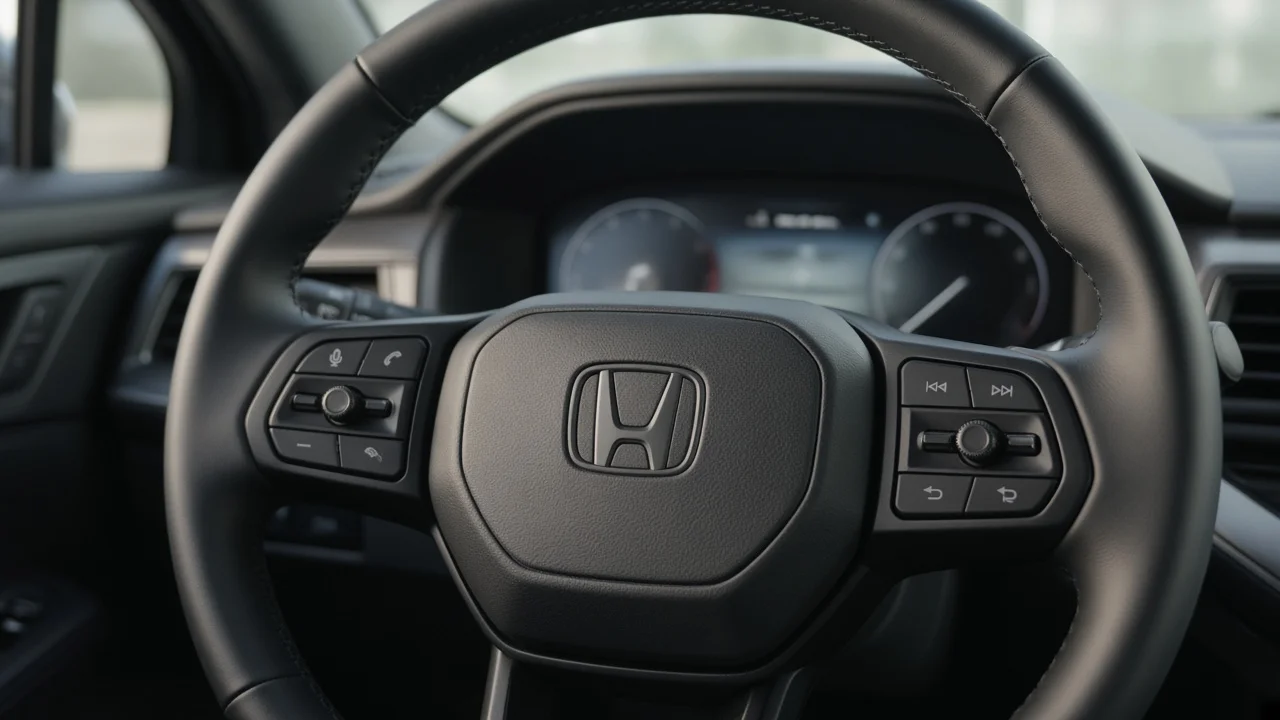
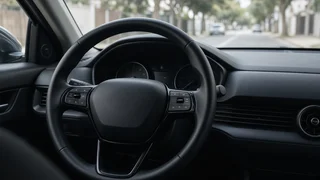
Steering wheel controls turn a routine drive in the Honda Prologue into a less distracting experience, but the switchgear can be confusing when the layout differs from an older vehicle. The controls generally manage audio, voice prompts, driver-information screens, and sometimes cruise or phone functions through buttons and small toggle pads on the wheel spokes. Their behavior depends on trim, software configuration, and how the steering wheel interface is integrated with the infotainment system. Understanding what each cluster does helps you use connection settings, device pairing, and available customization without taking your eyes off the road.
Essential answer
The Honda Prologue steering wheel controls are the physical inputs mounted on the left and right wheel spokes that let the driver operate core vehicle functions without reaching for the center stack or touchscreen. Typical layouts include directional pads, scroll wheels, back buttons, and dedicated voice or phone keys. Because the Prologue uses a shared electric-vehicle platform, the button arrangement may feel different from other Honda models, with more emphasis on digital displays than on traditional audio preset buttons.
Rather than being a single fixed layout, the exact functions depend on vehicle integration and the selected driving screen or paired device. For example, the same toggle may scroll through audio sources in one mode and driver-information tiles in another. A button that appears to be a phone key could also activate the voice assistant when no call is active. Consequently, the controls are best understood as a layered interface adapter between the driver, the instrument panel, and the infotainment software rather than as a simple set of individual switches.