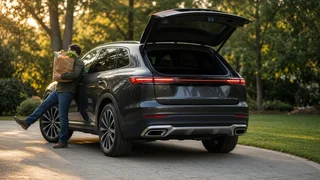
Ford Explorer hands-free liftgate sensor location
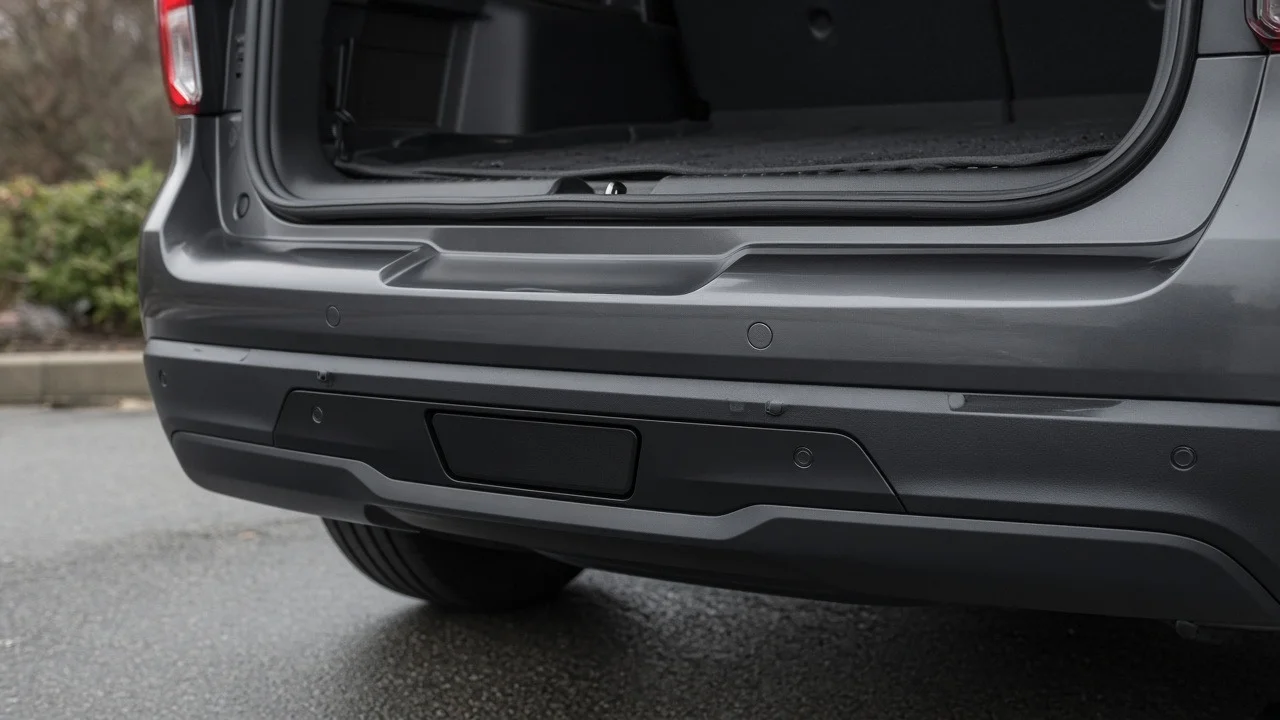
Finding the hands-free liftgate sensor on a 2018 Ford Explorer often starts with the practical question of where to kick or wave your foot. This feature is designed to open the rear hatch when your hands are full, but the sensing area is not always obvious. The location depends partly on the vehicle’s configuration and the type of module installed. Understanding the general placement helps you use the system more consistently and diagnose why the power liftgate may not respond when you expect it to open.
Essential answer
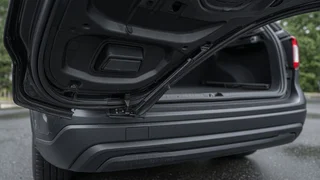
The hands-free liftgate sensor on a 2018 Ford Explorer is generally mounted behind the lower rear bumper cover, near the center of the vehicle. It is not a visible button or camera but an electronic module that detects motion or presence in a defined zone below the bumper. Some systems use a kick-to-open motion sensor, while others rely on a capacitance-based or infrared sensor. The exact form can vary with trim level, optional packages, and whether the liftgate was factory-equipped or added later.
Because the sensor is concealed, the owner’s most reliable reference is the supplied vehicle documentation for that specific configuration. A diagnostic trouble code related to the hands-free liftgate is evidence that the module reported a fault, not proof that a particular part failed. Confirming the exact location often requires inspecting behind the lower fascia or using the owner’s manual guidance for the sensing zone. Vehicle-specific confirmation is necessary before replacing any component.
Identification and location
To locate the sensing area from outside, stand centered behind the Explorer and move your foot forward and back under the middle of the rear bumper. The effective zone is usually below the license plate area, not at the corners. The module itself sits behind the plastic bumper cover, often attached to the rear body panel or impact structure. If you are inspecting underneath, look for a small rectangular housing with a wiring connector leading toward the vehicle’s electrical harness.
Several ordinary conditions can make the sensor hard to identify or use. Snow, mud, or ice on the bumper cover can block the detection field, while aftermarket hitches or rear accessories may shift the usable kick zone. The related settings in the instrument cluster or touchscreen affect whether the feature is enabled, much like location permissions control how a navigation device uses map data and coordinates. Without a stored route information fault or a confirmed code, a non-responsive liftgate may simply be a setting issue rather than a failed sensor.