Does Android Auto Use Bluetooth?
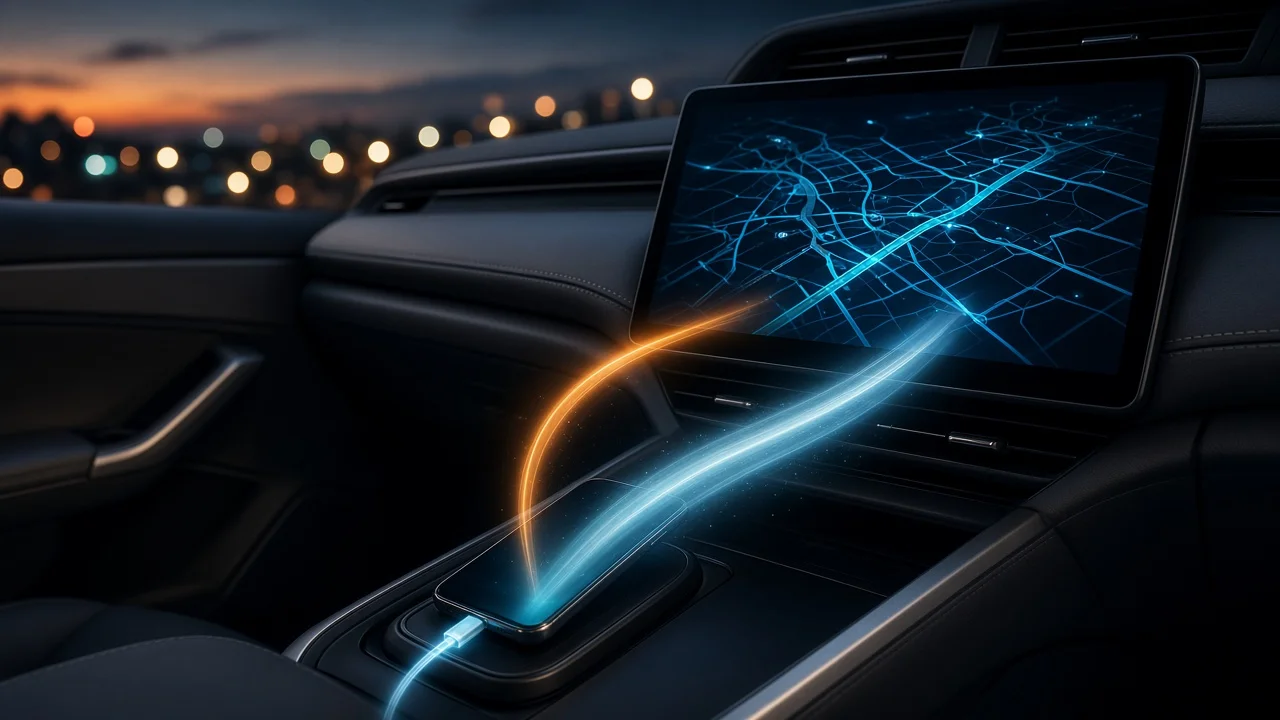
Yes, Android Auto uses Bluetooth, but Bluetooth is not what carries the Android Auto interface to your car's screen. The answer depends on whether you connect with a USB cable (wired) or without one (wireless). In both cases Bluetooth has a supporting role. The navigation, media and app display travel over a separate, faster link.
The short answer
Android Auto is a projection system. Your phone runs the apps and sends a car-friendly interface to the vehicle's infotainment display. That stream needs more bandwidth than Bluetooth provides, so it travels over a USB cable or over Wi-Fi. Bluetooth handles the lighter tasks: discovering and pairing with the car, setting up a wireless session, and, in many vehicles, carrying hands-free phone calls.
Connection type | What carries the Android Auto display | What Bluetooth does; Wired (USB) | The USB cable | Often used for hands-free calling, depending on the vehicle; Wireless | A direct Wi-Fi link between phone and car | Initial pairing and starting each wireless session; often call audio as well
Wired Android Auto and Bluetooth
With a wired connection, the USB cable carries the Android Auto interface and data between phone and head unit (the car's infotainment computer). Many vehicles also ask you to pair the phone over Bluetooth during the first wired setup, typically so calls can use the car's hands-free system. How a given car splits call audio between USB and Bluetooth is up to the vehicle maker's implementation, so behavior can differ by brand, model year and infotainment generation.
Wireless Android Auto and Bluetooth
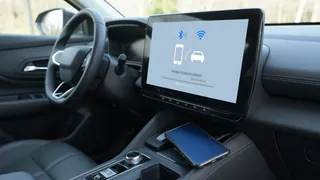
Wireless Android Auto depends on Bluetooth and Wi-Fi working together. Bluetooth lets the phone and car find each other and exchange the details needed to start a session. After that, the phone and head unit set up a direct Wi-Fi connection that carries the projected display, audio and app data. This is why wireless Android Auto needs both Bluetooth and Wi-Fi switched on in the phone, even though the car is not connecting to a home or public Wi-Fi network.
Wireless operation also needs a compatible phone and a vehicle or aftermarket head unit that supports wireless Android Auto. Many cars support only the wired version. Some drivers add wireless capability with a third-party adapter that plugs into the car's USB port. No compatibility data for specific phones, vehicles or adapters was available for this article, so check your vehicle's documentation or the manufacturer before assuming wireless support.
Why Android Auto turns Bluetooth on
Android Auto may switch Bluetooth on automatically or ask you to enable it. This is expected behavior. Bluetooth is needed to start a wireless session, and in many cars it is also used for calls during a wired session. If you turn Bluetooth off, wireless Android Auto will not connect, and hands-free calling may stop working even when the cable is plugged in.
Bluetooth alone is not Android Auto
A Bluetooth connection by itself does not give you Android Auto. Pairing a phone with a car's standard Bluetooth system usually allows calls and audio streaming, and sometimes basic track information on the dash. It does not put Android Auto's navigation, app layout or voice-driven interface on the screen. If your car shows only a Bluetooth audio source and never displays the Android Auto interface, either the car lacks Android Auto support or the projection link (USB or Wi-Fi) is not being established.
Quick checks if Android Auto won't connect
Make sure Bluetooth is on in the phone, and Wi-Fi too if you are using wireless Android Auto. Confirm your vehicle or head unit supports the connection type you are trying to use, wired or wireless. For wired use, try a different USB cable or port; some cables and ports carry charge only and not data. If the car is paired as a plain Bluetooth device but Android Auto never starts, remove the pairing and run the Android Auto setup again from the car's menu.
What this article could not confirm
No vehicle-specific or phone-specific evidence was available for this article. It therefore does not list compatible models, minimum software versions or measured connection performance. Exactly how Bluetooth is used, especially for call audio during wired sessions, varies by vehicle manufacturer and infotainment system. Your owner's manual or the head unit maker is the most reliable source for your car.