Carlinkit 3.0 Wireless CarPlay Adapter Compatibility
The short answer
The Carlinkit 3.0 is built to convert existing wired Apple CarPlay into wireless CarPlay. Whether it will work for you depends mainly on one condition: your vehicle, or its infotainment head unit, must already support wired CarPlay through a USB connection. If your car has no CarPlay at all, this type of adapter cannot add it. If your car already has built-in wireless CarPlay, the adapter adds little.
No confirmed compatibility list, specifications, prices or test results for the Carlinkit 3.0 were available for this guide. Treat the points below as general checks to run before buying, not as a guarantee that a particular vehicle will work.
How a wireless CarPlay adapter works
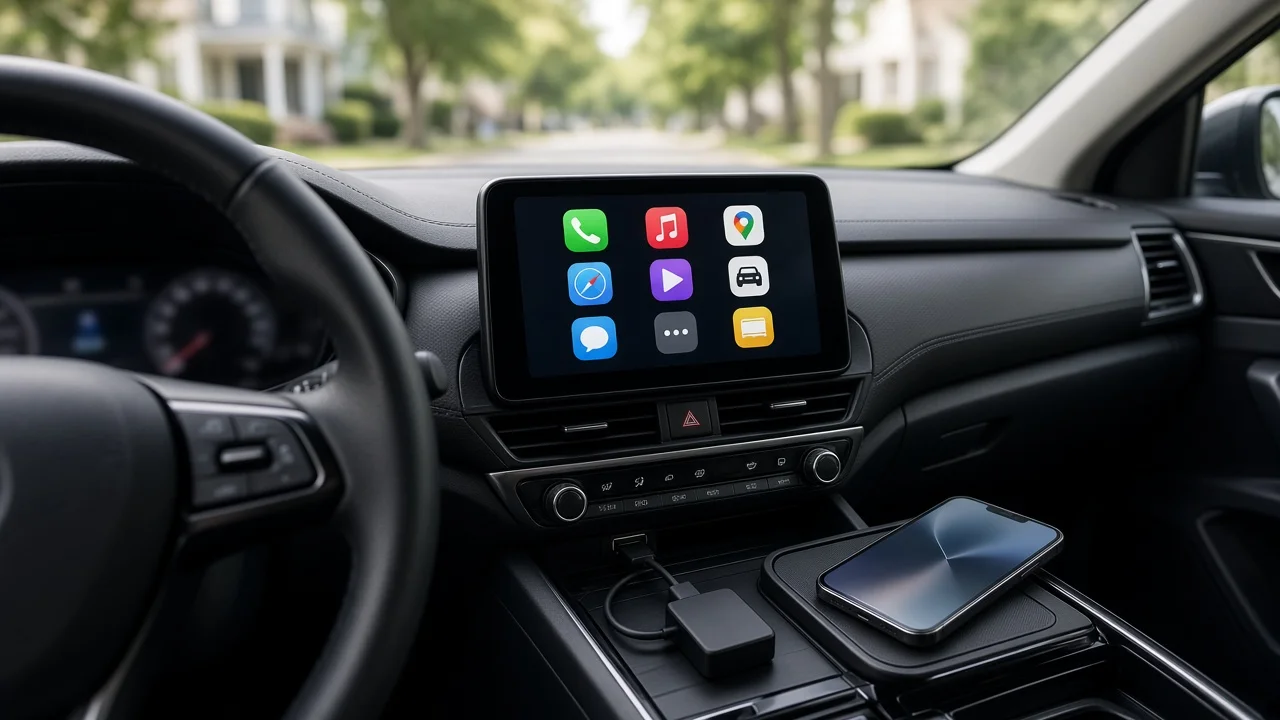
A wireless CarPlay adapter plugs into the car's CarPlay-capable USB port. To the car, it presents itself much like an iPhone connected by cable. To the iPhone, it acts as a wireless CarPlay link, typically paired over Bluetooth and then carrying the CarPlay session over Wi-Fi. That is why the car's own wired CarPlay support is the foundation: the adapter relies on it rather than replacing it.
Your vehicle's current setup | What a Carlinkit 3.0 style adapter is likely to do; Factory wired CarPlay only | This is the intended use case; check the remaining items below; Aftermarket head unit with wired CarPlay | May work, but confirm with the head unit maker or the seller, since behavior varies by unit; Built-in wireless CarPlay already | Little or no benefit; No CarPlay support | Will not add CarPlay; a CarPlay-capable head unit would be needed instead; Android Auto only | Do not assume support; confirm what the specific product listing covers
What to check before you buy
Confirm wired CarPlay for your exact vehicle: model year, trim, market and infotainment package can all differ. The same model may offer CarPlay on some trims or years but not others. Test the cable first: connect your iPhone with a cable and make sure CarPlay launches. If wired CarPlay does not work, the adapter will not fix that. Identify the right USB port: many vehicles have several ports, but only one may carry CarPlay data. Others may provide charging only. Match the connector: check whether your car's CarPlay port is USB-A or USB-C, and whether the adapter includes a suitable cable or will need a separate adapter. Check your iPhone: wireless CarPlay requires an iPhone and iOS version that support it; confirm against Apple's current requirements rather than relying on a listing's claims. Verify the exact product: wireless CarPlay adapters are sold under many similar names and model generations. Confirm you are buying the specific model you researched from a seller that stands behind returns. Review the return policy: because compatibility can depend on details that are hard to confirm in advance, a workable return window reduces the risk.
Unresolved questions to flag
Several points could not be confirmed from available evidence: which specific vehicles the Carlinkit 3.0 is verified with, how it behaves with particular factory or aftermarket systems, firmware update requirements, and current pricing or availability in the US. If your decision depends on any of these, check the manufacturer's current product documentation and your vehicle or head unit maker's guidance for your exact model year and trim.
Trade-offs to weigh
Going wireless removes the need to plug in on every trip, but it adds a device between your phone and the car. That extra step can affect how quickly CarPlay connects after starting the car and, depending on the setup, responsiveness or audio behavior. Wireless use also means the phone is not charging through the car's cable unless you provide another charging source. Readers who mostly take short trips, or who already keep a cable in place, may find the convenience less compelling than those who get in and out of the car often.
Next step
Start by confirming that wired CarPlay works in your car with your current iPhone and identifying which USB port carries it. If both check out, compare the specific Carlinkit 3.0 listing's stated requirements against your vehicle details and buy from a seller with a clear return policy. If your car lacks wired CarPlay, look at CarPlay-capable head units instead of an adapter.