Bluetooth Cassette Adapters for Cars: What to Check Before You Buy
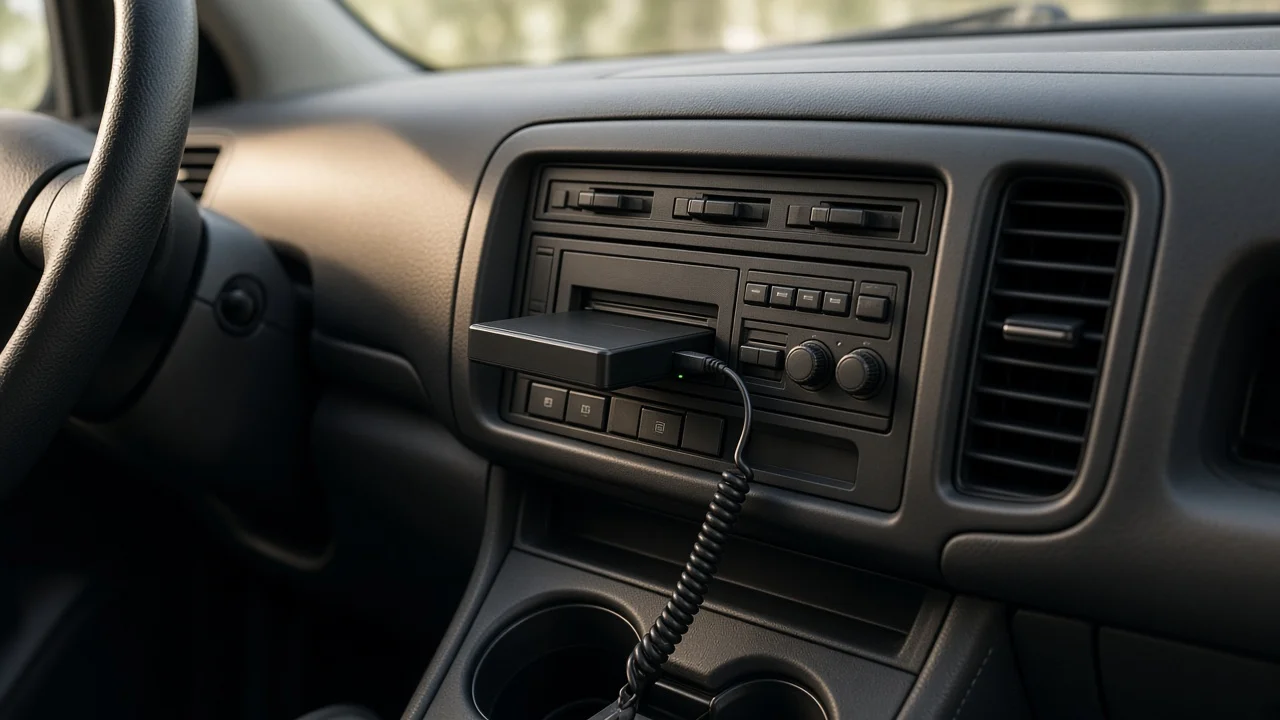
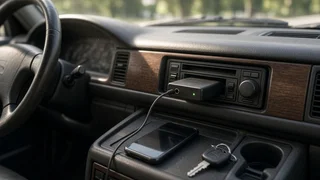
If your car has a working cassette deck but no auxiliary input, USB port or built-in Bluetooth, a cassette Bluetooth adapter for your car is one of the simplest ways to stream music, podcasts and navigation prompts from a phone. It needs no tools and no wiring. Many models also support hands-free calls. The main condition is that the cassette deck must be in good working order, because the adapter plays sound through the deck's tape head. If the deck chews tapes, ejects them at random or has dirty or worn heads, sort that out first or choose a different approach.
How a Cassette to Bluetooth Adapter Works
A cassette to Bluetooth adapter looks like a standard cassette shell. Inside are a small Bluetooth receiver, a rechargeable battery or power circuit, and a magnetic head that lines up with the deck's playback head. Your phone sends audio to the adapter over Bluetooth. The adapter converts that signal into a magnetic field, and the deck's head reads it the same way it would read a tape.
Many adapters also turn small internal gears or wheels. This mimics the reels of a real tape so the deck believes a cassette is playing and doesn't stop or eject. This is basically an interface adapter. It bridges a modern wireless source to an old analog input without changing anything in the car.
When It Is a Good Choice and When It Isn't
A Bluetooth cassette adapter makes the most sense when:
The car is an older model you plan to keep as is, or you don't want to replace the factory radio. The cassette deck plays tapes reliably today. You want a low-effort, reversible upgrade that you can move to another car with a tape deck. You mainly want music and spoken audio, with calls as a convenience rather than a priority.
Look at other options if:
The deck is unreliable, noisy or prone to auto-reverse problems. You make frequent or long phone calls while driving and want clear call audio. You expect steering wheel controls, track information on the radio display or deeper vehicle integration. Sound quality is your main priority.
Comparing the Main Alternatives
Option | How it connects | Typical strengths | Typical limitations; Bluetooth cassette adapter | Wireless to the adapter, magnetic link to the tape head | No wiring, quick setup, often includes a microphone | Depends on deck condition; sound limited by the tape path; battery needs charging on many models; Wired cassette adapter with a Bluetooth receiver | Cable from the cassette to a separate receiver | The receiver can sit somewhere convenient and may be powered from a USB socket | Cable clutter; still depends on the tape head; FM transmitter | Broadcasts to an unused FM frequency | Works without a tape deck | Interference and frequency hunting, especially in busy radio areas; Auxiliary input with a Bluetooth receiver | Wired into an existing aux jack | Generally cleaner sound than a cassette or FM path | Only works if the car already has an aux input; Replacement head unit | Installed in the dash | Full Bluetooth, better call handling, possible steering wheel interface | Higher cost, installation work, fit varies by model year and trim
What to Check Before Buying
Deck Compatibility
Most adapters are designed for standard cassette decks, but decks vary. Some auto-reverse decks flip direction or eject if they don't sense reel movement or if the internal mechanism makes too much resistance. Look for adapters that say they handle auto-reverse decks, and read the seller's compatibility notes. A few decks use tape-sensing designs that some adapters don't satisfy. If you can't confirm compatibility for your vehicle, buy from a seller with a reasonable return policy so you can test it in your car.
Power and Battery
Most Bluetooth cassette adapters run on a built-in rechargeable battery charged over USB. Some have a cable for continuous power. Battery models are tidier, but you'll need to recharge them and the battery will age. Check how the adapter charges, whether it can run while charging, and whether it powers on automatically when inserted and shuts off when the car is turned off. Auto power behavior makes daily use much easier.
Sound Quality Expectations
The final signal passes through the deck's tape head and analog circuitry, so sound is limited by that path, not just the adapter's Bluetooth hardware. A clean, well-aligned head matters a lot. Some mechanical whirring from the internal gears is common. Better designs try to keep it quiet. A newer Bluetooth version on the box mostly affects connection stability and range, not the sound itself, so don't treat it as a guarantee of better audio.
Call Audio and Microphone
If you want hands-free calls, check that the adapter has a built-in microphone and a button to answer and end calls. The microphone sits in the cassette slot, often low in the dash and away from your mouth. Callers may hear road noise or have trouble hearing you. Some products include an external clip-on microphone or a separate control unit. Those usually help. If calls are important to you, prioritize this over other features.
Controls and Software Compatibility
Basic controls such as play, pause, skip and call answer are usually on a button on the cassette edge or a small remote. These work through standard Bluetooth media and call profiles, so software compatibility with current iPhone and Android phones is generally not an issue. Check whether the adapter supports voice assistant activation and whether it can remember more than one phone if several drivers share the car.
Vehicle Integration Limits
A cassette adapter doesn't connect to the car's electronics. Factory steering wheel controls, the radio display and the car's built-in microphone won't work with it. You won't see track names on the dash, and volume is still set with the radio knob. If you want that level of vehicle integration, a replacement head unit with a steering wheel interface module is the usual route. Whether that's practical depends on your car's model year, market, trim and dash design.
Device Pairing and Setup
Setup is similar across most models. Exact button presses vary, so follow the instructions that come with your adapter.
Charge the adapter fully before first use if it has a battery. Turn on the car's ignition and set the radio to tape mode. Insert the adapter. It should power on automatically or with a button press. On your phone, open the Bluetooth connection settings and select the adapter from the list of available devices. Play audio at a moderate phone volume, then set the overall volume with the car's radio. Test a phone call while parked to check microphone pickup and volume.
After the first pairing, most adapters reconnect to the last paired phone when powered on. If it won't reconnect, remove the adapter from the phone's Bluetooth list and pair again.
Common Problems and Practical Fixes
Deck ejects the adapter or keeps reversing: the deck may not be detecting reel movement, or the mechanism is meeting resistance. Try reinserting the adapter. If it keeps happening, the adapter may not suit that deck. Muffled or one-sided sound: clean the deck's playback head with a cassette head cleaner, and make sure the adapter is fully seated. Hum or hiss: set phone volume high and radio volume moderate, which often improves the signal-to-noise balance. Charging cables from some 12-volt sockets can add electrical noise. Audible gear noise: some mechanical sound is normal. Excessive grinding may mean a defective unit. Callers can't hear you: check whether an external microphone option exists, and reduce cabin noise from fans or open windows during calls. Connection drops: keep the phone reasonably close, turn off other Bluetooth audio devices nearby, and re-pair if needed.
Quick Buying Checklist
Your cassette deck plays tapes reliably and the heads are clean. The adapter states support for auto-reverse decks if your deck has that feature. The power method suits you: battery with auto on and off, or continuous USB power. A built-in or external microphone is included if you plan to take calls. On-device controls cover play, pause, skip and call answer. Multi-device memory is supported if more than one person drives the car. The seller offers returns in case the adapter doesn't work with your specific deck. You accept that steering wheel controls and dash display integration won't be available.
The Bottom Line
For an older car with a healthy tape deck, a Bluetooth cassette adapter is an inexpensive, reversible way to add wireless audio and basic hands-free calling. Check deck compatibility, power method and microphone design before buying, and keep your sound and call quality expectations realistic. If the deck is unreliable or you need full integration, an aux-based receiver or a replacement head unit is likely a better next step.