Bluetooth Cassette Adapter: What to Check Before You Buy
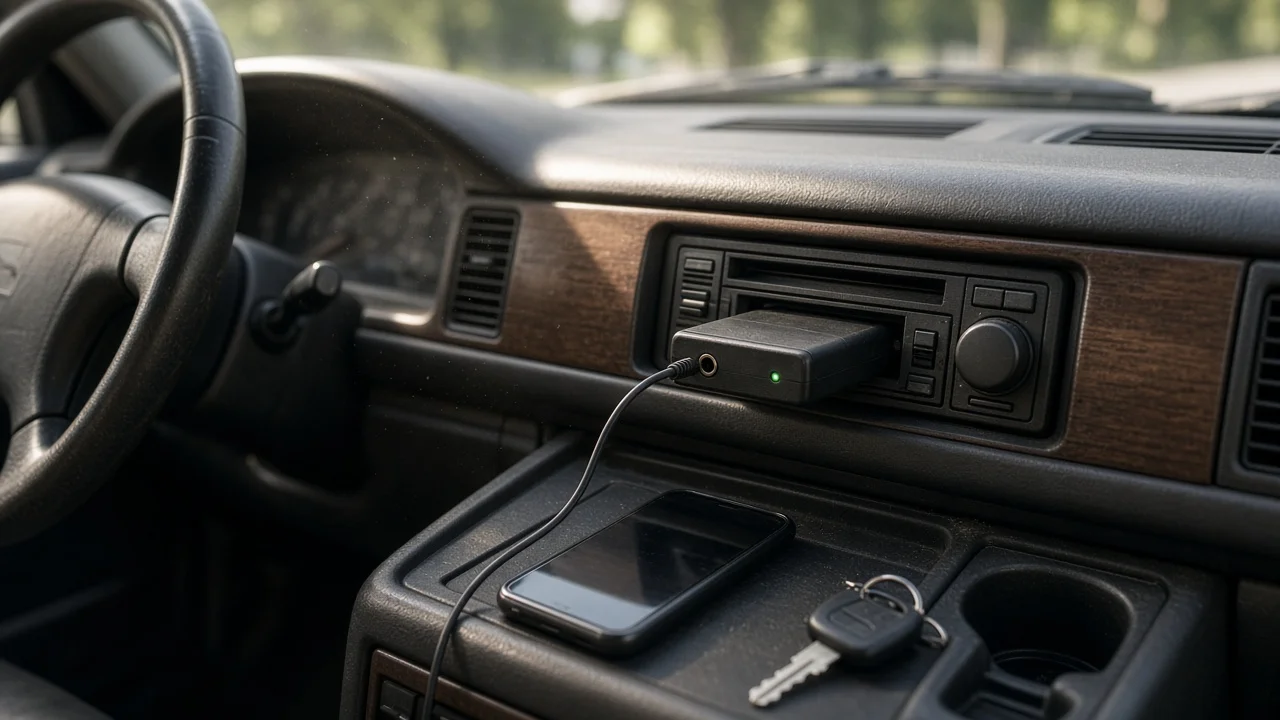
A Bluetooth cassette adapter is a practical way to stream music, podcasts and navigation prompts from a phone through an older car stereo that has a working cassette deck but no auxiliary input or built-in Bluetooth. It is usually the simplest and least invasive option for that kind of car. The answer changes if the tape deck is worn, dirty or unreliable, or if you need clear hands-free calling. In those cases the adapter may disappoint, and an FM transmitter, a wired auxiliary solution or a replacement head unit may serve you better.
How a Bluetooth cassette adapter works
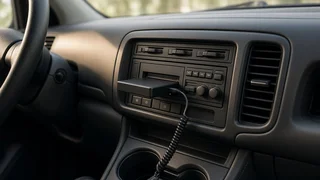
The adapter is shaped like a standard audio cassette. Inside is a small Bluetooth receiver, a rechargeable battery and a magnetic head positioned where the tape would normally sit. When you pair your phone and play audio, the adapter converts the signal into a magnetic field that the deck's playback head reads as if it were a tape. Small internal gears turn so the deck believes a tape is moving.
Because the audio still passes through the tape head and the stereo's cassette circuitry, the result depends heavily on the condition of the deck. The adapter does not connect to the car's wiring or computer systems, so there is no vehicle integration beyond the cassette slot itself.
When it is a good fit
Your factory or aftermarket stereo has a cassette deck that still plays tapes cleanly. The stereo has no auxiliary jack, USB port or Bluetooth. You want a reversible solution with no wiring, panel removal or installation work. You mainly want music, podcasts and navigation audio, with calls as a secondary need. The car is a lease, a classic you want to keep original, or a vehicle you do not plan to keep long.
When to consider something else
The deck chews tapes, plays with warble, or has a faulty eject or auto-reverse mechanism. You rely on frequent hands-free calls and need the other party to hear you clearly. You want steering wheel controls, on-screen track information or automatic phone connection tied to the ignition. The car's head unit has a hidden auxiliary input or a factory accessory port that a dedicated interface adapter can use. This varies by make, model year, market and trim, so check what your specific stereo supports before assuming it has none.
What to check before buying
Tape deck condition
Test the deck with an ordinary tape first. If it plays smoothly without speed wobble or muffled sound, a cassette adapter has a reasonable chance of sounding acceptable. Cleaning the playback head and pinch roller with a suitable head cleaner can noticeably improve results on an older deck. If the deck is mechanically unreliable, no adapter will fix that.
Auto-reverse and tape detection
Many car decks monitor whether the tape is moving. If the adapter's gears stall or run unevenly, the deck may flip direction repeatedly, stop playback or eject the adapter. Look for adapters described as compatible with auto-reverse decks, and read buyer feedback from owners with similar stereos. Gear noise is also worth noting, since some adapters produce an audible clicking or whirring in a quiet cabin.
Battery and charging
Most Bluetooth cassette adapters run on an internal rechargeable battery charged by a USB cable. Check how the adapter is charged, whether it can play while charging, and whether a charging cable would hang awkwardly from the cassette slot. Manufacturer battery claims are a starting point, not a guarantee, and capacity typically declines as the battery ages. Also consider heat: a car parked in strong sun gets very hot inside, which is hard on small lithium batteries, so removing the adapter when parked is sensible.
Power-on and device pairing behavior
Convenience depends on how the adapter switches on and reconnects. Some turn on automatically when inserted or when the gears start moving; others need a button press. Check whether it automatically reconnects to the last paired phone, how many devices it remembers, and how it handles two phones in the car. The connection settings on your phone matter too: if the phone treats the adapter as a generic audio device, call audio and media audio may behave differently.
Bluetooth version and software compatibility
A newer Bluetooth version generally helps with connection stability and power use, though the cassette head and deck usually limit sound quality more than the wireless link does. Most phones will pair with any standard Bluetooth audio receiver. Software compatibility issues, when they occur, tend to show up as dropped connections, delayed audio or controls that do not respond, so buyer feedback mentioning your phone platform is useful.
Hands-free calling and microphone placement
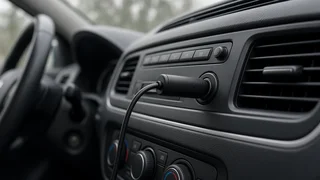
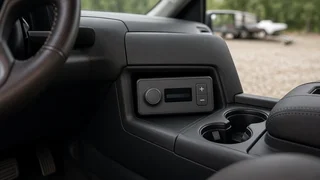
Some adapters include a microphone for calls. Its location is the main limitation: it sits in or near the stereo, often low in the dash and away from your mouth, so callers may hear road noise or a distant voice. If calls matter, look for a model with an external microphone on a cable that can be clipped closer to the driver, or plan to use the phone's own hands-free setup or a separate speakerphone.
Controls
A cassette adapter has no steering wheel interface and cannot read the car's control buttons. Any play, pause, skip or answer-call buttons will be on the adapter itself, which may be hard to reach or see with the cassette inserted. Some decks allow fast-forward or rewind buttons to interact with the adapter, but this is not consistent. For most drivers, voice assistant commands on the phone are the more practical control method.
Fit and cable routing
Some adapters have a slightly thicker body or a charging port that sticks out. Check that the design allows the deck door to close or the cassette to seat fully, especially in vertical-loading or tight-tolerance decks found in some vehicles.
Bluetooth cassette adapter versus other options
Option | Best suited to | Main trade-offs; Bluetooth cassette adapter | Cars with a healthy tape deck and no other input | Sound limited by deck condition; battery to manage; basic call quality; Wired cassette adapter plus separate Bluetooth receiver | Drivers who want to avoid an internal battery in the cassette | Extra cable and device; receiver still needs power; FM transmitter | Cars with a working radio but a poor or absent tape deck | Interference and station hunting, especially in dense urban areas; Auxiliary or factory interface adapter | Head units with a hidden input or accessory port | Requires identifying the correct part for the exact model year, market and trim; some installation work; Replacement head unit | Long-term owners wanting full Bluetooth, calls and steering wheel control | Higher cost and installation; may require a dash kit, wiring harness and steering wheel interface module
Getting the best sound once it arrives
Clean the deck's playback head before first use. Set the phone's media volume high but not at the very top, then adjust the stereo volume, to balance clarity against distortion. Turn off any tape noise reduction setting on the stereo if the sound seems dull. If you hear hum or buzzing while the adapter charges, try a different USB power source, since some chargers introduce electrical noise. If the deck keeps reversing, try flipping the adapter over or reseating it before deciding it is incompatible.
Bottom line
If your car has a cassette deck that still plays tapes well and you want wireless audio without installation, a cassette Bluetooth adapter is a low-commitment choice that usually works. Prioritize reliable gear operation with your deck type, convenient charging and automatic reconnection. If calls, steering wheel controls or long-term sound quality matter most, a dedicated interface adapter or a new head unit matched to your specific vehicle is the better next step.