What Is a Vehicle Consent Screen? Permissions, Accounts, and Review
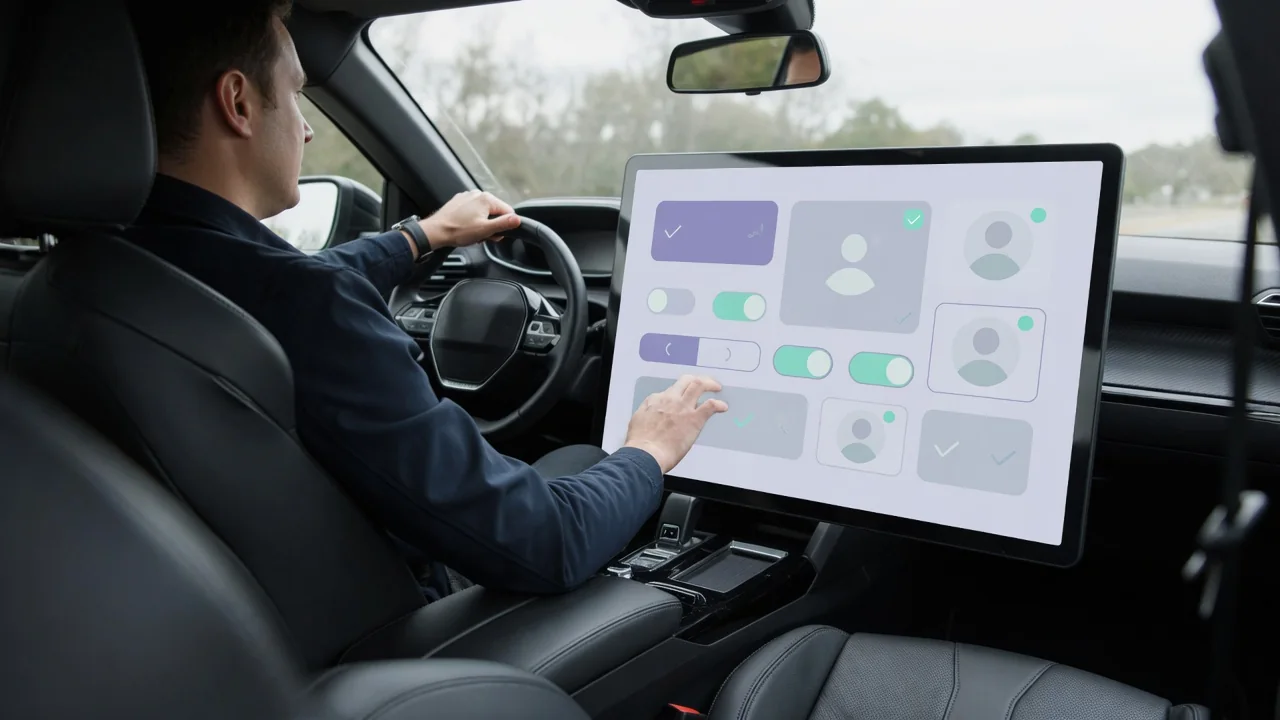
A vehicle consent screen is a prompt that asks the owner or driver to approve how a connected car collects, uses, and shares data. It may appear on the infotainment display or in a companion smartphone app. It often appears during first setup, after a software update, when a new driver profile is created, or when a connected service is switched on. Knowing what the screen covers helps you choose which features to enable and understand what you are agreeing to.
Feature permissions: what the screen asks you to allow
Most connected features depend on some kind of data leaving or moving within the vehicle. Navigation with live traffic generally needs location information. Remote functions such as checking fuel or charge level, locking doors, or starting climate control from a phone rely on a cellular link between the car's telematics unit and the provider's servers. Cloud-based voice assistants may send voice input for processing outside the car. Vehicle health reports can transmit diagnostic trouble codes, mileage, and maintenance reminders. A car data consent screen exists to connect these data uses to the features that need them, so the person agreeing can see why a permission is being requested.
The way permissions are organized differs between manufacturers and software versions. Some systems present a single agreement that covers all connected services at once. Others split permissions into categories, such as location, driving behavior, voice, and vehicle diagnostics, each with its own toggle. Certain functions may be described as necessary for the basic operation of the connected system or as required by law. In some markets, for example, automatic emergency calling after a crash is a legal requirement and cannot simply be switched off like an optional service.
Declining a permission usually limits or disables the related feature rather than affecting how the car drives. Without location sharing, for instance, live traffic or remote vehicle locating may stop working, while the engine, brakes, and other core systems continue to operate normally. It also helps to separate data that stays inside the vehicle from data sent off-board. A permission prompt is mainly concerned with collection, transmission, and use by the provider, not with every signal the car's computers process internally.
Account choices and who gives consent
Consent is often linked to an account. The account may belong to the vehicle manufacturer, a connected services provider, or third-party services the infotainment system can reach, such as music streaming or smartphone projection. On many systems, the primary account holder controls vehicle-level settings, while individual driver profiles or guest modes store their own preferences. As a result, two people using the same car may have made different consent choices, and the screen may reappear when a different profile is selected.
During setup, the screen may offer several paths: creating a new account, signing in to an existing one, continuing as a guest, or skipping the step for now. Guest use typically means fewer personalized and remote features, and skipping may only postpone the prompt until later. Ownership changes deserve particular attention. When a vehicle is sold, the previous owner's account may still be linked to the car until it is removed through the vehicle settings, the app, or the provider. For leased or fleet vehicles, the account holder may be the leasing company or employer rather than the driver, and their policies can affect which choices are available.
Third-party links follow their own rules. Usage-based insurance programs, phone projection, and in-car apps can have terms that are separate from the automaker's privacy notice. Agreeing on the vehicle consent screen does not necessarily cover these services, and turning one of them off may require changes in that service's own settings.
Reviewing consent after setup
Consent is not a one-time decision. Most connected vehicles let you revisit your choices later, though the exact location varies. Common places include a privacy, data sharing, or connectivity section in the infotainment settings, a companion app, and an online account portal. Menu names and paths differ by brand and software version, so the owner's manual or the provider's support materials are the most reliable guide for a specific vehicle.
A useful review checks which data categories are currently enabled, whether location sharing is on, which accounts and third-party apps are linked, and which driver profiles exist on the vehicle. Reading the linked privacy notice shows what the provider says it does with the data, including any sharing with partners. Depending on where you live, privacy laws may also give you rights to request access to or deletion of personal data, and providers often describe how to submit such requests. Good moments for a review include buying a used car, adding a new driver, installing a major software update, and signing up for a new connected service.
Practical implications and limits
Consent settings control what a system is configured to share under its provider's terms, but they do not necessarily stop the car from generating or storing data. Many vehicles keep certain operational records locally, such as data captured by an event data recorder around a crash, and these are generally not governed by infotainment privacy toggles. A provider's privacy notice may also describe processing that continues for legal, safety, or service reasons. Treat the consent screen as a meaningful control over optional connected features, not as a complete off switch for vehicle data.
Every restriction involves a trade-off. Turning off location or connectivity can remove conveniences such as remote locking, stolen vehicle locating, live traffic, or update notifications, depending on how a particular system is designed. Physically disconnecting telematics hardware is a different matter from changing settings and may disable safety-related functions, so it is not a substitute for using the provided controls. When a prompt is unclear, take note of the options you select, check the owner's manual, and ask the dealer or manufacturer what a specific permission enables before you agree to it or decline it.