Use a touchscreen car dashboard
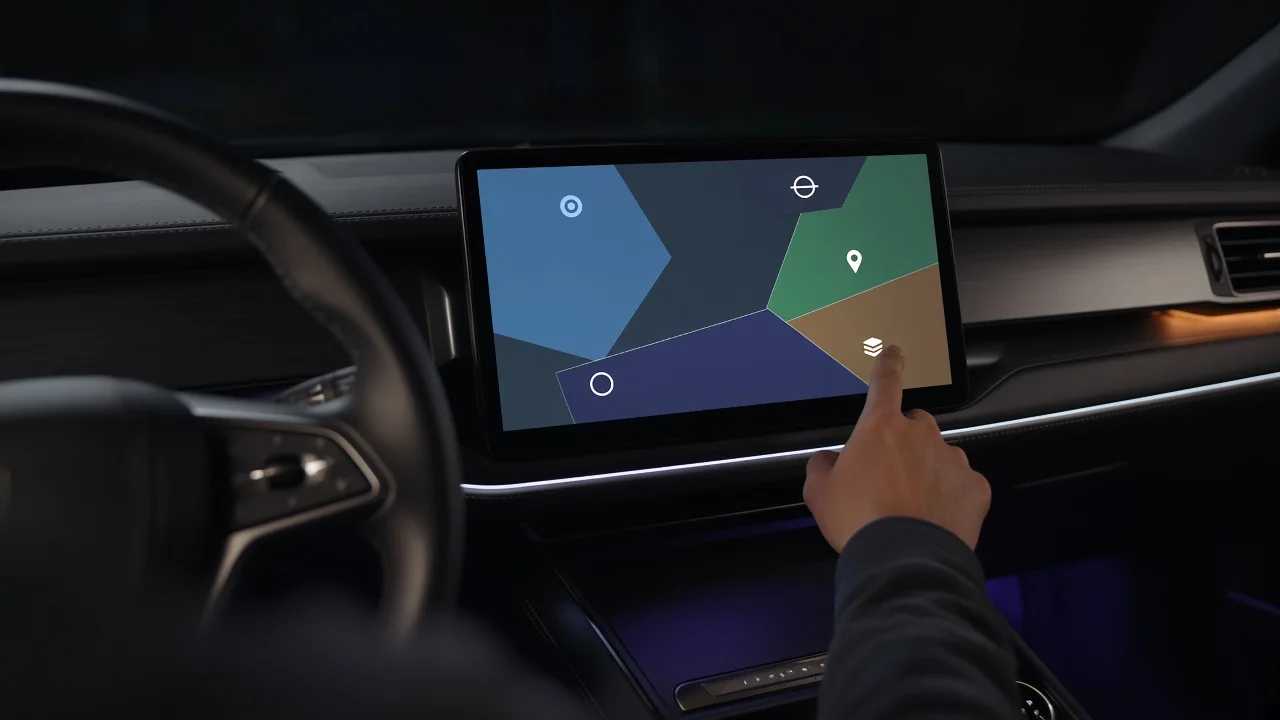
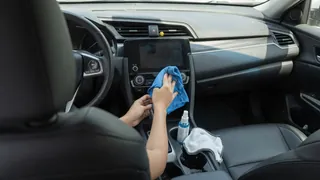
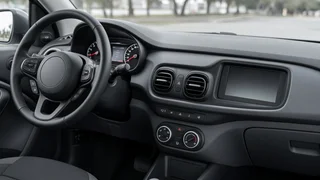
A touchscreen dashboard car replaces or supplements traditional physical buttons and needle gauges with a display that responds to taps, swipes, and on-screen controls. This design can put navigation, audio, climate, phone, and vehicle settings in one interface while also showing the operating status that used to live only in the instrument cluster. The appeal is a cleaner cabin and flexible menus, but it also changes how a driver confirms a command, reads a warning indicator, or responds to a display message without taking attention away from the road.
Essential answer
The essential answer is that this layout centralizes many secondary controls and readouts into a touch-sensitive screen mounted in the center stack or extending across part of the dash. Instead of physically turning a temperature knob or pressing a hard audio button, the driver selects an on-screen tile or slider. The screen can also mirror or replace portions of the instrument cluster, placing speed, range, and driver-assist prompts in a configurable view. The scope is broad because different vehicles mix touch controls with retained switches, steering-wheel buttons, or voice commands rather than moving every function to the glass.
In practical use, the system remains a control surface and a display at the same time. A gentle tap may change a setting, while a brief diagnostic check can present a warning indicator or display message drawn from the vehicle’s monitoring network. The owner manual is especially important because the same icon may behave differently across brands, and some alerts require a confirmation press while others clear automatically. Understanding that the dashboard is reporting an operating status, not diagnosing a failed part by itself, helps a driver interpret what deserves immediate attention versus what can be checked when parked.