TPMS Tools Explained: Relearn, Reset, Activation, Programming and Diagnostic Tools
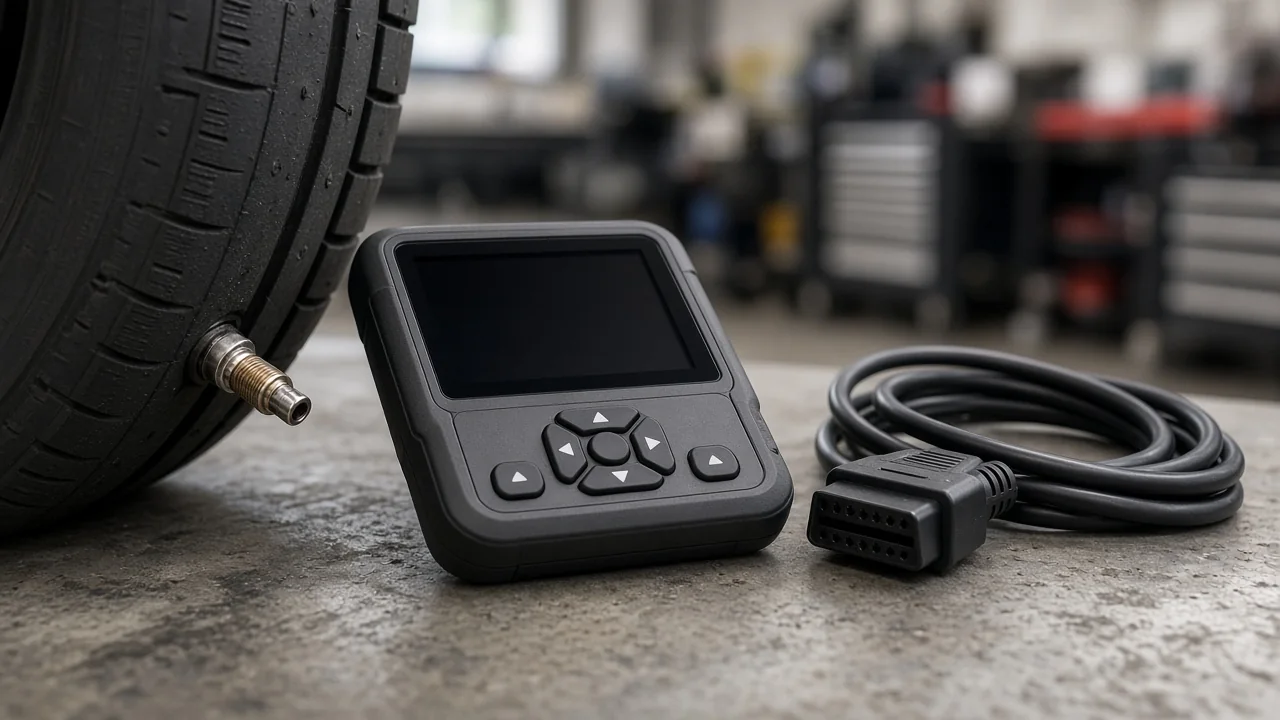
A tire pressure warning that stays on after new tires or a wheel swap usually has less to do with air than with communication between the wheel sensors and the car. TPMS tools bridge that gap, but they differ widely in what they can do. Knowing which job you need done, and how a vehicle lookup works, saves money and frustration.
What a TPMS Tool Is and the Four Jobs It Can Do
A TPMS tool is a handheld device that communicates with the wheel sensors, the vehicle's computer, or both. Some units handle a single task, while others combine several. Most tools cover some mix of four functions. Activation wakes a sensor so its ID, pressure and status can be read. Relearn teaches the vehicle which sensor sits at each wheel. Programming writes data into a blank or universal sensor. Diagnostic scanning reads system data and stored fault codes.
These functions are not interchangeable. An inexpensive activation-only tool can wake sensors, but it cannot finish a relearn on a vehicle that requires an OBD connection, so match the feature list to the job rather than trusting the product name. A tire gauge or inflator is not a TPMS tool either, because the warning light responds to sensor data, not your gauge reading. Indirect systems, which infer low pressure from differences in wheel speed, have no wheel sensors and usually reset through a dashboard menu or button.
Relearn and Reset Tools: Why the Light Stays On After Tire Work
With direct TPMS, the vehicle stores each sensor's unique ID. If you replace a sensor or install a second set of wheels, the car may keep looking for IDs it no longer receives and leave the light on. On vehicles that track wheel position, a tire rotation can also require a relearn. Automatic relearns happen while you drive for a period. Stationary relearns put the vehicle into learn mode while the tool triggers each sensor in order. OBD relearns read the sensor IDs and write them to the vehicle through the diagnostic port.
People use reset and relearn interchangeably, but tool menus often separate them. A reset typically clears a stored fault or reference pressure, while a relearn registers sensor IDs and positions. A typical relearn starts with selecting the year, make and model. You then trigger the sensors in the order shown on screen, often starting at the left front, and wait for a horn chirp or light flash to confirm each one. A relearn cannot revive a dead sensor battery, a wrong-frequency sensor or a damaged receiver. If the light comes back afterward, suspect hardware or communication.
TPMS Lookup by Vehicle: Finding the Right Sensor and Procedure
A TPMS lookup maps year, make, model and sometimes trim to the information you need before touching a sensor. That includes the operating frequency, the sensor type or generation, the relearn method, and whether an OBD connection is required. Frequency matters because a sensor transmitting on the wrong band will never be heard. Sensor generation determines which replacements or universal sensors will work. Relearn type tells you whether a basic tool is enough, and the lookup may also show whether the vehicle lets you change its placard pressure reference.
Lookup databases are built into handheld tools and are also offered by sensor makers. They need regular updates to cover newer models and mid-year changes. Treat the results as guidance, not a guarantee. Before ordering, confirm the existing sensor's part number or use the tool's live read, especially on vehicles that changed sensors partway through a generation. Aftermarket wheels may already carry a different sensor than the factory list suggests. Imported vehicles can use another market's frequency, and some trims use a different receiver than the base model.
Programming Tools and Universal Sensors: When Programming Is Required
Direct-fit, OE-style sensors typically arrive ready to use. Programmable universal sensors ship blank or multi-protocol, so they need a tool to write the correct vehicle protocol before the car will recognize them. Programming can go two ways. The tool can create a new ID, which then requires a relearn, or it can clone the old sensor's ID so the vehicle accepts the replacement as if nothing changed. Cloning only works if the original sensor can still be read, so a sensor with a dead battery usually rules it out.
In most workflows, the sensor is programmed before it goes into the tire. The tool needs to be close to the sensor, and you want to confirm the sensor works before the tire is mounted. Programming and relearning are separate steps. A newly programmed sensor with a fresh ID still has to be relearned, and skipping that step is a common reason the light stays on after new sensors. Not every tool supports every sensor family, so check that the tool and sensor are compatible before buying either one.
TPMS Scan and Diagnostic Tools: Reading Sensor Data and Fault Codes
A TPMS scan tool can be a dedicated unit or a function inside a general scan tool. It reads live sensor data such as ID, pressure, temperature, battery status and whether a signal is present, along with stored TPMS fault codes. That data narrows the problem. A sensor that reports a low battery or doesn't respond to activation becomes a candidate for replacement. If all four sensors read normally but the light stays on, look next at the vehicle side or an incomplete relearn.
A tool that only triggers and reads sensors cannot see codes stored in the vehicle. That takes an OBD-capable unit, which is also needed for OBD relearns. Interpret any TPMS-related code using service information for the specific vehicle, because code definitions and the conditions that set them vary by manufacturer. A code is evidence to weigh, not proof that a part has failed. A scan tool shows only what the sensors and module report. Confirming a faulty receiver, wiring or module usually takes professional testing with manufacturer-level equipment.
DIY Tool or Tire Shop: Deciding What You Actually Need
Owning a tool makes sense if you swap seasonal wheel sets, rotate tires often on a vehicle that needs a relearn afterward, or maintain several vehicles from the same maker. A shop is the better choice for a one-time sensor replacement that requires dismounting the tire, for vehicles that need dealer-level software to relearn, or when the light persists after a correct relearn. Dismounting tires, installing sensors and tightening the sensor nut or band to specification all require proper equipment, so leave that work to a shop.
Before buying anything, confirm that every tire matches the pressure on the door placard. Include the spare if it has a sensor, because a neglected spare can trigger the warning. Notice whether the light is steady or flashes at startup. On many vehicles, a light that flashes and then stays on points to a system fault rather than low pressure. When choosing a tool, check activation and relearn coverage for your vehicles, OBD capability and the database update policy. If you plan to use universal sensors, make sure it supports programming too.