Thinkcar BD6 OBD2 Scanner: What to Check Before Buying
Start with the intended use
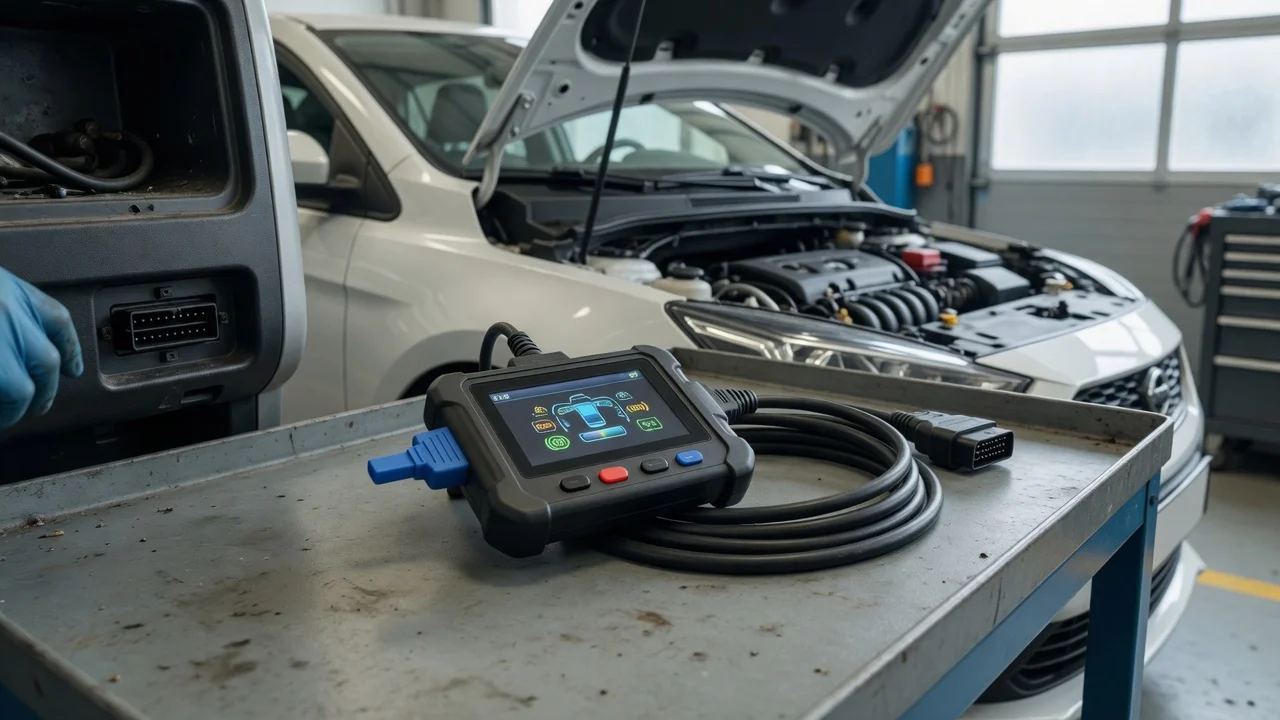
The Thinkcar BD6 is a Bluetooth OBD2 adapter used with a smartphone or tablet app rather than a standalone handheld tool. Before buying, define where it will be used: parked with stable lighting, in a garage bay, or on a shared family vehicle. The main setup requirement is an Android or Apple mobile device within Bluetooth range, plus the matching Thinkcar app installed from the device's official app store.
Expect the adapter to rely on the vehicle's OBD2 port for both data and power. The useful result is live sensor data on the phone screen, fault code access, and basic readiness checks without a cable running to the driver's seat. If the goal is quick code reading on one car, a generic Bluetooth adapter may be enough. If the goal is model-specific data or guided service functions, the BD6's supported coverage and app permissions deserve closer checking.
Features that matter
Bluetooth range and pairing behavior affect how the adapter feels in daily use. A short range is usually fine for one person working under the dash, but a weak connection can interrupt live data when the phone is placed on a seat or passed to someone outside the vehicle. Check whether the app shows connection status clearly and whether it reconnects automatically after the vehicle is restarted.
Supported diagnostics commonly include reading and clearing engine fault codes, viewing live powertrain parameters, checking emissions readiness, and reading vehicle identification data. Do not treat advertised protocol support as a measured quality score. The practical question is whether the functions you need are available for your specific car, not just listed in general compatibility text.
Pay attention to update and account requirements. Some features may require a Thinkcar account, a paired vehicle profile, or a purchased software package after initial activation. Confirm whether basic code reading works without a subscription and which functions are restricted before you commit.
Check compatibility
The vehicle side starts with the standard 16-pin OBD2 connector, which is present on most gasoline vehicles sold in the United States from 1996 onward and many diesels from later years. Connector presence does not guarantee full protocol support for every model. For specialty vehicles, hybrids, or imported models, the safest check is to test the adapter against the exact year, engine, and market rather than assuming all OBD2 ports behave the same.
On the phone side, confirm that the current operating system version is supported by the official Thinkcar app. Bluetooth pairing usually starts in the app, not in the phone's general Bluetooth settings, so follow the adapter's setup flow in order. The adapter needs no separate battery, but the ignition or engine may need to be on for the OBD2 port to supply power and data.
Format support matters when you save or share results. Check which export options the app offers for diagnostic reports, freeze-frame data, or sensor recordings. If you plan to send a mechanic a reading, a shareable report format is more useful than a screenshot alone.
Build a shortlist
Make a concrete checklist before comparing adapters. First, write down the exact vehicle year, make, model, and engine. Second, list the required functions: reading codes, clearing codes, live data, emissions readiness, or vehicle identification. Third, note the phone operating system and available storage for the app. Fourth, decide whether one-time code reading is enough or whether you need continuing access to model-specific functions.
Use that checklist to compare the BD6 against alternatives. Eliminate any adapter whose app is not available for your phone or whose supported function set does not cover your listed needs. For the remaining options, compare setup complexity, report export, account or subscription limits, and whether the vendor states support for your specific vehicle profile.
A shortlist works only when the answers can be verified. If a compatibility statement is vague or based on a different market, treat it as unresolved until you test it on the actual vehicle. The practical choice is not the adapter with the longest specification list, but the one that can complete your required task on your car with your phone.