OBD2 Scanners at O'Reilly: What to Check Before Buying
Start with the intended use
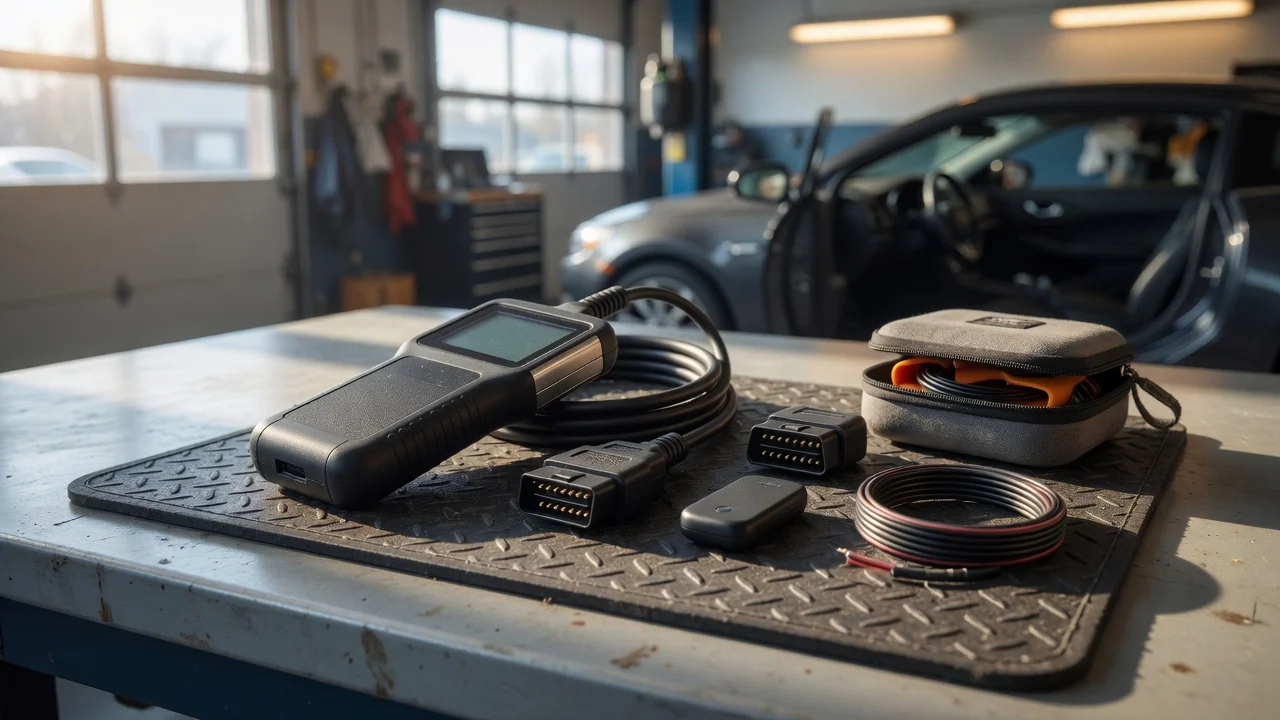
Before buying an OBD2 scanner at O'Reilly, decide where and how you plan to use it. A basic code reader may be enough for checking an intermittent check engine light in a home garage, while a unit used in a shop or on multiple vehicles may benefit from live data, a rechargeable battery, or a faster connection. Think about whether the scanner will stay in one vehicle, move between family cars, or be used for pre-purchase inspections.
Also consider the environment in which diagnostics will happen. A handheld scanner with a clear screen and simple controls can be easier to manage outdoors or in poor lighting. If you plan to view data while working under the hood, check whether the display is legible at an angle and whether the cable gives you enough reach from the port to the driver's seat.
Features that matter
The most important function is reading diagnostic trouble codes, but many scanners also show freeze frame data, emissions readiness status, and live sensor values. Some models can clear codes after a repair, while others only display them. If you need to confirm whether a vehicle is likely to pass an emissions inspection, look for a scanner that reports readiness monitors rather than assuming every device includes that view.
Connection type affects how the scanner fits into your workflow. Bluetooth and Wi-Fi adapters work with a phone or tablet app, while cable-connected units may provide a more direct setup without pairing. A built-in display can be useful when you want results without opening an app, but app-based tools often make software updates easier. Evaluate the interface you will actually use, not just the feature list on the package.
Check compatibility
Compatibility starts with the vehicle's OBD2 port and the model year. OBD2 became standard for many vehicles starting in 1996, but not every scanner supports every protocol or every manufacturer-specific system. Check whether the scanner covers the communication protocols used by your car, especially if you drive an older or less common model.
For wireless scanners, verify the operating system and app requirements before relying on your phone. Some apps require a specific mobile OS version or an active account. Power can also matter: self-powered handhelds may need batteries, while plug-in units draw power from the diagnostic port. If a scanner supports updates, confirm how they are delivered and whether the update path requires a computer, an app, or a subscription.
Build a shortlist
Use a concrete checklist to compare models instead of relying on packaging claims. Start with the vehicle's year, make, and model, then confirm the scanner's supported protocols. Add the tasks you need to perform, such as reading codes, clearing codes, viewing live data, or checking emissions monitors. Note whether you prefer a phone app or a standalone display, and whether the scanner needs batteries, a cable, or a wireless connection.
Functional limitations can matter more than the number of advertised functions. A scanner may list many PIDs but still not support the specific sensor data you want. Check whether the package or product listing states the vehicle coverage and required app separately. In a store such as O'Reilly, staff may be able to confirm whether a unit is compatible with your vehicle before you leave, but the final check should be based on the scanner's documented requirements rather than the in-store recommendation alone.
Once the shortlist is down to two or three units, compare the same details side by side: connection method, update process, display readability, and whether the return policy gives you enough time to test the scanner on your vehicle. Avoid choosing solely by brand or price. The most useful scanner is the one that reliably connects to the vehicle at hand and shows the information you actually need.