Send your current breakdown location in a text message
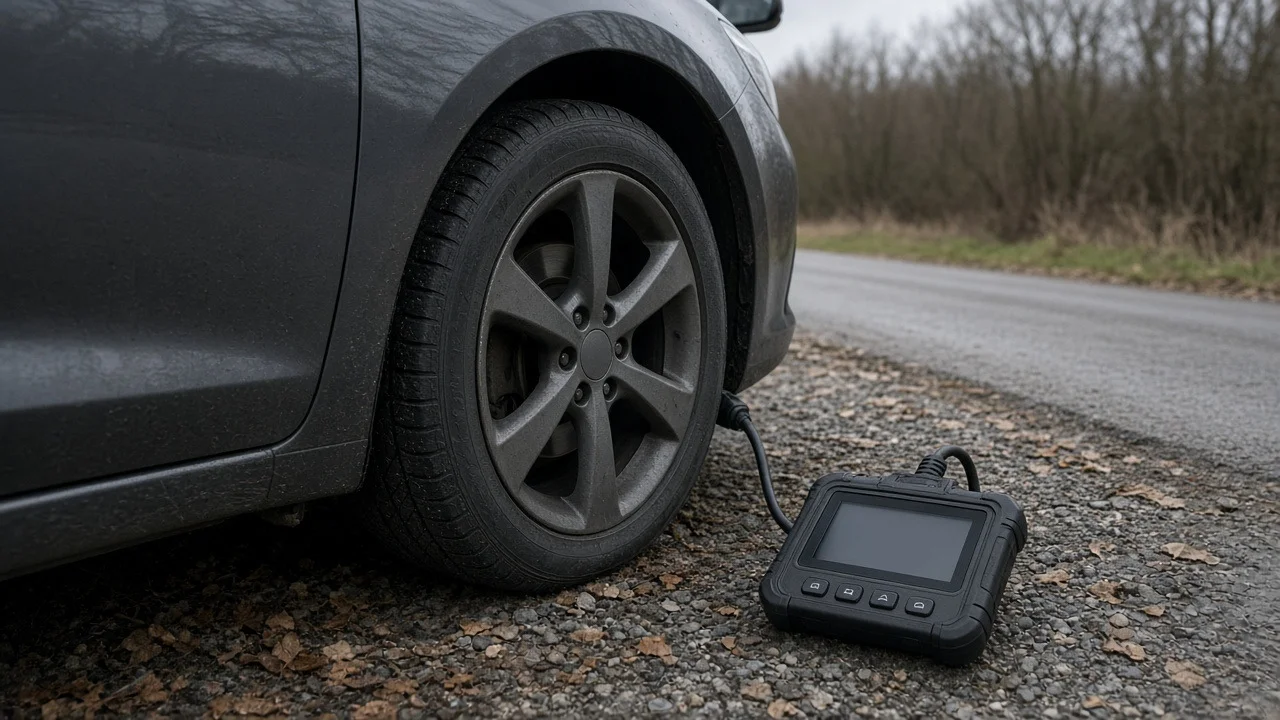
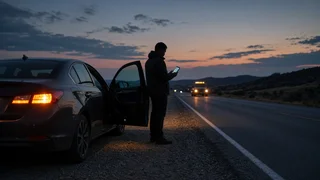
A disabled vehicle leaves you needing more than a tow truck: you need a way to tell help exactly where you are. Sending your current location in a text message turns a confusing roadside moment into a clear set of coordinates and map data. The phone’s positioning system, location permissions, and device settings determine whether that shared pin matches your true position. When signal is weak or a highway lacks obvious landmarks, accurate route information is far more useful than a vague description. Understanding how to prepare and send that location safely gives you a practical breakdown tool.
Essential answer
To send your current breakdown location in a text message, use the phone’s built-in location-sharing feature rather than manually describing the nearest mile marker. Open your messaging app, choose the contact for roadside help, and attach your live location or current pin. The phone calculates coordinates using GPS, Wi-Fi, and cellular signals, then sends a link or map preview. Confirm the pin sits on the correct road and, when possible, add a short note about your vehicle and direction of travel.
The most useful text includes more than a dot on a map. Add the road name, nearest exit or cross street, and whether you are on the shoulder, in a parking lot, or near a visible sign. This is especially important where map data is offset, such as in dense tree cover, urban canyons, or a frontage road beside a freeway. Position accuracy can vary by phone and conditions, so treating the shared pin as a starting point rather than an exact surveyed location helps a tow operator or family member reach you faster.
Identification and location
Before you press send, look at the pin on the phone’s map preview and compare it with your surroundings. Does the marker appear on the correct side of the highway? Is it on an access road when you are actually on the mainline? A phone may place you within a broad radius, so a notification that the location is approximate should not be ignored. Checking your location permissions and enabling high-accuracy mode in device settings generally improves the result by allowing the phone to combine satellite and network data.
When the pin is obviously wrong or unstable, wait briefly for the position to settle, then attach a fresh location. You can also describe a fixed identifier such as a bridge number, exit ramp, business sign, or colored landmark. That reference gives the responder a way to verify the coordinates even if the map preview is slightly off. In poor signal areas, sending the text may be delayed; if the coordinates fail to attach, a message with the road, direction, nearest exit, and visible feature is still an effective breakdown location.