Renault Duster Steering-Mounted Controls: What They Do and How to Use Them
The Short Answer
The Renault Duster's driver controls let you adjust common functions without taking your hands far from the wheel. Depending on the version, they typically cover audio volume and source, track or station selection, hands-free phone calls, cruise control or a speed limiter, and the trip computer display. The exact layout is not the same on every Duster. It changes with the generation, trim level, infotainment system and market, so the controls in one car may differ from those in another.
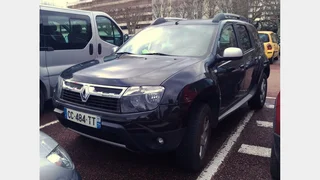
One qualification matters for US readers. Renault has not sold the Duster in the United States. The model is sold under the Renault name in markets such as Latin America, India and parts of Eastern Europe and the Middle East, and as the Dacia Duster in much of Europe. If you are looking at a Duster in the US, it is most likely an imported or grey-market vehicle. Its controls and owner documentation will reflect the market it was originally built for.
Where the Controls Are Located
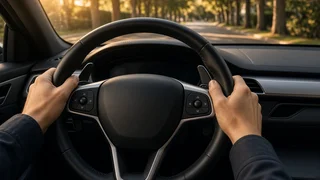
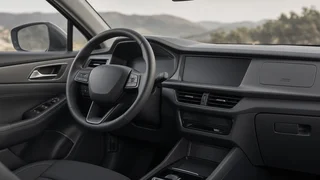
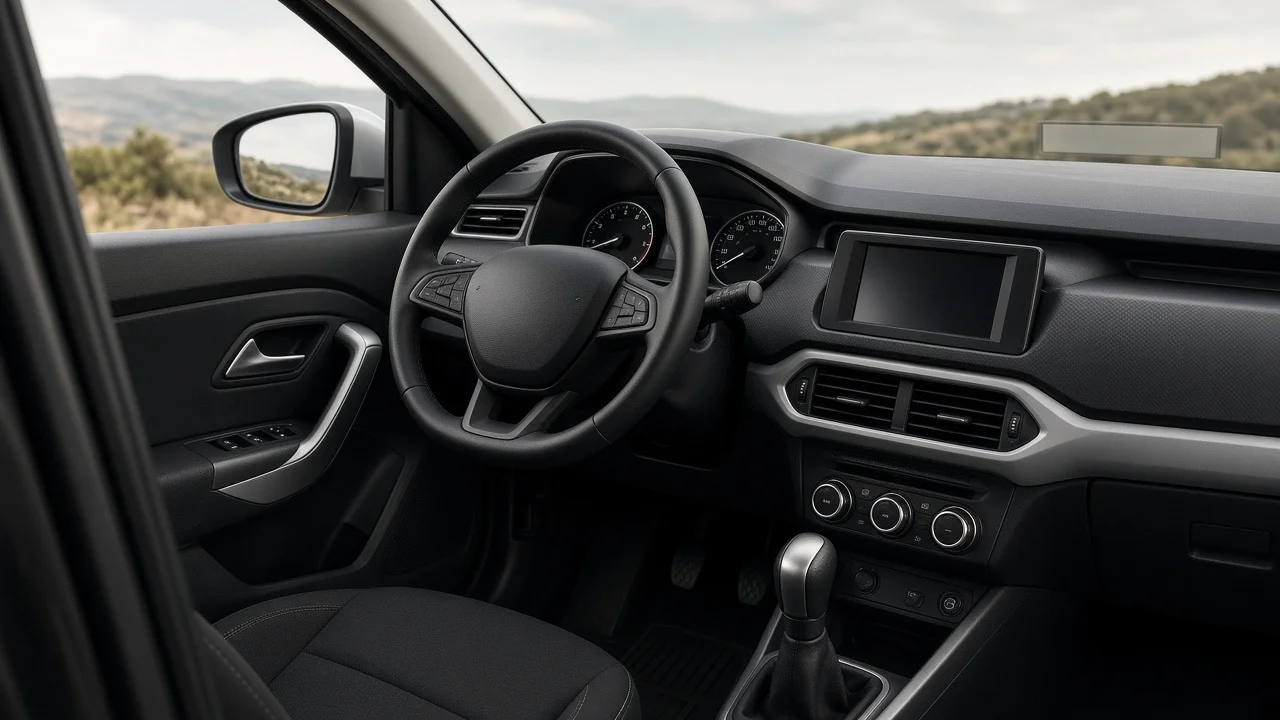
Duster models have used two main placements for driver controls. Many vehicles use both.
Steering wheel spokes: buttons mounted directly on the wheel, often used for cruise control, the speed limiter or multimedia functions on versions that have them. Column-mounted satellite control: a small separate control pod behind the steering wheel, usually on the right side. Renault has long used this design for audio and phone functions. It typically has buttons for volume and source plus a rotary wheel on the back for scrolling. Stalk-end buttons: the end of a wiper or light stalk often has a button for cycling through trip computer information, such as distance, fuel use or range, on versions that have a trip computer.
Entry-level trims may have few or none of these controls. Higher trims and later generations tend to have more of them. Whether a specific car has wheel-mounted buttons, a satellite pod, or both depends on how it was specified when built.
Common Functions and How They Generally Work
Function | Typical location | General operation; Volume up / down | Satellite pod or wheel buttons | Press the plus or minus button; holding it usually changes volume continuously; Mute / pause | Satellite pod or wheel buttons | A dedicated button, or pressing both volume buttons together on some Renault designs; Audio source | Satellite pod or wheel buttons | Cycles through radio, USB, Bluetooth audio and other available inputs; Track / station selection | Rotary wheel behind the satellite pod, or arrow buttons | Rotate or press to move to the next or previous track or preset; Phone answer / end call | Satellite pod or wheel buttons | Requires a phone paired to the infotainment system via Bluetooth; Cruise control / speed limiter | Wheel spokes, sometimes with a main switch near the gear lever | Activate the system, then set, increase, decrease, suspend or resume the target speed; Trip computer | End of a stalk | Press to cycle through the available display screens
These descriptions cover typical Renault patterns rather than the exact layout of every Duster. Button symbols are usually intuitive, such as a phone handset, plus and minus signs, or a speedometer icon. Still, the owner's manual for the specific vehicle is the most reliable guide to what each button does.
Cruise Control Versus Speed Limiter
Many Dusters that offer speed management let the driver choose between two modes. They behave differently, so it helps to know which one is active.
Cruise control (speed regulator) holds a set speed without the driver pressing the accelerator. Braking or using the clutch usually suspends it, and a resume function returns to the stored speed. The speed limiter stops the vehicle from going faster than a chosen speed while the driver still controls the accelerator. On many Renault systems, pressing the accelerator firmly past a resistance point lets the driver temporarily exceed the limit, such as when overtaking.
On Renault designs, a mode switch often sits near the gear lever or on the dashboard. The set and adjust buttons are on the steering wheel. The instrument cluster usually shows which mode is active and the stored speed. Check that display before relying on either function.
Why Some Controls May Not Respond
If a steering-mounted or column-mounted button seems to do nothing, the cause is often simple and not a fault.
The function is not fitted: a button may be a blank, or the feature may not be supported by the installed head unit. No phone is paired: phone buttons only work once a device is connected via Bluetooth. The source is not available: source cycling skips inputs with nothing connected. An aftermarket radio is fitted: steering controls often stop working with a replacement head unit unless a compatible interface adapter is installed. The system is not activated: cruise control or the speed limiter may need the main switch turned on first, and some systems only engage above a minimum speed.
If the controls stopped working after electrical work, battery disconnection or steering wheel repair, a qualified technician should inspect them. Steering wheel wiring often passes through components linked to the airbag system, so amateur disassembly is not advisable.
Practical Tips for Everyday Use
Learn the layout while parked, so you can find buttons by feel instead of looking down while driving. Pair your phone before setting off, since the pairing process usually requires the vehicle to be stationary. Use the rotary wheel on the satellite pod for quick track or preset changes. It is designed to be operated with a fingertip without moving your hand from the wheel. Confirm the active speed mode and stored speed on the instrument cluster before relying on cruise control or the limiter. For an imported Duster, get the owner's manual for the vehicle's original market, because control layouts and labels can differ between regions.
Bottom Line
The Duster's driver controls follow familiar Renault conventions. Audio and phone functions are usually on a column-mounted satellite pod or wheel buttons, speed management is on the wheel spokes where fitted, and trip computer access is on a stalk. The exact features depend on generation, trim, infotainment system and market. In the US, where the Duster was never officially sold, they also depend on where the vehicle came from. To know exactly what a particular car offers, check its fitted equipment and the owner's manual for that version.