New Apple CarPlay Features and Compatibility: What Changed and Which Cars Support It
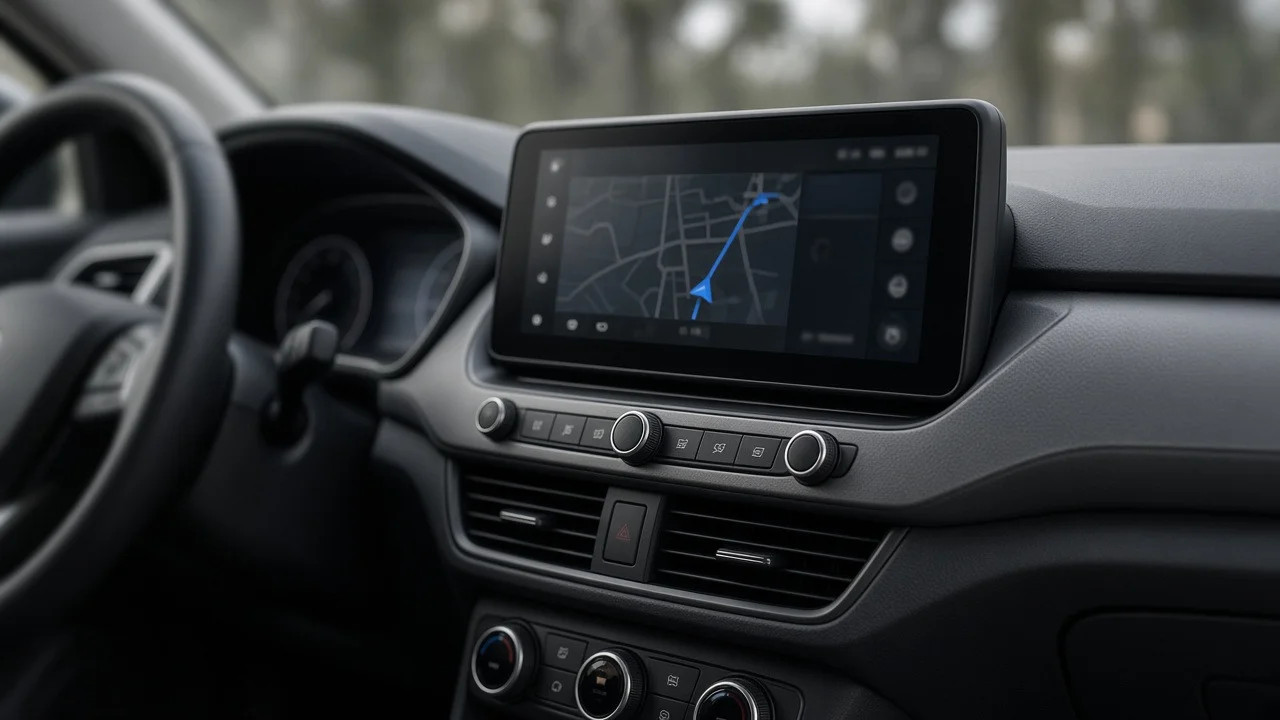
"New Apple CarPlay" can mean two things. The first is the regular software updates to standard CarPlay, which reach most compatible cars when you update your iPhone. The second is CarPlay Ultra, Apple's next-generation version. It extends CarPlay from the central touchscreen to the instrument cluster and to some vehicle controls. Standard CarPlay works in a very wide range of vehicles. CarPlay Ultra needs a car whose manufacturer built the system in at the factory, and only a small number of models offer it so far. You cannot add it to a car that wasn't designed for it.
Two meanings of "new" CarPlay
Standard CarPlay is a projection system. Your iPhone runs the apps and interface and sends the display to the car's screen. The car mainly provides the screen, touch input, microphones, speakers and physical controls. Most of CarPlay runs on the phone, so new features usually arrive through iOS updates and don't need anything from the car.
CarPlay Ultra is a deeper form of vehicle integration. It can take over the gauge cluster and multiple displays, and it shows live vehicle data such as speed, fuel or charge level, and engine or motor information. Some climate and audio settings can be adjusted without leaving the CarPlay interface. This requires close cooperation between Apple and the automaker, so availability depends on specific models rather than on your phone.
Recent features in standard CarPlay
The iOS 26 cycle brought one of the more visible CarPlay updates in recent years. Notable changes include:
A refreshed visual design that matches the newer iPhone interface style. A compact incoming-call view, so an incoming call no longer covers the whole screen, including active navigation. Tapbacks and pinned conversations in Messages, for quicker replies and easier access to frequent contacts. Widgets on the CarPlay screen, which show glanceable information such as calendar or weather. Live Activities, which show real-time updates from supported apps, such as a delivery or flight status.
Apple adds and adjusts CarPlay features with each major iOS release, and some features also depend on app developers. For the newest additions, check the feature list for the iOS version currently installed on your phone. A feature can also appear differently depending on the car's screen size and shape.
What CarPlay Ultra adds
CarPlay Ultra launched first with Aston Martin, with other automakers expected to follow. Its main differences from standard CarPlay are:
Instrument cluster integration: speedometer, tachometer or power meter, and other gauges are drawn by CarPlay. Drivers can usually choose between gauge layouts. Vehicle data in the interface: information that standard CarPlay cannot access, such as fuel or charge level and tire pressure, can appear in CarPlay views. Vehicle controls: some climate, audio and vehicle settings can be adjusted from within CarPlay instead of switching to the automaker's own system. Automaker-specific design: each brand can apply its own fonts, colors and gauge styles, so CarPlay Ultra looks different from one make to another. Integration with physical controls: steering wheel buttons and other hardware controls are mapped to CarPlay functions more deeply than in standard CarPlay.
The automaker's own software still runs underneath. Safety-critical functions, driver-assistance alerts and essential vehicle warnings remain the car's responsibility. CarPlay Ultra presents and controls what the automaker allows it to.
Compatibility at a glance
Aspect | Standard CarPlay | CarPlay Ultra; Where it appears | Central infotainment screen | Central screen, instrument cluster and other displays where fitted; Vehicle requirement | Any car or head unit with CarPlay support | Specific new models with factory CarPlay Ultra integration; iPhone requirement | Wide range of iPhones on a supported iOS version | Newer iPhones; Apple has listed iPhone 12 or later with iOS 18.5 or later; Connection | Wired USB or wireless, depending on the car | Depends on the vehicle's implementation; Aftermarket option | Yes, through aftermarket head units and adapters | No; requires factory integration; How new features arrive | Mainly through iOS updates | iOS updates plus automaker software
Software compatibility involves two things. Your iPhone needs an iOS version that supports the feature. The car's system must also support the relevant connection type and screen features. A new iOS release can add widgets or Live Activities to an older car, but it cannot make a wired-only car wireless or give standard CarPlay access to the gauge cluster.
How to check whether your car supports CarPlay
Look for a CarPlay or phone projection option in the car's infotainment menu, usually under phone or connection settings. Check whether the car offers wired CarPlay only or wireless CarPlay as well. Wireless support is a vehicle feature, and many cars, even recent ones, are wired-only. On the iPhone, open Settings, then General, then CarPlay to see vehicles you have connected before. Confirm CarPlay availability for the exact model year and trim. Some automakers made CarPlay standard only on certain trims, or added it partway through a model's life. Ask whether the infotainment system has received software updates. Some automakers have added CarPlay or wireless capability to existing vehicles through updates, but this varies by brand and model. For CarPlay Ultra, check that the specific new vehicle lists it as a feature. Do not assume it is included because the brand has announced support.
Device pairing and connection basics
For wired CarPlay, connect the iPhone to the car's data-capable USB port with a working cable. Some ports only charge and do not carry data, so try a different port if nothing happens. For wireless CarPlay, the first device pairing usually starts over Bluetooth. CarPlay then runs over a Wi-Fi link between the phone and the car. The process usually begins by holding the steering wheel voice button, or by choosing to add a new phone in the car's menu.
If CarPlay doesn't start, check these common causes:
CarPlay is restricted on the iPhone under Screen Time content and privacy settings. Siri is turned off. The phone has already connected to the car as an ordinary Bluetooth audio device and is not using CarPlay. The connection type isn't supported. Wireless CarPlay requires Wi-Fi to be available on the phone. Removing the car from the iPhone's CarPlay list and pairing it again often fixes persistent connection problems.
Adding CarPlay to an older vehicle
If your car has no CarPlay, you can still get standard CarPlay with aftermarket hardware. CarPlay Ultra is not available this way. The main options are:
Aftermarket head unit: replaces the factory radio with a CarPlay-capable unit. Fit depends on the dashboard opening and how the factory system is wired. Interface adapter or retrofit module: connects to some factory screens and adds CarPlay while keeping the original display. Compatibility is specific to vehicle and system generation. Steering wheel interface: a module that lets factory steering wheel buttons keep working with an aftermarket head unit, including volume, track controls and voice activation. Wireless CarPlay adapter: a small plug-in device that converts an existing wired CarPlay connection to wireless. It only works if the car already supports wired CarPlay. Connection speed and reliability vary between products and cars.
Factory functions such as backup cameras, parking sensors, amplified audio systems and vehicle settings menus may run through the original infotainment unit. When planning an aftermarket installation, confirm that these functions will be kept. Professional installation is often worthwhile in modern cars with integrated electronics.
What this means if you are shopping for a car
Standard CarPlay is widely available across mainstream brands, but not universal. Some automakers have decided not to support it. GM, for example, has moved away from CarPlay in its newer electric vehicles, and some EV-focused brands have never offered it. If CarPlay matters to you, confirm support for the exact model and model year rather than relying on what the brand offers elsewhere in its lineup.
CarPlay Ultra is currently a factor only when shopping for specific new vehicles that offer it. For most buyers, the more practical questions are these: does the car have CarPlay, is it wired or wireless, how good is the screen and microphone setup, and do the steering wheel controls work well with it? Those details shape everyday use more than any single new software feature.
Bottom line
Most new CarPlay features come from iOS updates and reach existing compatible cars, as long as your iPhone is on a supported iOS version. CarPlay Ultra is a separate, deeper version that covers the instrument cluster and vehicle controls. It requires a newer iPhone and a vehicle built with it from the factory. Check the exact model, year and trim, and whether the car supports wired or wireless CarPlay. If your current car lacks CarPlay, aftermarket head units and interface adapters can add standard CarPlay, but not CarPlay Ultra.