How to Activate the Factory Trailer Brake Controller on a 2019 F-150
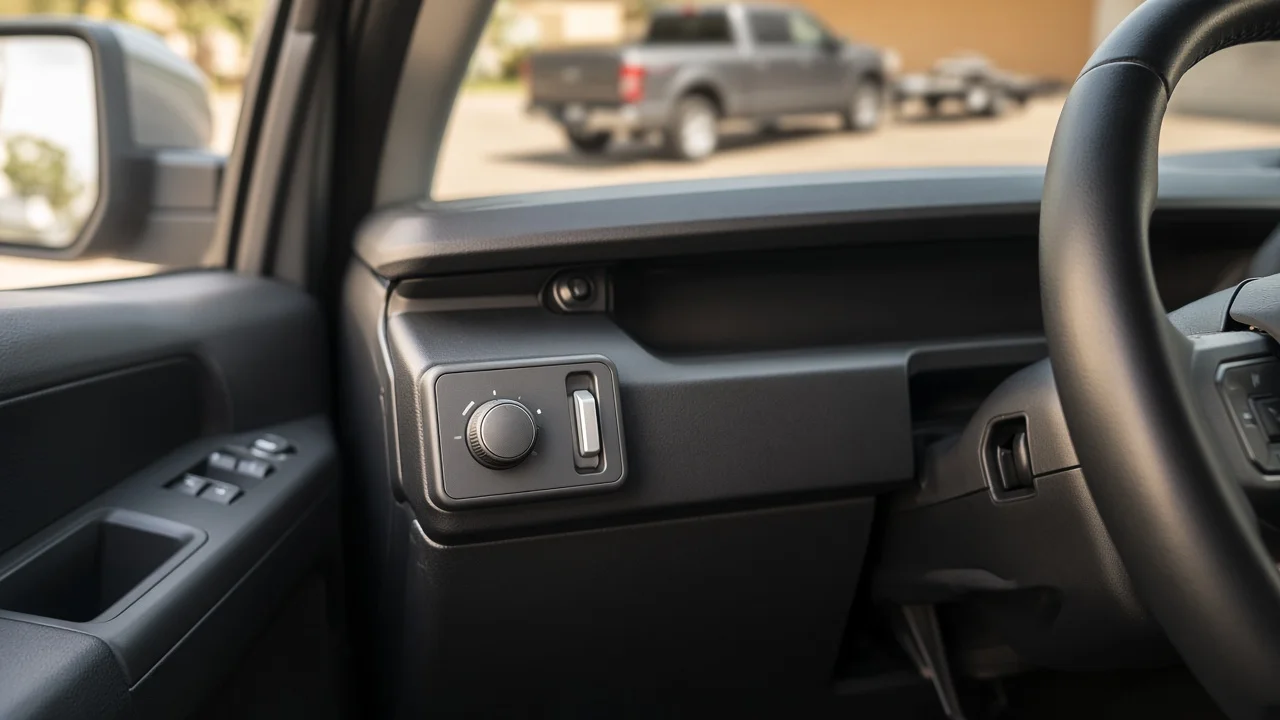
Activating the factory trailer brake controller on a 2019 F-150 changes how the truck manages a trailer with electric brakes. Owners often confuse the integrated trailer brake controller with conventional hydraulic brake components such as brake pads, brake rotors, calipers, and brake fluid. Those friction materials and wear limits affect the truck itself, while this controller adjusts the electrical braking force sent to the trailer. The process combines a physical control on the dash with software enablement in the vehicle modules. The result is progressive trailer braking that can be tuned to load and road conditions rather than a simple on-off signal.
Direct answer
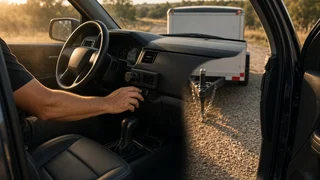
For most 2019 F-150 trucks equipped with the factory trailer brake controller, activation involves confirming the module is present, enabling it in the instrument cluster menu, and verifying operation with a trailer connected. The controller is typically the slide lever and squeeze paddles located on the upper dash area. If the truck was built without the switch assembly, activation may require adding the correct controller and having the vehicle configuration updated with manufacturer-specific diagnostic equipment.
The essential next step is to distinguish between a controller that is merely turned off in settings and one that is absent or not recognized by the vehicle network. A truck with the switch installed but showing no gain adjustment or trailer setup options may need a body control module configuration change rather than a mechanical repair. This is not a brake fluid or caliper service issue, and replacing brake rotors or friction material will not change the controller state.
How to proceed
Begin an activation attempt only after confirming the controller switch is physically present. With the ignition on and the engine running or in accessory mode, use the steering wheel controls to open the instrument cluster menu. Navigate to settings, then to the trailer or towing section if available. Look for a trailer brake controller option and select it to enable the gain control and trailer connection status. Some model configurations place this under advanced settings rather than the main towing screen.
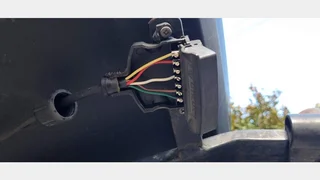
After enabling the setting, connect the trailer electrical plug and start the truck. The instrument cluster should show a trailer connected message and allow gain adjustment with the slide control. Test the manual squeeze paddles at low speed in a safe, empty area; the trailer brakes should engage progressively without locking. If the cluster shows a fault or the setting cannot be selected, the controller module configuration may require a qualified service tool to update the vehicle as-built data. Do not attempt to force a setting that does not appear, because manufacturer-dependent codes and module states require vehicle-specific confirmation before any part is replaced.