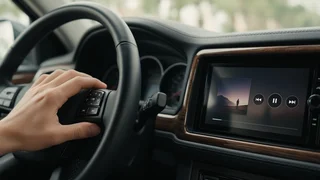
Kenwood DNX574S steering wheel controls
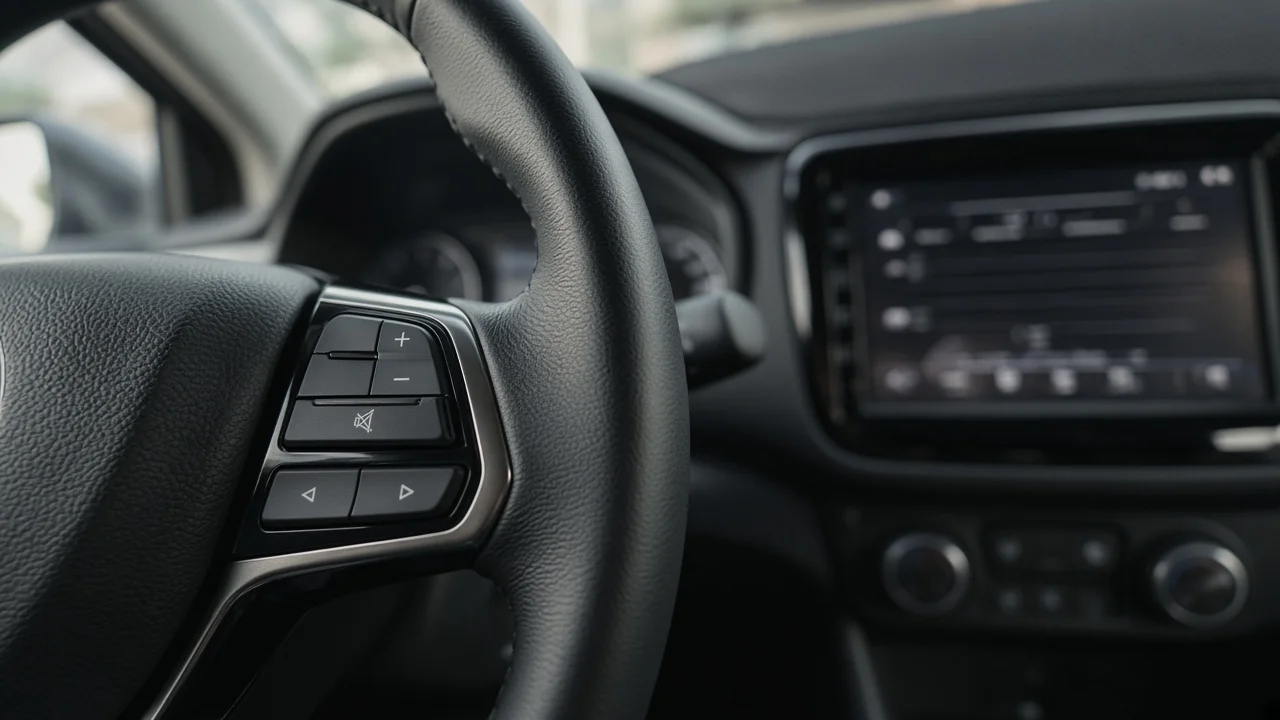
Choosing a navigation receiver for your vehicle involves more than screen size and audio tuning. The Kenwood DNX574S steering wheel controls question usually comes up when an owner wants to keep factory switches working after installing an aftermarket multimedia head unit. Steering wheel controls let a driver manage volume, source, track selection, and voice prompts without moving a hand far from the rim. This requires careful vehicle integration between the new radio, the car’s existing switch circuit, and often an interface adapter. The goal is a predictable, safe control layout that behaves like the original equipment.
Essential answer
The Kenwood DNX574S is designed to accept steering wheel control input, but the connection is not a simple wire-to-wire hookup on most vehicles. The head unit has a wired remote input that expects a specific resistive or data signal. Factory steering wheel switches usually produce a different electrical signature, so a steering wheel interface module translates the vehicle signal into commands the Kenwood understands. The appropriate adapter also depends on the car’s platform and whether the factory system uses analog resistance ladders, CAN bus data, or a separate control network.
Without the correct interface adapter, pressing a steering wheel button may do nothing, trigger the wrong function, or work only on one or two keys. Vehicle integration can also require a connection setting change inside the Kenwood setup menu. The key distinction is that the radio is compatible with steering wheel controls in general, but the exact behavior is determined by the adapter firmware, the vehicle harness, and the button mapping performed during installation. Confirming manufacturer-dependent wiring for the specific vehicle prevents a misleading conclusion that the head unit itself lacks the function.