Kmm-bt328u bluetooth pairing
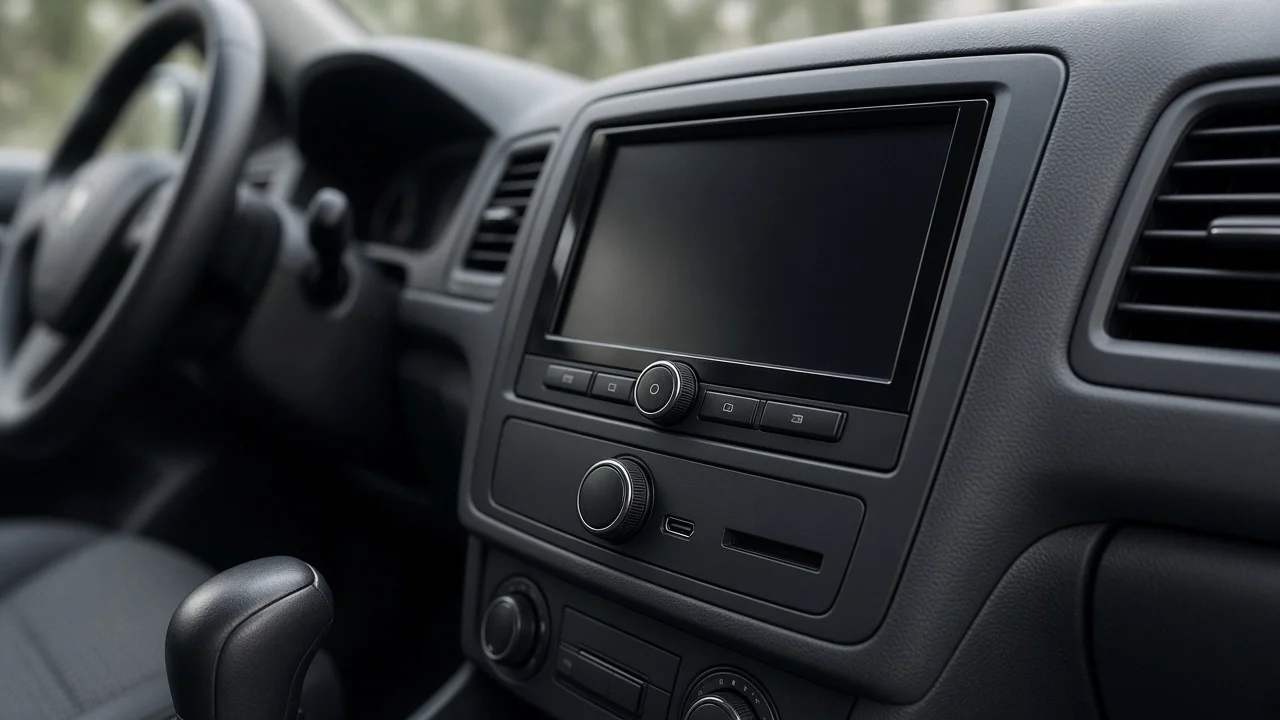
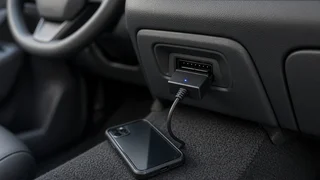
Bluetooth pairing for the Kmm-bt328u begins with putting the receiver into discoverable mode and completing the handshake from the phone or tablet. The goal is a stable wireless link that carries audio and, depending on the installation, basic control commands. Because the identifier can point to an aftermarket interface adapter rather than a particular factory radio, vehicle integration and software compatibility matter as much as the pairing steps themselves. Checking connection settings before assuming a fault can prevent unnecessary replacement of working hardware.
Essential answer
The Kmm-bt328u is best treated as a Bluetooth interface adapter or receiver whose core job is adding a wireless path between a handheld device and the vehicle audio system. Pairing should be approached as a two-sided process: the adapter announces itself, and the phone completes the authorization. If the adapter is not visible, the vehicle integration may require a specific ignition position, an existing wired connection, or a reset of stored devices before new device pairing is allowed.
A practical check is to power the unit with the radio in the accessory or run position, then open the phone’s Bluetooth menu and watch for the adapter’s broadcast name. If it appears but the handshake fails, clearing old pairings on both sides often restores the link. When the name does not appear, the issue is usually discoverable mode, power, or an existing connection occupying the adapter. Steering wheel interface functions and audio routing generally work only after the wireless pairing is complete and the correct source is selected.